
Products
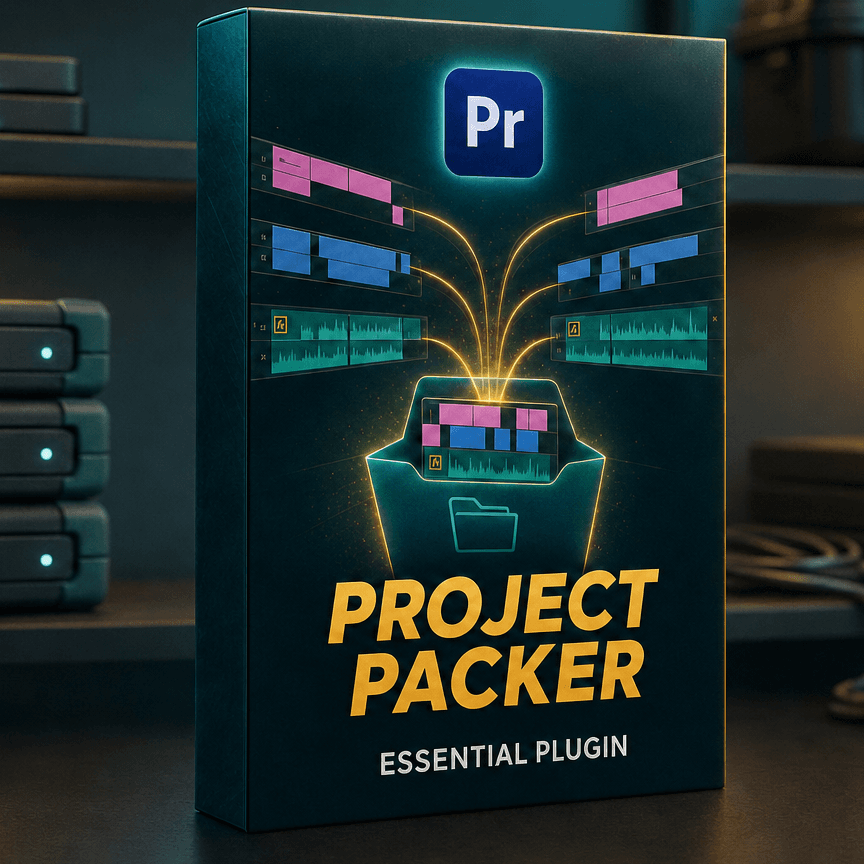
Project Packer | Essential Premiere Pro Plugin
Send the edit, not the whole drive.
Pack a Premiere Pro project down to the media it actually uses.
The client wants the project files. Or the job is done and it's time to archive it.
The edit is four minutes long. The project points at hours of footage, spread over a few drives.
So I copy all of it. Hundreds of gigabytes, for four minutes of edit.
Been there?
Project Packer copies only what your sequences use. It trims every clip down to the part on the timeline, plus handles, without re-encoding. Then it writes a new project that's already linked to the trimmed media. Your original project and media are never touched.
Key features:
- Smart trim: each file is cut to the used part plus your handles, without re-encoding
- Your cuts land on the same frame in the packed project as in the original
- Nested sequences and multicam: their clips are found and packed too
- Transcode mode: ProRes (Proxy to HQ), DNxHR or H.264, at the source resolution and frame rate
- Copy only mode: every used file copied whole, when you'd rather not trim
- See the plan before you pack: what gets trimmed, copied or skipped, estimated sizes, and a disk space check
- A clean packed project: unused items, unticked sequences and empty bins removed. Nested and multicam sequences stay
- Trimmed files keep the right timecode, starting from their new first frame
- A pack report in the folder, listing every file and what happened to it
- Your originals are never written to. Everything goes to a new folder
- No account, no license key. The plugin never goes online
It's perfect for:
- Handing a project to a client, a colorist or another editor
- Archiving a finished job without keeping every take
- Taking an edit on the road on a laptop drive
- Sending a project over the internet when the full media would take days to upload
What you need:
- Adobe Premiere Pro on macOS or Windows. Tested on Premiere Pro 2026
- FFmpeg (free) for Smart trim and Transcode. On a Mac, brew install ffmpeg and the panel finds it. On Windows, put it in C:\ffmpeg\bin. Or point the panel at your FFmpeg folder. Copy only works without it. The manual walks you through it
- Install the .zxp with a ZXP installer, then open it from Window > Extensions > Project Packer
- Open the packed project with the panel's "Open packed project" button. That's the step that cleans it
- Keep your original project and media until you've opened the packed copy and checked it
One-time purchase. Future updates are included.
Your support helps us build more tools like this. More plugins are coming soon!
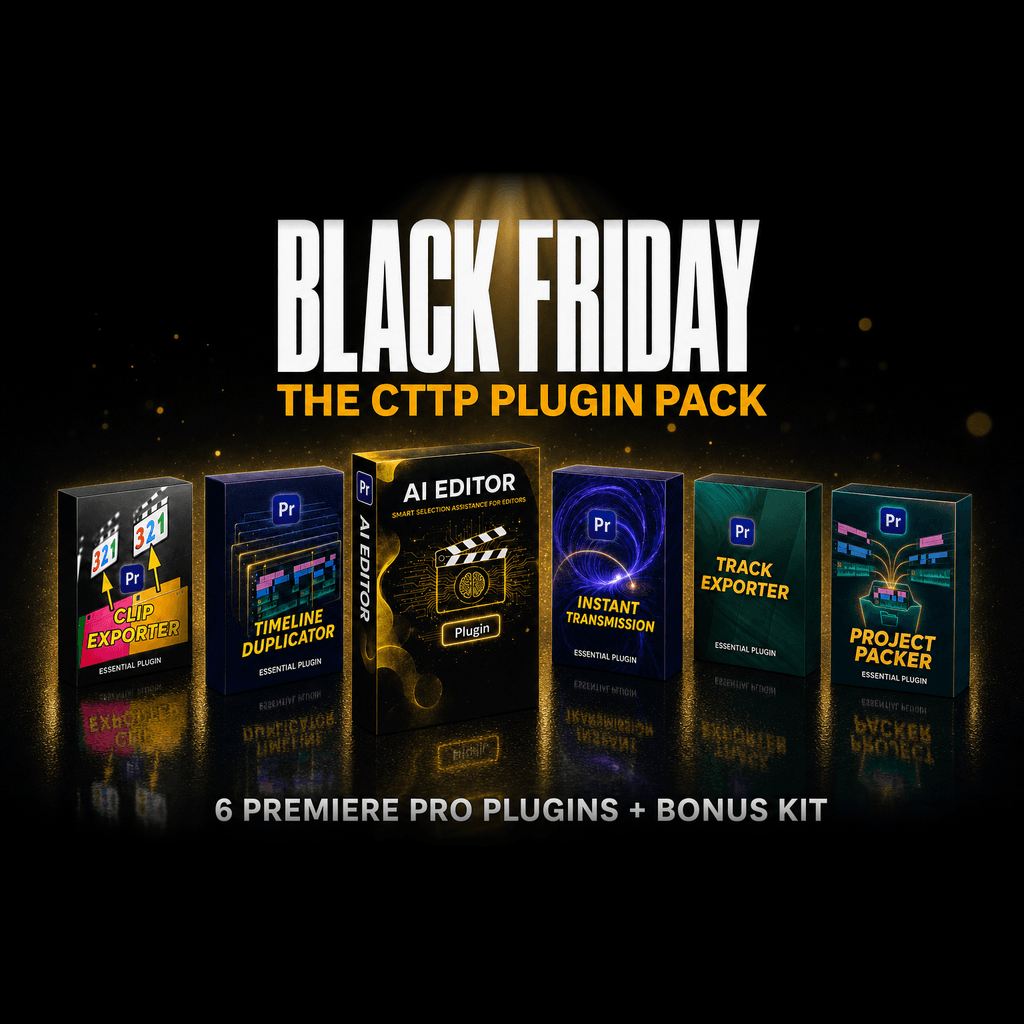
The CTTP Plugin Pack | 6 Premiere Pro Plugins + Bonus
Six Premiere Pro plugins that take the slow parts out of the edit. Plus the Freelance Editor OS Kit as a bonus.
What's in the pack:
- AI Editor: transcribes the timeline and lifts the strongest moments onto upper tracks ($69 on its own)
- Instant Transmission: save named points, one click jumps to the exact frame ($20)
- Timeline Duplicator: one-click Version Up for sequences, old versions filed away ($30)
- Clip Exporter: every clip on a track exported as its own file via Media Encoder ($30)
- Track Exporter: group your tracks once, each group becomes its own export ($30)
- Project Packer: pack a project for archive or handoff with only the media it uses, trimmed and relinked ($30)
Bonus:
- Freelance Editor OS Kit: an AI business partner in Claude Code for leads, pricing, client messages and invoices ($79). Needs a paid Claude plan (Claude Pro or above)
Bought separately: $288. The pack: $99, paid once.
What you need:
- Adobe Premiere Pro (each plugin's minimum version is in its install notes)
- Project Packer needs FFmpeg (free) for trimming and transcoding. Copy only works without it
One-time purchase. Includes future updates.
Made by Cut to the Point: https://cuttothepoint.com/
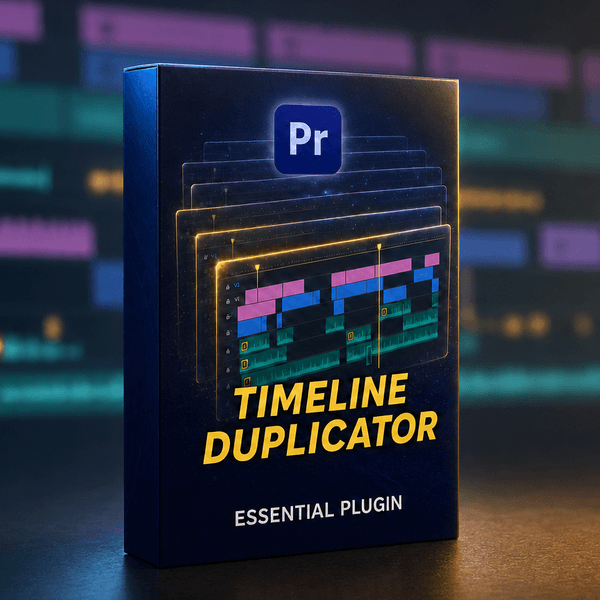
Timeline Duplicator | Essential Premiere Pro Plugin
Stop editing the wrong version.
One-click versioning for Premiere Pro.
The client sends notes on v03. So I duplicate the sequence, rename the copy and drag the old one into a bin. Then I realise I've been cutting on the old one for ten minutes.
Sounds familiar? I know it does.
Timeline Duplicator does all of that in one click. Click Version Up and the sequence you're editing becomes v04, still open. A copy of v03 is filed in a _PREVIOUS VERSIONS bin, with its note. If you open an old version by mistake, the panel turns red, and Open Latest takes you back to the newest cut in one click.
Key features:
- One-click Version Up, in place. Shift-click for a minor version (v04.1)
- A red warning when you open an old version, an archived copy or a snapshot. Open Latest takes you back
- Old versions filed in _PREVIOUS VERSIONS, mirroring your bins, each with its note
- Keeps your naming: Client_Promo_16x9_v04_ALT1 becomes ..._v05_ALT1
- Picks the next free number across the whole project, so you never end up with two v05s
- Branch: an _ALT1 copy to try an idea without touching the main cut
- Snapshot: a dated backup that doesn't change the version number
- Batch: version a whole Project panel selection at once
- History: every version with its notes and dates. Click to open, Restore to bring one back
- Variants: _9x16, _1x1, _2.35x1, _30s copies, with the frame size set
- Project versions: save as Job_v05.prproj and keep working in it. It never overwrites a file
- No account, no license key, no internet. The plugin never goes online
It's perfect for:
- Anyone who has ever cut on the wrong version, or sent it to the client
- Client work with rounds of notes, where every round needs its own version
- Trying a bold idea on a branch while the safe cut stays untouched
- Delivery day: the social versions cut from the version the client signed off
- Coming back to a project months later and knowing which sequence is the real one
What you need:
- Adobe Premiere Pro 25.6 or newer. Premiere Pro only
- Install: double-click the .ccx file, then open it from Window > UXP Plugins > Timeline Duplicator
- Creative Cloud shows Adobe's standard warning for third-party plugins when you install. That's normal. Timeline Duplicator never goes online.
One-time purchase. Future updates are included.
Your support helps us build more tools like this. More plugins are coming soon!
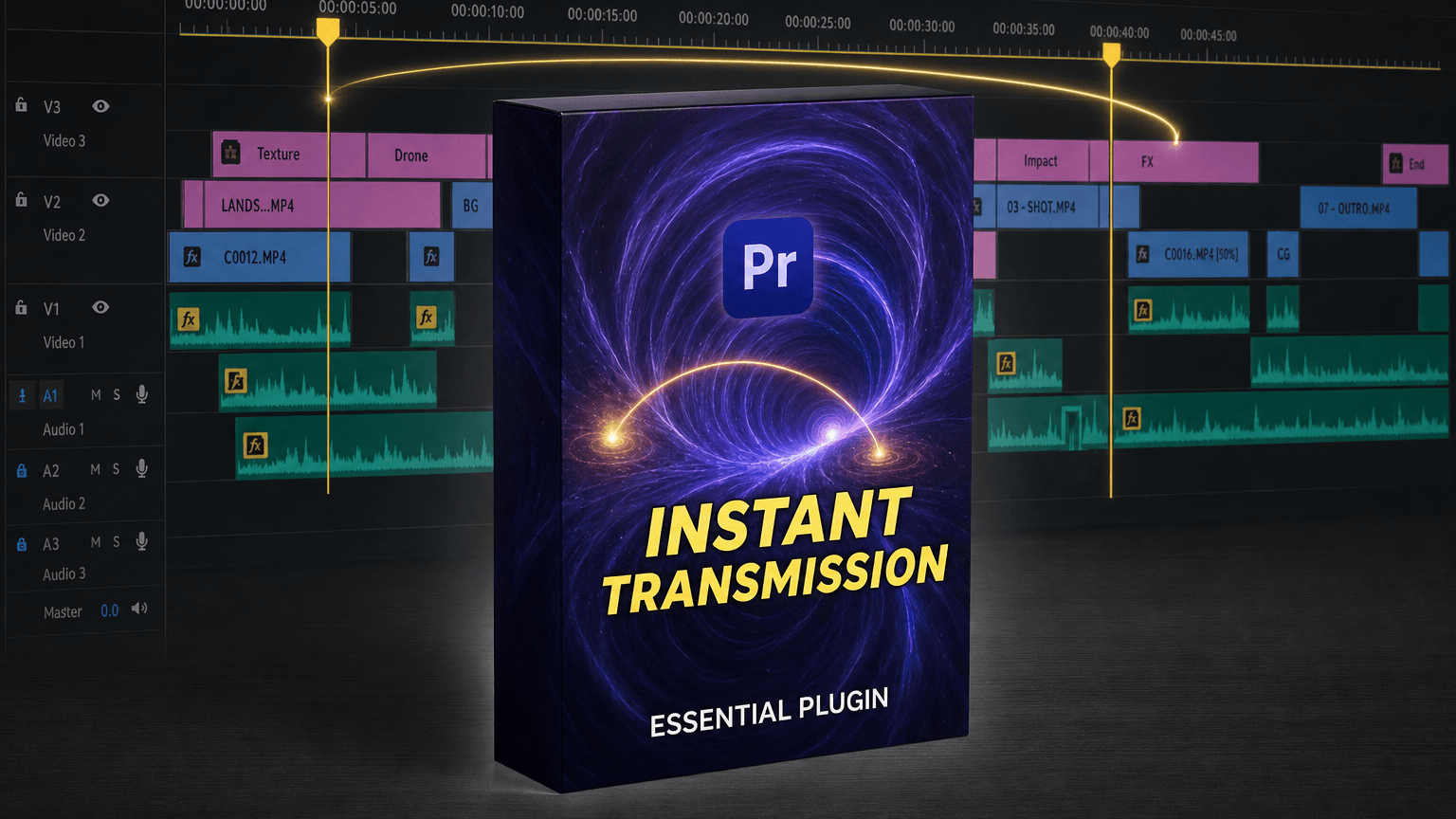
Instant Transmission | Essential Premiere Pro Plugin
Save a spot in your Premiere Pro project once. One click takes you back: the right sequence opens and the playhead lands on the exact frame.
Name your points after what is actually there. "Best laugh." "Fix this transition." "Client hated this bit."
Select a clip when you save, and the point sticks to that shot. Ripple the edit, drag the clip to another track, trim its head. The point still lands on the same frame of the same shot.
Key features:
- Save as many points as you want. There is no limit
- Name every point yourself, or let it name one for you with the sequence and timecode
- Jump between sequences: the target sequence opens and becomes active on its own
- Lands on the exact frame, every time
- Clip anchoring: a point can follow its clip through ripples, track moves and trims
- Colour labels, so a long list is easy to scan
- Points grouped by sequence and sorted by timecode
- Update a point to where your playhead is now, without retyping its name
- Points saved next to your project file, so they travel with the project
- Dragon Ball mode: an optional sound effect every time you teleport
What you need:
- Adobe Premiere Pro 25.6 or newer
- Install: double-click the .ccx file, then open it from Window > UXP Plugins > Instant Transmission
One-time purchase. Includes future updates.
Made by Cut to the Point: https://cuttothepoint.com/instant-transmission/

Freelance Editor OS + Guided Setup with Piotr
Freelance Editor OS, set up with you on a call. Made for editors who have never used Claude Code, or who want it done right the first time.
What you get:
- Everything in Freelance Editor OS: 17 skills, 14 playbooks, 15 templates, the session briefing and the demo workspace
- A 60-minute video call with Piotr, booked after purchase:
- install Claude Code together, whatever your computer
- run the onboarding conversation together
- go through your rate floor, target rate and 30-day plan
- switch on the weekly rhythm before we hang up
- 14 days of email help afterwards
- Optional monthly support after that, if you want it
Why a call: the kit is only as good as the numbers and the voice you give it. On the call we make sure your rates, your open invoices and your clients are in properly, so the first briefing you get is already useful.
After you buy, you'll get the kit download and a link to book your call. There are a limited number of setup calls each month, so every one gets proper time. If none of the times suit you, reply to the receipt email and we'll find one.
What it covers:
- Leads, outreach, pricing, client kickoff, revisions, delivery, getting paid, retention and referrals
- A briefing at the start of every session
- Every client message drafted in your own voice, never sent without you
What you need:
- A paid Claude plan that includes Claude Code (Pro or above), not included. We can set it up on the call.
- Windows, macOS or Linux
It works with Claude Code only. It does not run in ChatGPT or OpenAI Codex.
Personal license for one freelancer.
Made by Cut to the Point: https://cuttothepoint.com/freelance-editor-os/

Freelance Editor OS | AI Business Partner for Video Editors
You handle the edit. Freelance Editor OS handles the business around it.
An AI business partner for freelance video editors that runs in Claude Code. It learns your situation in one 20-minute conversation, then opens every session with what needs you: the invoice to chase, the deadline tomorrow, the client going quiet, the follow-up that's due. Every client message it drafts sounds like you. You read it and press send.
What it covers:
- Finding leads that fit your niche, with a specific reason to contact each one
- Outreach and follow-ups, tracked so nothing slips
- Pricing: a rate floor and target rate from your real numbers, 3-option proposals
- Client kickoff: welcome email, brief questions, deposit, agreement checklist
- Revisions: messy feedback turned into a timecoded change list, scope creep caught and priced
- Delivery: QC checklist, delivery email, the final invoice the same day
- Getting paid: every open invoice, the right reminder for each stage
- Keeping clients: quiet clients spotted early, value-first check-ins, retainer proposals
- Referrals: testimonial and referral asks at the right moment, case studies
- Weekly reviews and a quarterly career check
- Editing habits adapted from the Editing Chef course: a 10-minute edit plan, deep edit blocks first, stopping where you know what comes next
It's proactive:
- A briefing at the start of every session
- It warns you when a quote is below your rate floor, when you're about to overbook, and when one client becomes too much of your income
- It tracks the month's income against your target, and sizes any gap in projects
- Optional scheduled runs leave outreach drafts and your weekly review waiting for you
What's inside:
- 17 skills
- 14 playbooks
- 15 templates
- the session briefing script
- a demo workspace with a fictional editor, so you can try everything before entering anything
What it won't do:
- It never sends, posts or pays anything. Every message is a draft.
- It never invents testimonials, results or urgency.
- It's not legal or tax advice. It says when to check locally.
Your data stays in plain files on your computer.
What you need:
- A paid Claude plan that includes Claude Code (Pro or above), not included
- Windows, macOS or Linux
- Python 3 is optional, for the automatic briefing
It works with Claude Code only. It does not run in ChatGPT or OpenAI Codex.
One-time purchase. Updates to the kit included. Personal license for one freelancer. Teams and agencies: ask about a team license.
Made by Cut to the Point: https://cuttothepoint.com/freelance-editor-os/
ULTIMATE Presets for Premiere Pro
Watch the launch video here:
https://www.youtube.com/watch?v=it32_EI4Fuk
A complete preset library that speeds up your editing workflow and helps you create clean, professional motion faster than ever.
Edit faster. Create better motion. Spend your energy on storytelling. 🎬
If you spend too much time repeating the same transformations, building the same transitions, or fixing the same problems in Premiere Pro, this collection solves that for you. It removes busywork and gives you ready made tools you can trust on every project.
What you get
A library built for real editors
255 presets, divided into 17 categories that cover nearly every practical animation or adjustment you need inside Premiere Pro. No fluff. Only tools that make sense in professional work.
GPU accelerated for instant feedback ⚡
Everything reacts quickly. These presets rely on native Premiere Pro features, so you get smooth playback and fast rendering even in heavier sequences.
Versatile enough for any project
Commercials, YouTube videos, interviews, short films. The animations and behaviors are designed to be flexible and look good in both minimal and more stylized edits.
Save hours on every project ⏳
No more rebuilding animations from scratch. Drop in the preset, adjust a few parameters, and move on. It keeps edits clean and consistent and lets you focus on the creative decisions instead of the technical setup.
Request new presets any time 🙌
If something is missing from the pack, you can ask for it. You get ongoing updates so your toolkit grows with you.
Why editors love this pack
Because it removes friction. Instead of pushing keyframes around, you get polished motion instantly. Instead of digging through old sequences, you get a reliable library you can depend on. Instead of wrestling with Premiere, you get tools that stay out of your way.
Perfect for editors who want to
- Work faster without compromising quality
- Keep a consistent motion style across all projects
- Make their videos feel more intentional
- Spend less time animating and more time shaping the story 🎥
Track Exporter | Essential Premiere Pro Plugin
Do you want to export STEM tracks in one go?
https://www.youtube.com/watch?v=J-T8tefhADQ
I edit a client video and they ask for a version without the lower thirds. Or the mixer wants clean stems. Or the localization house needs picture with no VO track.
So I export the sequence again. And again. Muting a different set of tracks each time, waiting for AME, renaming the file by hand.
Sounds familiar? I know it does.
Track Exporter turns that into one run. You group your tracks, hit Run, and every version comes out at once.
Key features
✅ Group any mix of video and audio tracks — one group, one output file
✅ A separate Adobe Media Encoder preset per video group, so a ProRes master and an H.264 review file come out of the same run
✅ Audio-only groups, sharing one audio preset, for clean stems
✅ Export the whole sequence or just the In/Out range
✅ Switch a group off to skip it without deleting its setup
✅ Name an audio group straight from the Premiere track it's built from
✅ Auto-starts the AME queue when you want it to
No more exporting the same timeline five times by hand. Set your groups up once, and Track Exporter does the muting and queueing while you get back to editing.
It's perfect for:
- Sending clean stems to a mixer
- A delivery master and a textless or clean version from the same timeline
- Multi-language versions: swap the VO track per group, keep music and effects shared
- Archiving with the option to decide later if you want the version with or without music and SFX
Your support helps us build more tools like this. More plugins are coming soon!
Clip Exporter | Essential Premiere Pro Plugin
Do you want to batch-export individual clips from the timeline?
Maybe you have reviewed the footage and want to export only selected sections of the clips as individual files, ideally with some color correction or stabilization applied.
Obviously, you want to do it in an automated way while enjoying a cup of coffee instead of spending extra hours in front of the screen.
Now you can!
With our plugin, it's as easy as clicking one button and choosing one of your export presets.
Walkthrough video (recorded for an older version):
https://www.youtube.com/watch?v=fJ8SvIzUZTM
💡 Key Features:
✅ Export selected clips as individual files
✅ Works with any custom export preset
✅ Retains all effects (including Warp Stabilizer & Master Effects)
✅ NEW: Build your own file names from blocks (clip name, sequence, project, preset, resolution, date, time, counter, custom text)
✅ NEW: Use Adobe Media Encoder presets from an external drive or any folder you choose
✅ Auto-starts AME queue for seamless exporting
✅ NEW: Export audio-only clips
🛠️ Better troubleshooting: if an export can't go through, the panel tells you why. For example, Premiere Pro doesn't let plugins export H.265. That's a limitation on Adobe's end, so Clip Exporter greys those presets out and suggests a workaround instead of leaving you with an empty queue.
No more manual exports! Let Clip Exporter do the work while you enjoy a cup of coffee ☕.
It's perfect for:
- exporting only sections of long clips
- exploring a color-graded version of the clips from the timeline
- archiving only selected portions of the video clips
- splitting a music bed, voice-over or sound effects track into separate audio files
- delivering selects with clean, consistent file names
Your support helps us develop more game-changing Premiere Pro tools. More plugins are coming soon!
AI Editor: Premiere AI Assistant Plugin
Find the highlights in minutes, not hours.
Built for editors who turn long recordings into highlight reels and episode cutdowns.
You have a 90-minute interview and need a 3-minute highlights cut. Or a 10-minute cutdown of the full episode.
You need the strongest moments. The hook. The lines that actually hit.
But finding them means scrubbing. Listening. Replaying. Guessing.
AI Editor for Premiere Pro compresses that decision phase.
It analyzes your timeline, identifies the strongest moments, and raises them to higher tracks based on confidence, so you can review the best options first. Your highlights cut starts on the top track.
You stay in control. The AI assists.
Made for
- Highlight reels from interviews and talks
- Episode cutdowns and trailers
- Social clips from long recordings
- Event, conference and webinar recaps
Not the right tool if most of your footage makes the final cut.
Try it free for 7 days
Every feature. No card, no email. Install it, and the trial starts the first time you transcribe or edit.
Download the free trial: https://cuttothepoint.com/ai-editor/download/
Like it? Buy here, and paste the license key from your receipt into the panel. Nothing to reinstall.
Watch the walkthrough of 1.4:
https://www.youtube.com/watch?v=vtzjaHzpfvg
What It Actually Does
- Transcribes your timeline with word-level timing
- Analyzes it against your chosen blocks or custom prompt
- Raises the strongest moments to higher tracks, ranked by confidence
- Snaps every cut to the words, so selects never clip a syllable. Optional handles add a few frames of room
- Adds markers with transcript text for fast context
- Optionally flags pauses and filler so you can strip them in one keypress
Nothing is deleted. Your original material stays on the timeline, and Ctrl+Z steps back through the whole thing.
How It Works
- Add your own API key (OpenAI, Anthropic, or Gemini for edits; OpenAI, Groq, or ElevenLabs for transcription). Or run edits on a local model with Ollama or LM Studio, no key needed
- Choose a model, then pick what the cut is for (interview highlights, a trailer, a social reel) or write a custom prompt
- Click Transcribe, then Edit
- Review ranked selections
Works in multiple major languages automatically, including languages Premiere Pro does not transcribe natively.
Pricing (Simple)
- One-time payment plugin
- No subscription
- Free updates included. The panel tells you when a new version is out
- One license key, two computers. It's on your receipt
- Try it free for 7 days first
- You must use your own API keys
- You only pay for the AI credits you personally use
Use it daily or once a month. You control the cost.
If the slowest part of a highlights cut is choosing the moments, AI Editor will change how you edit.
New in 1.4
- 7-day free trial. Every feature, no card or email. It starts the first time you transcribe or edit.
- License keys. Paste the key from your receipt under Settings > License. One key works on two computers, and "Deactivate this computer" frees a seat.
- Update notifications. The panel checks once a day and shows what's new, with a Download button.
- Updates install in place. A new version replaces the old one, so Window > Extensions no longer fills up with old copies. Your API keys, settings and presets carry over.
Also new since 1.3
- Word-accurate cuts. Every select starts on the first frame of its first word and ends after its last word.
- Cut handles. Add a few frames before and after each select (4 by default). Handles stop at the next word.
- Local models. Generate edits with Ollama or LM Studio on your own machine. The edit step stays on your computer and costs nothing. Transcription still runs through OpenAI, Groq or ElevenLabs.
- Works on stacked camera angles. Only your topmost occupied video track is cut and promoted. The angles below it are left untouched.
- Set In and Out anywhere. The transcript is mapped back to sequence time for you.
- The plugin writes the prompt. Pick four blocks (usage, how many selects, content or emotion, quote length) and the instruction builds itself.
- Save presets and reuse them in any project.
- Cut filler and dead air. Flag pauses, false starts, and the ums and uhs, then ripple them out of every angle with one Shift+Delete.
- Current models. GPT-6.1 Sol, Claude Opus 5.5 and Gemini 3.1 Pro by default, plus faster and cheaper tiers from each.
Every setting is explained in the user manual (PDF): https://cuttothepoint.com/downloads/cttp-ai-editor-user-manual.pdf
Already own it? 1.4 is a free update. Your license key is on your receipt, or in your Gumroad Library if you bought it there.