Products
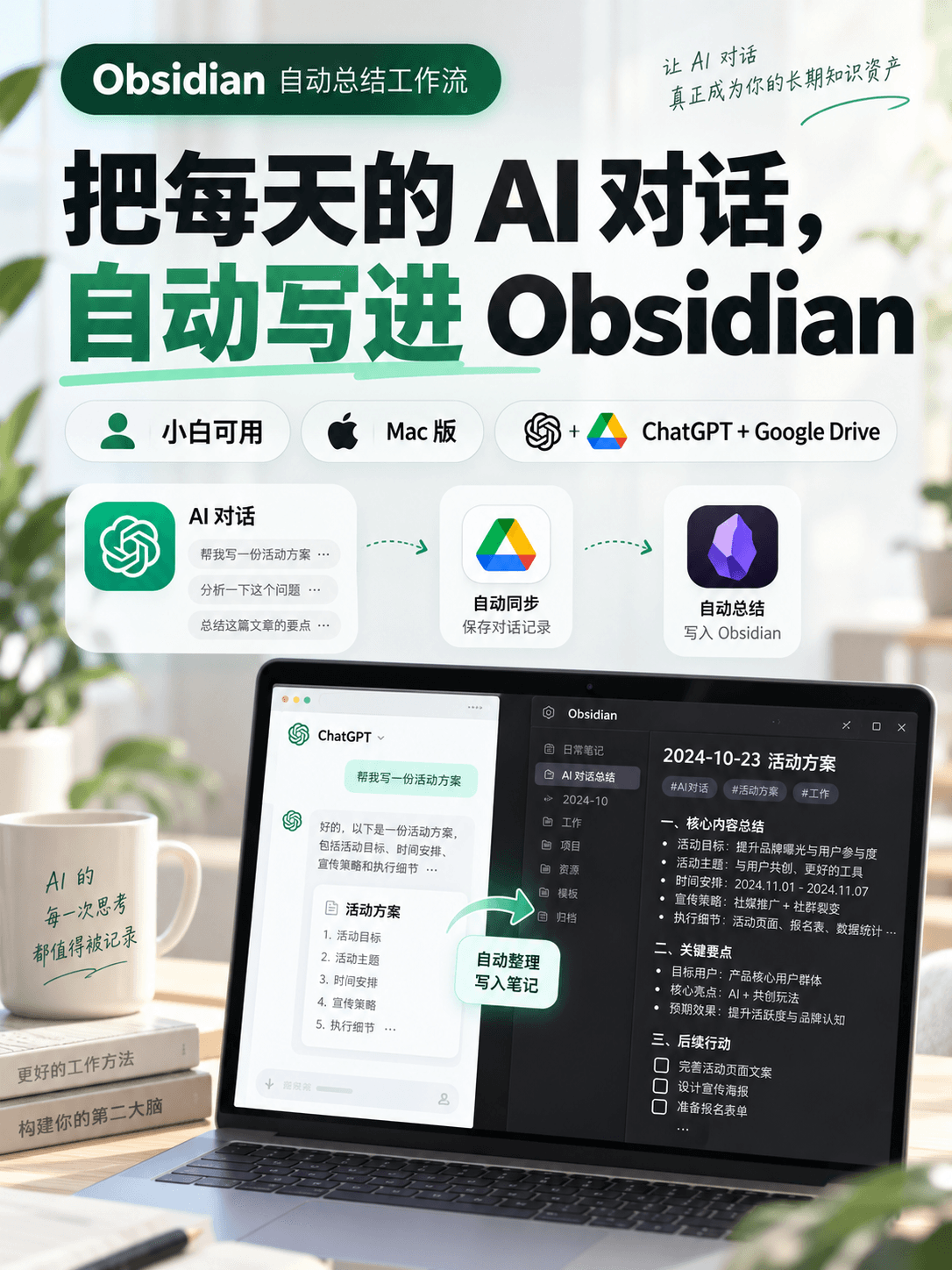
Obsidian 自动总结工作流
如果你每天都会用 ChatGPT 处理工作、学习、写作或思考,很容易遇到一个问题:聊过很多内容,但第二天很难重新整理,也容易遗漏。
这套工作流可以把每天的 ChatGPT 对话自动整理成结构化总结,并同步写入 Obsidian。
整个流程是:
ChatGPT → Google Drive → Mac → Obsidian
设置完成后,每天的关键讨论、已完成事项、形成的结论和下一步都会自动整理,并出现在你的 Obsidian 文件里。
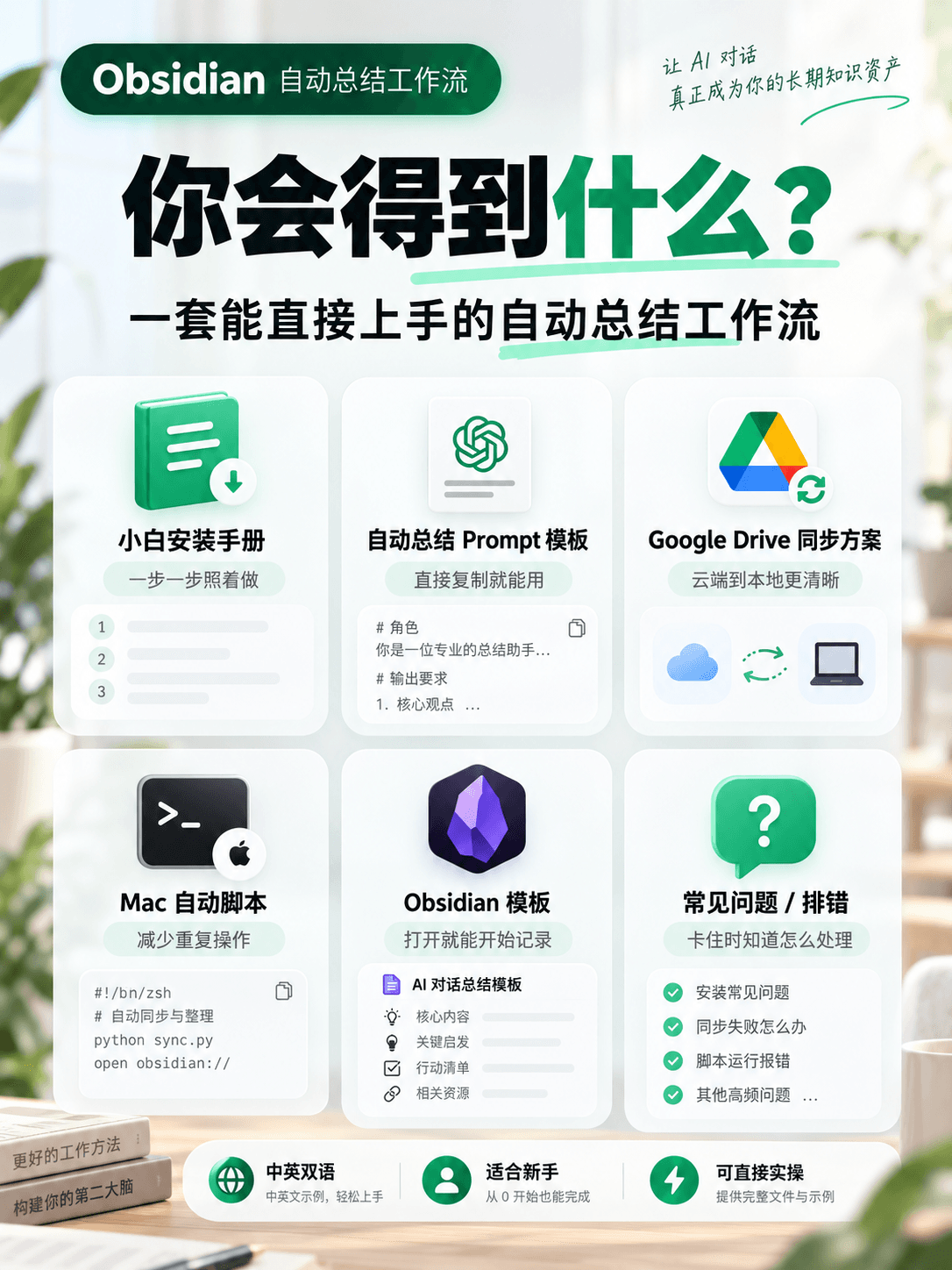
产品内包含:
- 小白安装手册
- 每日总结 Prompt 模板
- Obsidian 模板
- Google Drive 同步方案
- Mac 自动化脚本
- macOS 自动运行配置
- 常见问题与排错说明 适合:
- 经常使用 ChatGPT 的用户
- 有每日复盘习惯的人
- 使用 Obsidian 做知识管理的人
- 不想每天手动整理 AI 对话的人 使用要求:
- Mac
- ChatGPT
- Google Drive
- Obsidian 当前版本仅支持 macOS。
一次购买,数字产品下载,无订阅。
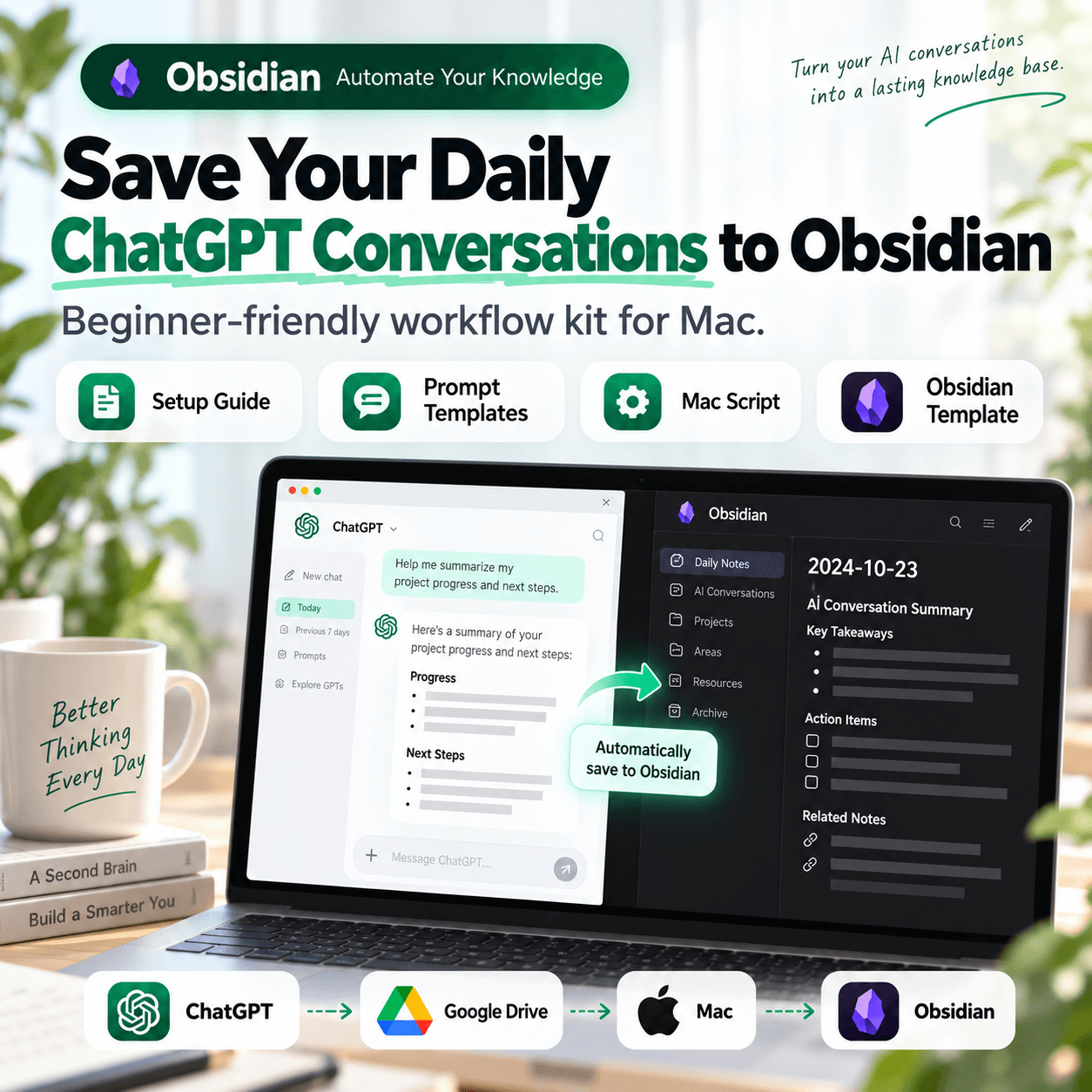
Daily AI Review Workflow Kit — Setup Guide, Prompts, Scripts & Obsidian Templates
Automatically turn your daily ChatGPT conversations into structured Obsidian notes.
This beginner-friendly workflow kit helps Mac users save time, reduce manual copy-paste, and build a searchable personal knowledge base from everyday AI conversations.
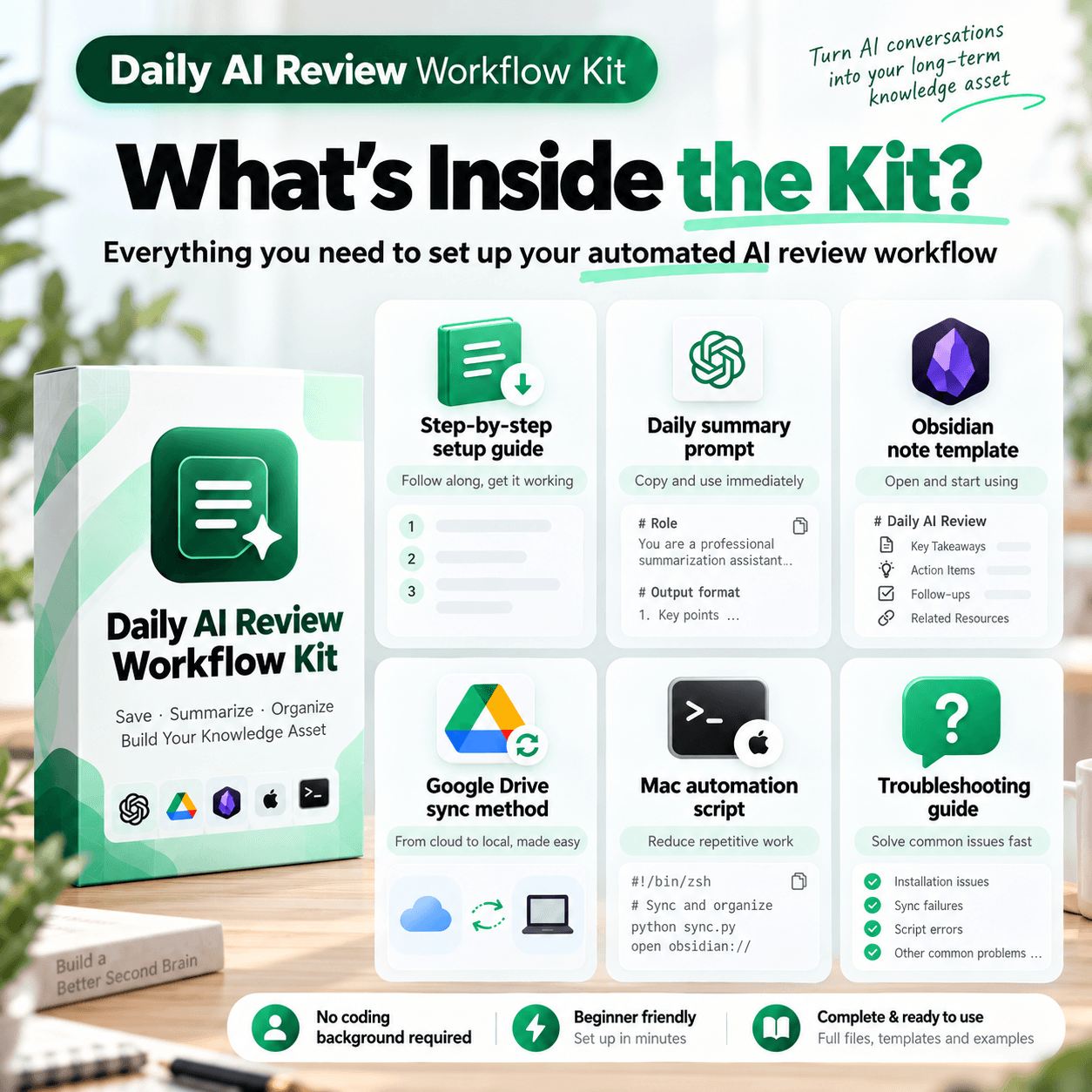
Inside the kit, you’ll get:
- Step-by-step setup guide
- Daily summary prompt template
- Obsidian note template
- Google Drive sync instructions
- Mac automation script
- Auto-run configuration for macOS
- Troubleshooting guide
- Example workflow and output The workflow is simple:
ChatGPT → Google Drive → Mac → Obsidian
Set it up once, then let your daily AI conversations be summarized and organized automatically.
Requirements: Mac, ChatGPT, Google Drive, and Obsidian.
One-time purchase. Digital download. No subscription.