Products
BatchMock Studio — Commercial & Team
The same file, built for client work
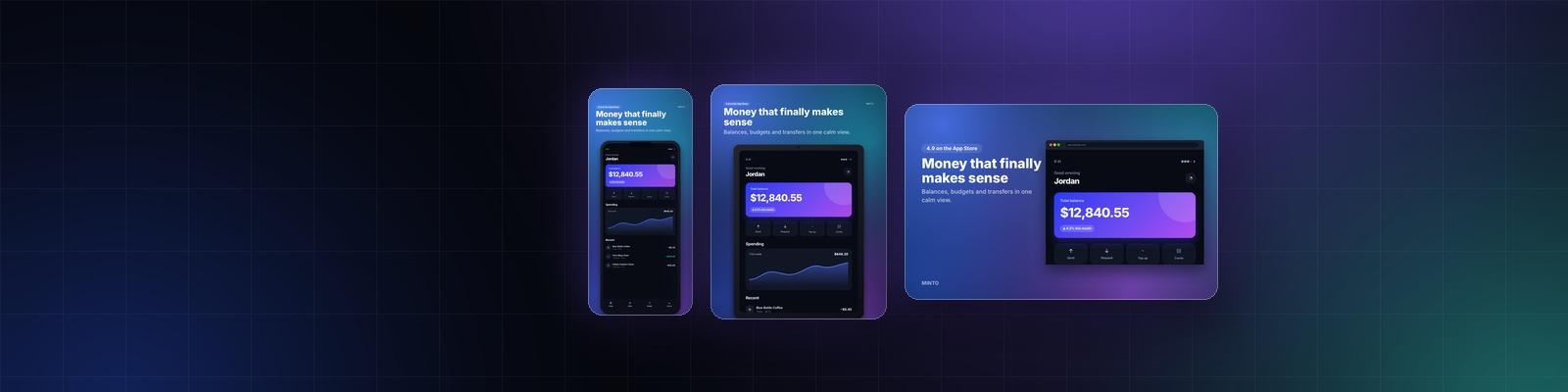
BatchMock Studio turns up to twenty screens into 83 PNGs across the seven sizes the App Store, Google Play and launch pages accept — both iPhone 6.9″ sets included — named with your client's prefix and packed into one ZIP. The render happens in your browser tab, so a client's unreleased screens never leave your laptop.
What the Commercial licence adds
- 20 screens per batch — 83 PNGs in one ZIP (five-screen batches still work the same way)
- File name prefix so each client's exports sort apart
- Text-free set when a localizer needs clean screens
- Saved brand presets in the browser, loaded for the next job
- All seven export formats — App Store 1320×2868, App Store 1290×2796, iPad 13″ 2064×2752, Google Play 1080×1920, Product Hunt 1270×760, social OG 1200×630, desktop hero 1600×1000
- Clients you bill are covered — the licence includes commercial use for client work
- One HTML file that runs offline, with the fonts and sample screens inside it
- 1 year of app updates included
How it works
- Unzip the download and open the HTML file in Chrome, Edge, Safari or Firefox. No installer, no sign-in.
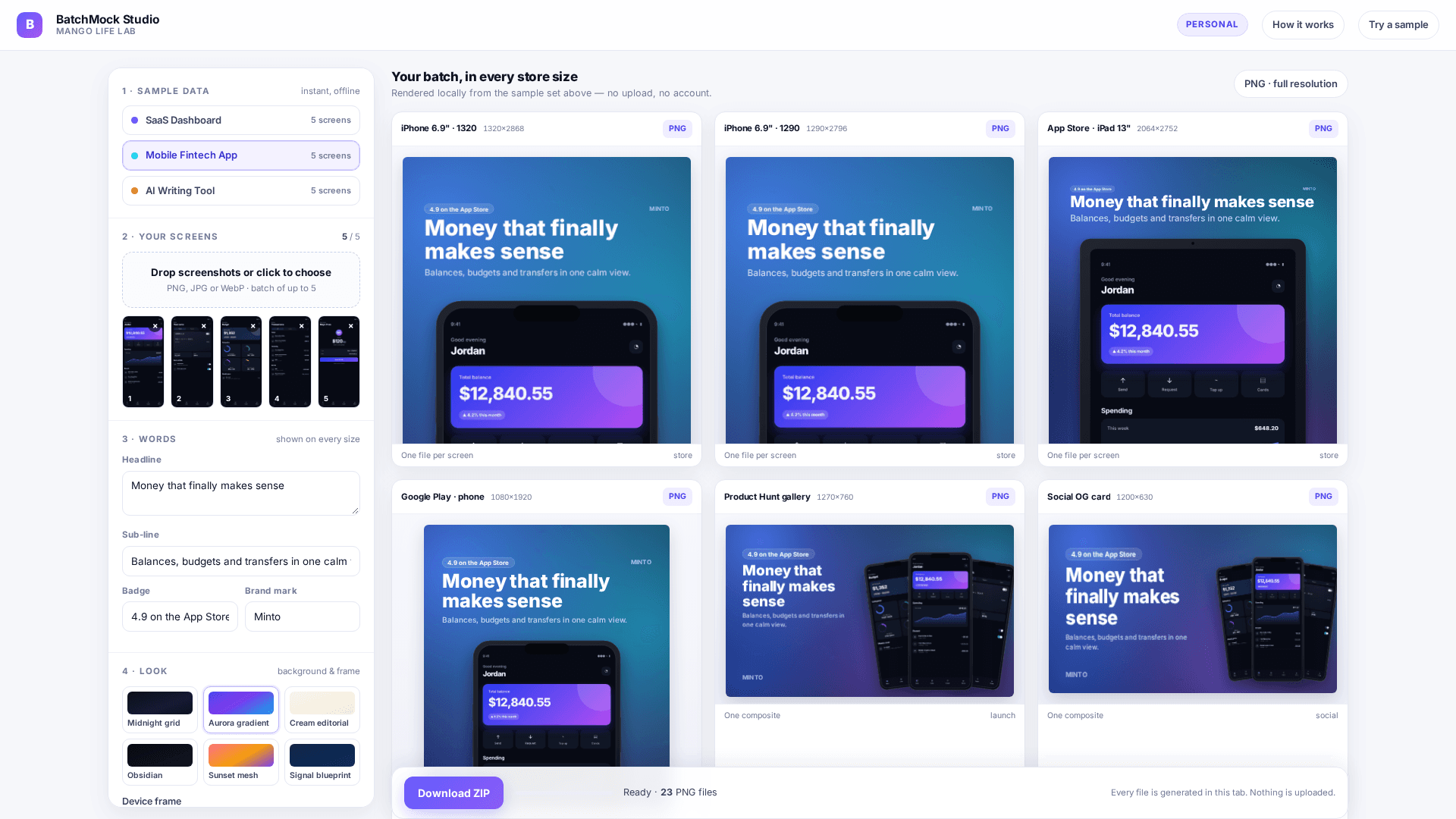
- Drop in up to twenty screens, add the prefix for this client, and all seven previews render on the spot with each output size printed on the card.
- Press Download ZIP and the 83 PNGs arrive, ready to upload to the store.
Questions
- Is this a subscription? No. You pay once and keep the version you buy; updates are included for one year.
- Where do my screenshots go? Nowhere. There is no upload, no account and no server call in the tool.
- Can I bill the output to clients? Yes. The Commercial licence covers client work; the Personal licence is for your own apps and side projects.
- What if a project needs more than 20 screens? Run a second batch. The ZIP name carries a timestamp, so a new export never overwrites the previous one.
Support: support@mangolifelab.com · Product page, live demo and FAQ
BatchMock Studio — Personal
Every store size from one batch
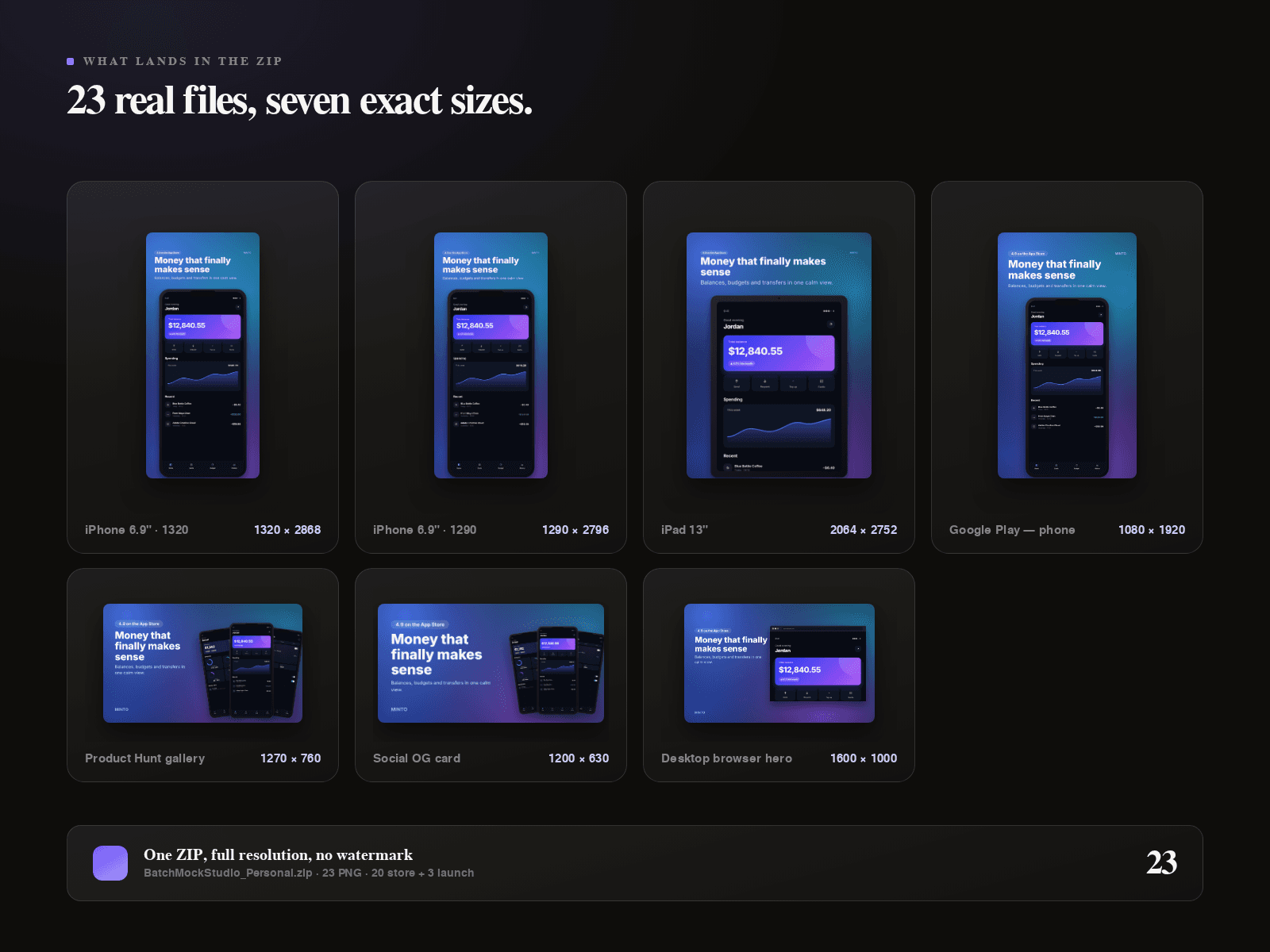
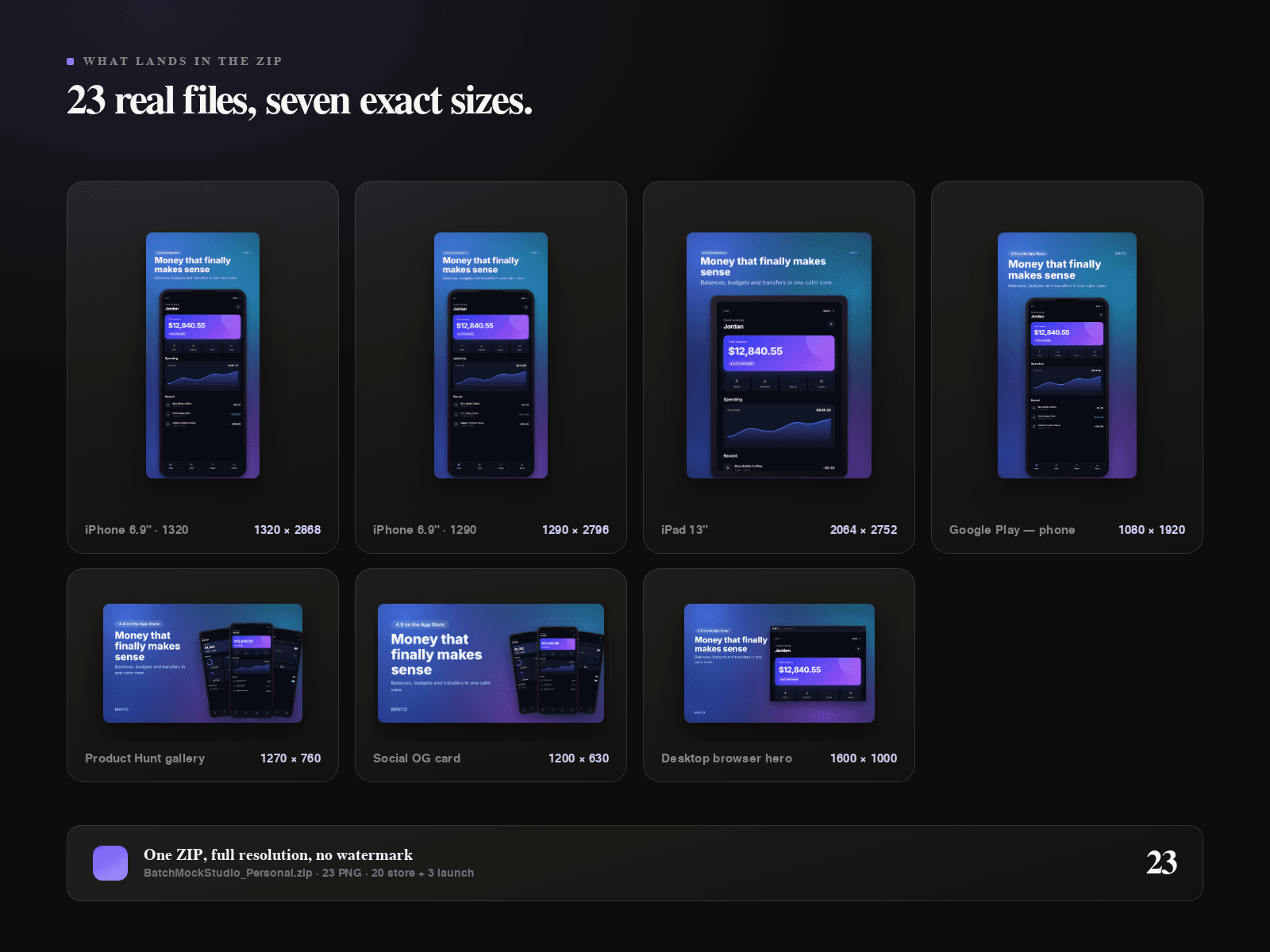
BatchMock Studio turns up to five screens into 23 PNGs across the seven sizes the App Store, Google Play and launch pages accept — both iPhone 6.9″ sets included — named, sized and packed into one ZIP. The render happens in your browser tab, so nothing is uploaded and no account is involved.
What one batch gives you
- 7 export formats — App Store 1320×2868, App Store 1290×2796, iPad 13″ 2064×2752, Google Play 1080×1920, Product Hunt 1270×760, social OG 1200×630, desktop hero 1600×1000
- 23 PNGs per 5-screen batch — five screens in each of the four store sizes, plus the three one-off launch files
- One headline, seven renders — paste your copy once and every format re-renders as you type; long lines shrink to fit instead of clipping the frame
- Six backgrounds, three frames, three slider presets — change the look without rebuilding the layout
- One HTML file that runs offline — the fonts and sample screens are inside the file, so it works with the network switched off
- 1 year of app updates included
This is the Personal licence: for your own apps and side projects, five screens per batch.
How it works
- Unzip the download and open the HTML file in Chrome, Edge, Safari or Firefox. No installer, no sign-in.
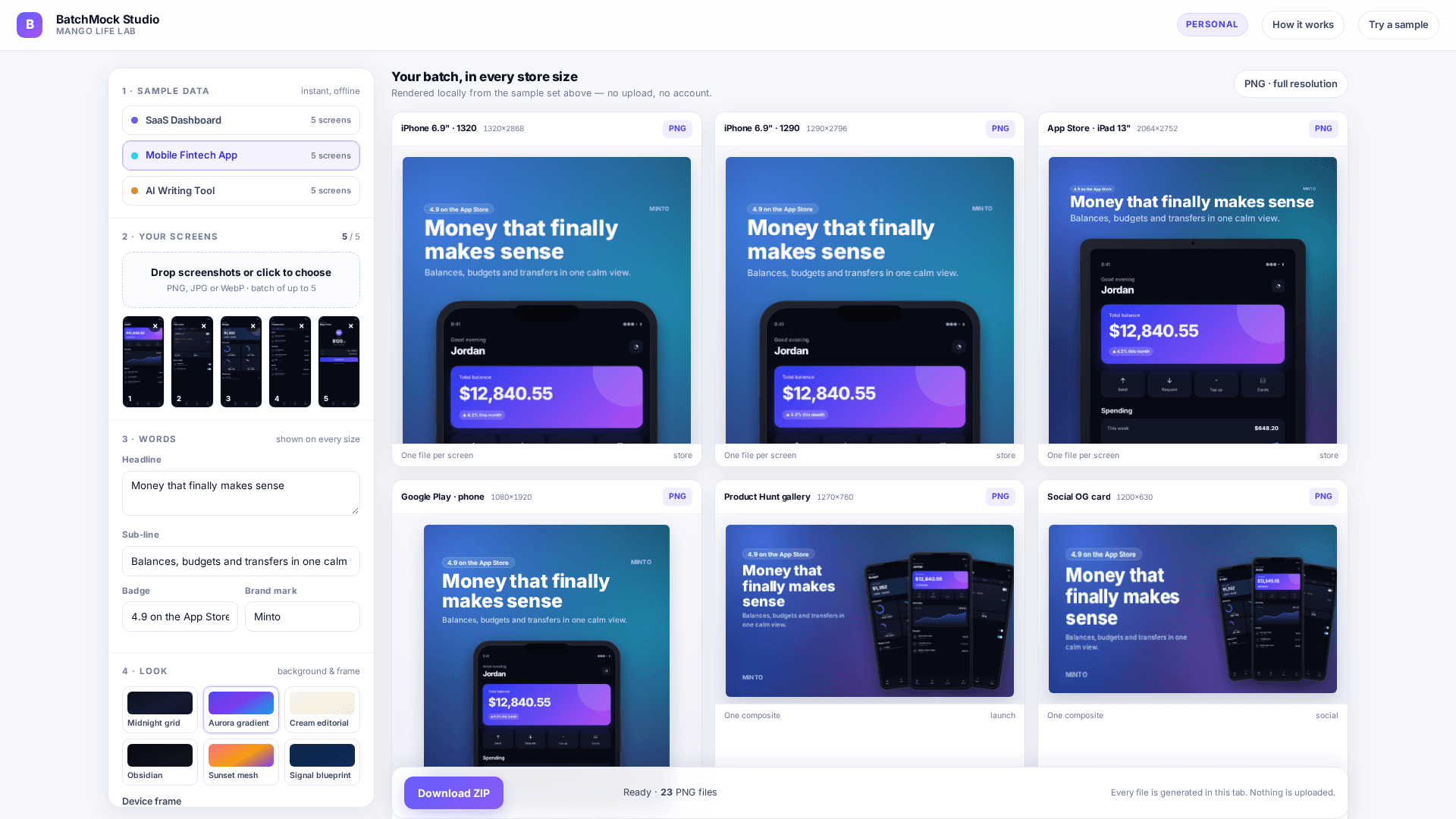
- Drop in up to five screens. All seven previews render on the spot, each with its output size printed on the card.
- Press Download ZIP and the 23 PNGs arrive, every file named for its store slot.
Questions
- Is this a subscription? No. You pay once and keep the version you buy; updates are included for one year.
- Where do my screenshots go? Nowhere. There is no upload, no account and no server call in the tool.
- Can I move it to another machine? Yes — copy the ZIP to the new machine and open the HTML file there.
Support: support@mangolifelab.com · Product page, live demo and FAQ