
Products
SnapPage(Yearly)
Capture What Matters.
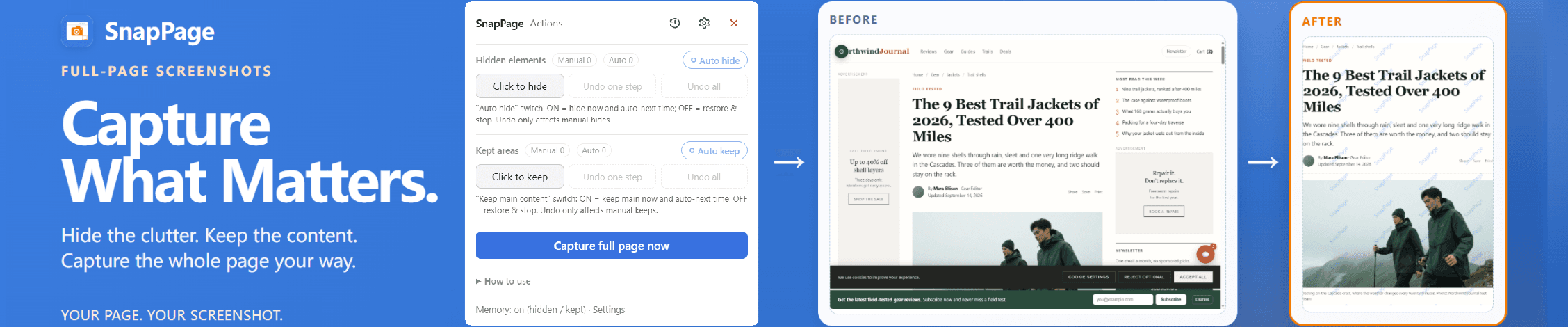
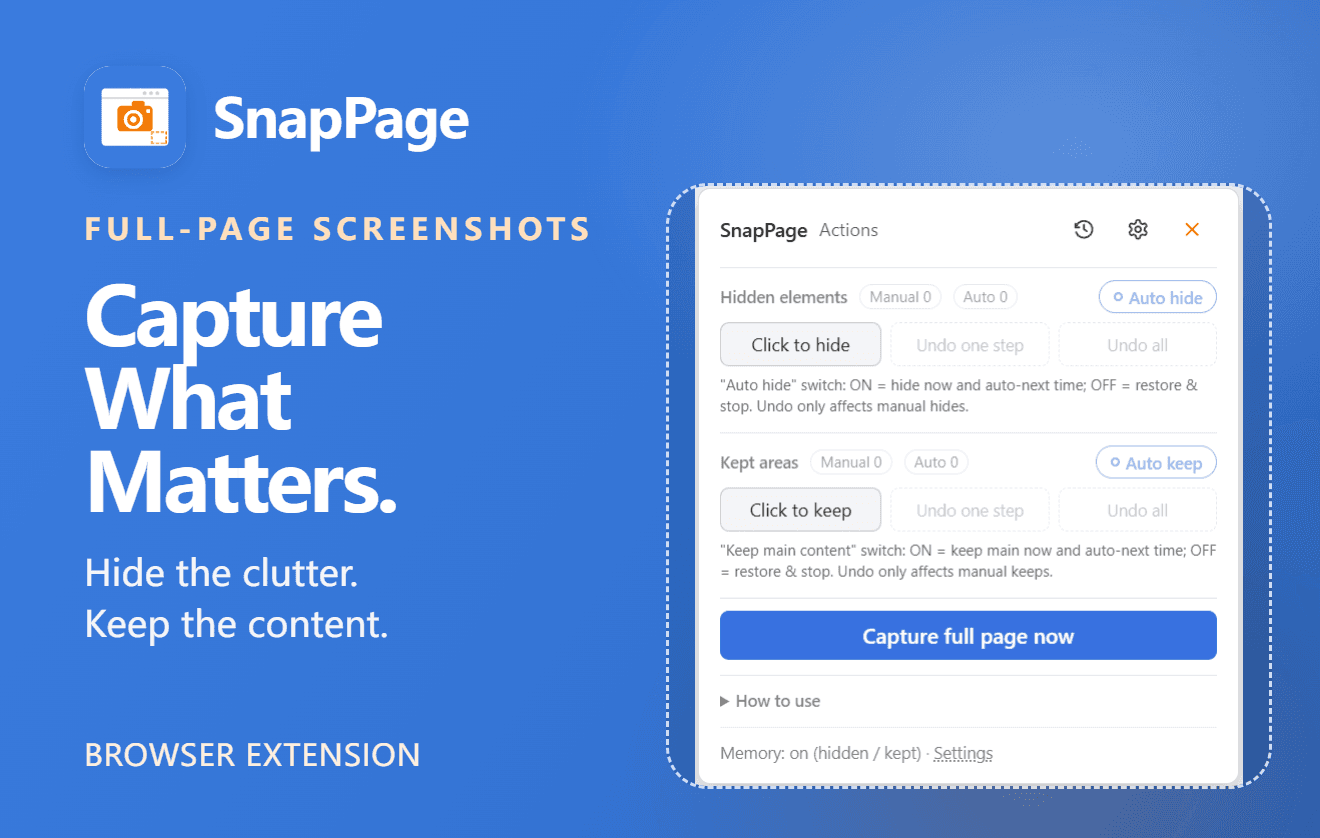
SnapPage captures long webpages as a single full-page screenshot — and gives you control over what stays in the image.
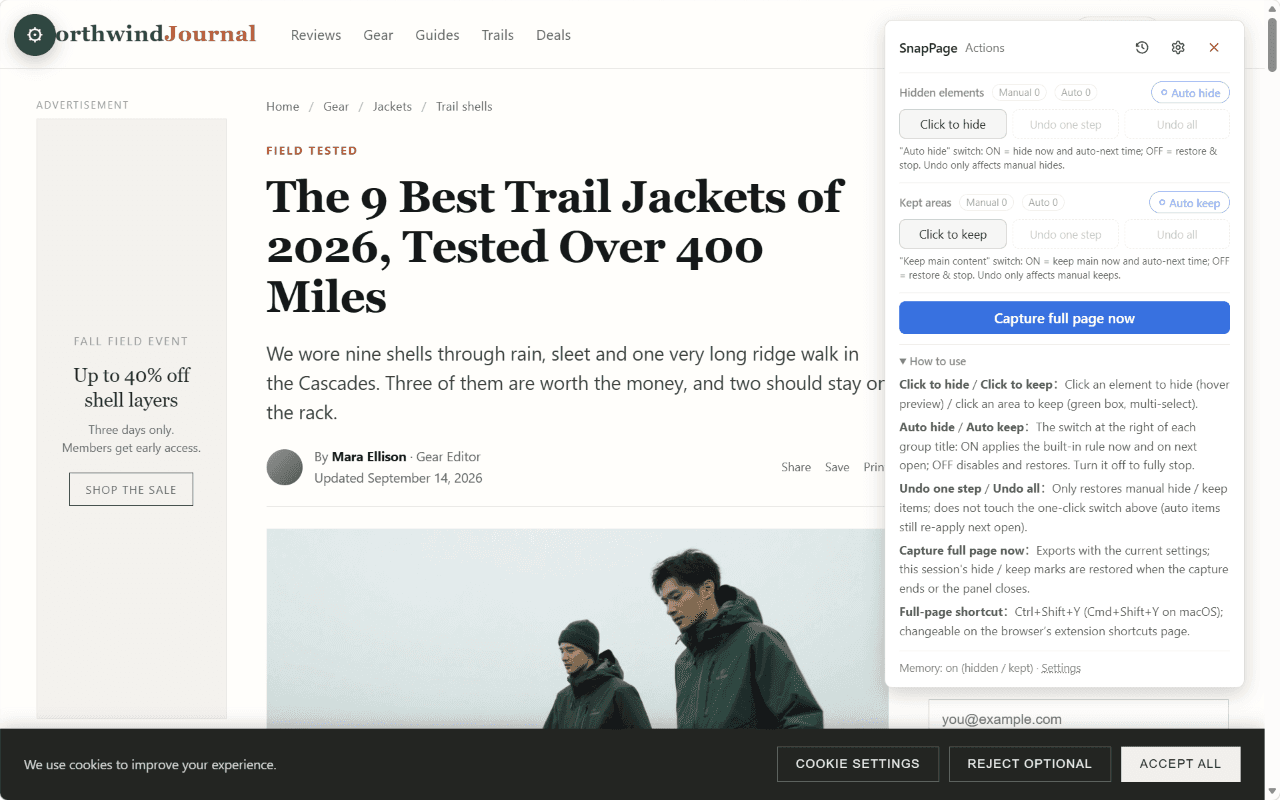
With Hide & Keep, you can hide unwanted page elements such as cookie consent banners, sticky bars, chat widgets and subscription pop-ups, or keep only the content you actually need. Clean up the page before capturing, without manually editing the screenshot afterward.
Most screenshot tools focus on capturing the entire page. SnapPage goes a step further: choose what stays on the page before you capture — not after.
Learn more: https://snappage.ilyych.com
BUILT FOR PAGES THAT BREAK OTHER TOOLS
Modern websites can be difficult to capture correctly. Virtualized lists, infinite scrolling, WebGL maps, sticky headers, lazy-loaded images, single-page applications and long AI conversations can all cause problems for conventional screenshot tools.
SnapPage includes a growing set of site-specific adapters for pages with unusual layouts and rendering behaviors, with more added over time.
WHAT YOU GET FOR FREE
- Full-Page Screenshots — capture long webpages as one image
- Hide & Keep — hide unwanted elements or keep selected content for the current capture
- Quick Capture — one-click capture and a keyboard shortcut
- Flexible Export — PNG, JPEG, WebP and PDF
- Local Capture History — keep your screenshots on your device and delete them whenever you want
- No Account Required — start capturing without signing up
PRO — WHAT YOU GET
- Remembered Hide & Keep Rules — save rules for individual websites and apply them automatically on future captures
- Built-in Screenshot Editor — rectangle, ellipse, line, arrow, text, blur, highlight, pen, step markers and callouts
- Custom Watermarks — add your own watermark to screenshots
- 2× High-DPI Export — export at twice the resolution for Retina and high-density displays
USD 14.99 / year. Cancel anytime.
PRIVACY
Your Screenshots Stay on Your Device.
Screenshots are rendered and stitched locally in your browser. Your screenshot images are never uploaded to SnapPage servers.
SnapPage uses Chrome's 'activeTab' permission to access the current page after you explicitly activate a capture through the extension or its keyboard shortcut.
Capturing is free and does not require an account. Pro account authentication and payment are handled separately. Payments are processed by Creem, our merchant of record.
WHO USES SNAPPAGE?
- Legal professionals — archive webpages for research and documentation
- QA engineers — capture page layouts and bugs for reproducible reports
- Designers — review long marketing pages and website layouts
- Researchers — save long AI conversations, documentation and discussion threads
- Online sellers — capture competitor listings for comparison
SnapPage currently works with Google Chrome and Microsoft Edge. Screenshot capture, rendering, editing and export run on your device.
Still having trouble with a particular page? Send us its URL. Challenging webpages are exactly what we're working to support.
Visit the official website: https://snappage.ilyych.com