
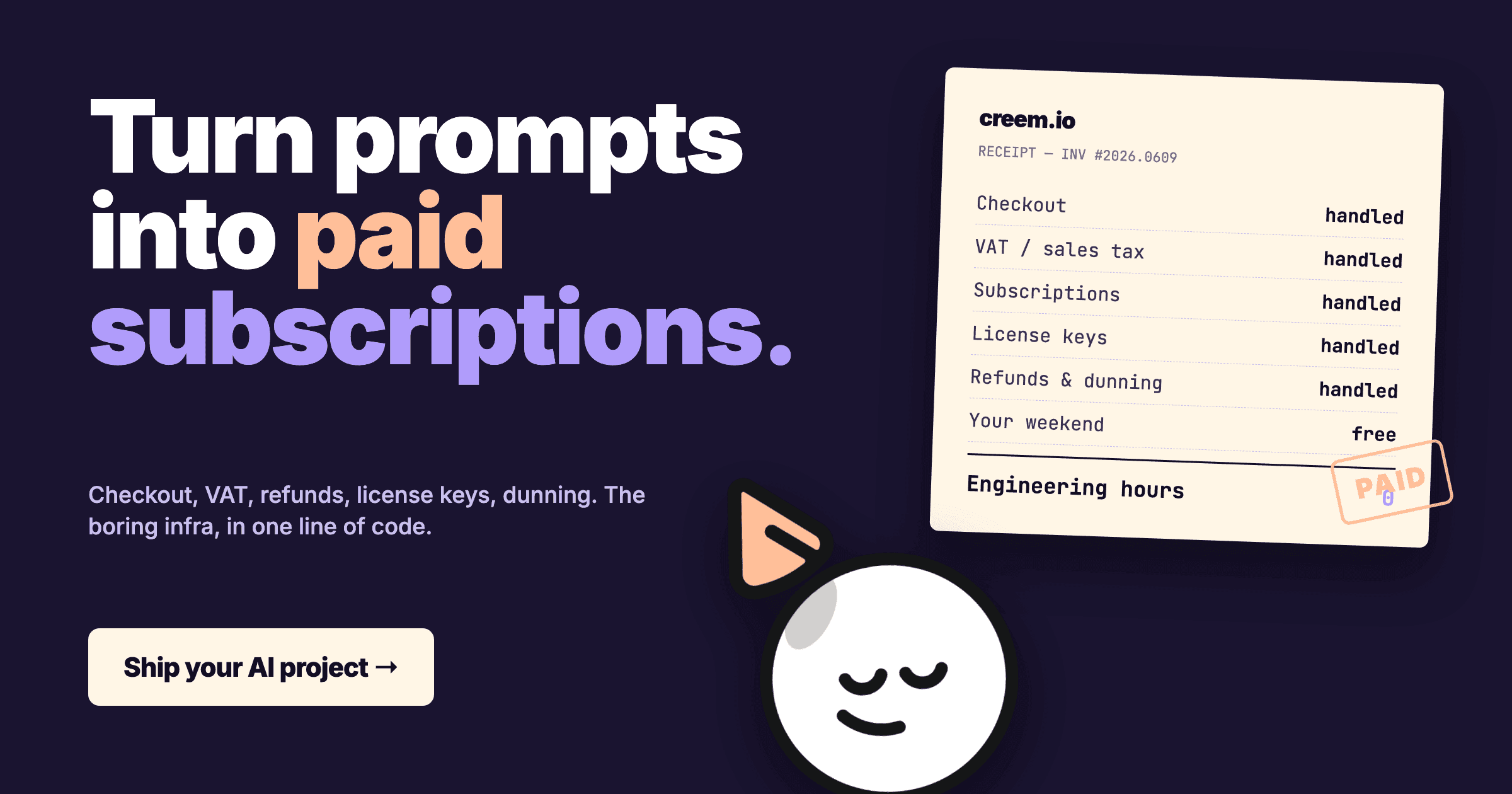
How to accept payments for your AI project (2026)
What "accept payments" actually means for an AI project
Create your paid product, connect checkout, and grant access from a verified payment event. Behind that flow are four responsibilities:
-
Checkout, a hosted page that takes a card, charges it, and tells your app "this user paid."
-
Subscriptions or one-time charges, recurring billing, trial periods, proration, dunning when cards fail.
-
Tax, VAT in the EU and UK, GST in Australia, sales tax in 45 US states. What you owe depends on where you're based, where the buyer is, and whether they're a business.
Sell to an EU consumer from outside the EU and VAT applies from the first sale, while a US state only counts once you cross its nexus threshold.
Charging the right rate at checkout is half the job. Registering, filing and remitting it is the other half, and that half is yours.
-
Compliance, chargebacks, refunds, fraud, PCI scope, the cardholder dispute response window.
You can build all four. Most indie AI builders shouldn't. The infra you bolt on at $0 MRR is the infra you're cursing at $20k MRR when a German tax authority sends a letter.
The two ways to take money for an AI project
When you charge customers for an AI product, the choice that matters is who becomes the seller: you, through a processor, or a merchant of record. Pick that first and move on.
Option 1: Raw payment processor (Stripe, Paddle Classic, direct gateway)
You are the merchant. Stripe Payments charges 2.9% + 30¢ on US domestic cards, and international cards and currency conversion push that rate higher.
Compare that with 3.9% + 40¢ on Creem, which covers the whole merchant-of-record job.
On the processor path you handle every other job yourself: invoicing, VAT registration where you cross a threshold, refund flows, chargeback responses, license keys, and webhook reliability.
Good if: you want control of the checkout UI, the processor supports your domestic selling needs, and you can own billing, applicable tax administration, disputes, and webhook reliability.
Bad if: you're an indie builder shipping at night. You'll spend more time on Stripe edge cases than on prompt engineering.
Option 2: Merchant of Record (MoR) like Creem
A Merchant of Record is the legal seller of your product. It takes the card, collects VAT, GST, or sales tax for the buyer's country, remits it, issues the invoice, handles refunds, and pays you out.
Fraud and chargebacks on each sale sit with them too. You still deliver the product, answer support, grant access, and pay tax on your own business income. You ship product. They handle payments.
This is the path most solo AI builders actually want. It's why people move off Stripe once they cross borders.
How to wire up payments in an afternoon (the MoR path)
Before the afternoon starts, know what signup gives you and what comes later. You can onboard as an individual or a registered business, and Creem verifies your identity or business before live sales.
- Creating a checkout works right after signup, in test mode.
- Approval to sell follows verification and a review of your site and product.
- Payout readiness needs a bank account or a USDC wallet on Polygon in one of the 87 countries Creem onboards sellers from, plus 50 USD or 50 EUR of available balance before you can withdraw. See the payout rules.
Here's the literal flow if you go with Creem:
-
Start selling and create a product. Pick one-time, subscription, or usage-based.
The choice decides how much compute one payment buys, so match it to how your AI app spends money:
- One-time: the buyer pays once. Fine for a lifetime license, risky for anything that calls a model on every use.
- Subscription with an allowance: a recurring price that includes a set amount of usage each period.
- Prepaid credits: the buyer funds a credit wallet before using anything, and auto-refill tops it up before it hits zero. Cash arrives before compute is spent.
- Postpaid metering: a meter counts usage during the period and Creem bills it on a metered invoice afterwards.
Creem's meters track the unit you pick, like tokens, calls or generations. Your app still reports each use and blocks access when the allowance or balance runs out.
Skip that check on a fixed-price plan and you're selling unlimited compute at a fixed price.
-
Drop the hosted checkout link into your AI app. "Subscribe" button, done.
That's the fastest start. When you need a checkout per user, create checkout sessions from your server through the Creem API instead.
Your API key comes from the Creem dashboard and belongs in server-side environment config. It never goes in browser code, a public repo, or a prompt you paste into an AI assistant.
Pass the logged-in user's ID in the checkout metadata, so every payment maps back to the right account.
-
Add a webhook handler that listens for
checkout.completedand the subscription events your product needs. Full reference at docs.creem.io.One endpoint handles every event type:
checkout.completedgrants access or credits after the first payment.subscription.paidextends access on each renewal.subscription.past_dueflags a failed renewal while Creem retries the card.subscription.canceledends access. If the cancellation takes effect at period end, keep the buyer in until the date they paid through.
Before acting on an event, verify the
creem-signatureheader, an HMAC-SHA256 of the raw request body signed with your webhook secret.The same event can arrive twice, so store each event ID and skip repeats, then return
200 OK.Grant access from the verified webhook, never from the browser landing on your success page.
A minimal handler runs about 30 lines, and the full access, credit and lifecycle logic is covered in the webhook docs.
-
Generate license keys if you sell desktop/CLI tools, Creem ships license-key issuance native, no extra service.
Creem issues a key with each purchase, keeps it in the buyer's customer portal, and can cap how many devices activate it.
Your app still activates or validates the key through Creem's license API before it unlocks paid features.
-
Wire up revenue splits if you're co-building with a partner, split payouts automatically without invoicing each other monthly.
That's it. Sales tax and VAT are handled. Chargebacks are handled. Refunds are a button. Invoices and fraud screening sit with Creem as the legal seller.
What stays with you is the product: shipping it, supporting buyers, keeping app access in sync, and paying tax on your own business income.
Run one pass in test mode before you switch to live:
- A test purchase unlocks access or credits for the account that paid, and only that account.
- A declined or abandoned checkout unlocks nothing.
- A renewal extends access, and a failed renewal hits your past-due handling.
- A cancellation keeps access until the paid-through date, then removes it.
- A refund changes access the way you decided it should.
Then switch environments:
- Live mode uses live API keys, live product IDs and a live webhook endpoint, with no test values left in config.
- After approval, one real purchase completes and unlocks the product.
What it costs (the honest math)
Here's what each option charges per sale in 2026, base rate first, with the extras that apply to your sales mix beside it:
| Provider | Base rate per sale | Included, and what costs extra |
|---|---|---|
| Stripe Payments (US account) | 2.9% + 30¢, domestic card | Processing only. International cards and currency conversion cost extra |
| Paddle | 5% + 50¢ | Merchant of record service included |
| Lemon Squeezy | 5% + 50¢ | MoR included. International payments, subscriptions and PayPal cost extra |
| Gumroad | 10% + 50¢, direct sales | MoR included. Discover sales have a higher rate |
| Creem | 3.9% + 40¢ per successful transaction | MoR, license keys, usage billing, meters, analytics. No international card surcharge. +2% each for affiliates and revenue splits |
On a US Stripe account, an international card that needs currency conversion costs 5.4% + 30¢, and 3D Secure is already included. Stripe Billing and whatever you use for tax, dunning and license keys are separate bills on top.
Stripe also sells Managed Payments, where Stripe becomes the merchant of record and charges an additional fee on top of processing.
Creem pays out on the 1st and 15th of each month once you have at least 50 USD or 50 EUR available.
New payments can sit in a risk hold for 7 to 12 days first, and arrival time depends on whether you're paid to a bank or in USDC.
The full payout rules cover each method.
The spread is real. Take $5,000 a month in sales at a $50 average order, which is 100 transactions.
Creem's core fees come to $235. Lemon Squeezy, charging 7% + 50¢ on an international subscription card, comes to $400. That's $165 a month, or $1,980 a year, before optional features and payout fees, which buys you a lot of API credits.
Model a heavier stack of add-ons at 7.5% and the percentage gap alone grows to roughly $2,160 a year on $5k MRR, before fixed fees. Full breakdown in our pricing page and the honest fee breakdown post.
What bites you in month two
Things indie AI builders learn the hard way:
- EU VAT. If you sell from outside the EU, VAT is due on digital sales to EU consumers from the first one, usually reported through the non-Union OSS scheme. A sale to an EU business with a valid VAT ID usually moves VAT to the buyer under reverse charge, and EU-based sellers follow different thresholds. Source: EU OSS portal. An MoR handles this as the legal seller. Stripe Payments on its own leaves it with you.
- Refund storms. Expectation mismatches and model changes, including deprecations, can generate "this is not what I expected" refund requests for your AI product. An MoR queues these into one dashboard with a refund button.
- Chargebacks on "AI hallucinated." Cardholders dispute charges when the model gives them a bad answer. On Stripe's standard US pricing, each dispute costs $15 you never get back, and contesting it adds another $15 that returns only if you win (Stripe US pricing and Dispute Fees FAQ). An MoR fights the dispute on your behalf, and Creem carries the chargeback as the legal seller.
- Failed cards. ~12% of subscription cards fail in any given month (expiry, fraud holds, insufficient funds). Without smart dunning, that's pure churn. Creem retries a past-due subscription automatically, but an expired card still needs the customer to enter a new one.
- License-key sprawl. If you sell a CLI or desktop AI tool, you'll be tempted to hand-roll a license server. Don't. Pick infra that issues a key with each purchase, then have your app validate that key before it unlocks paid features.
When you should NOT use an MoR
Be honest about anti-fit:
- You're already at $100k+ MRR in one country and built the tax and dunning stack. My rule of thumb is to stay put. Migration work, your negotiated processing rate, and the tax operations you already run decide whether switching pays, and at that size they rarely do.
- You sell B2B enterprise with custom MSAs, procurement reviews, and NET-60 terms. An MoR fits only if it signs your contract terms and supports invoiced payment on 60-day terms.
- You need wire transfers, ACH-only flows, or in-person POS. Those rails need a provider that supports them, and self-serve MoRs are built around cards and wallets.
For everyone else selling an AI product globally who wants tax and payments off their desk, MoR is the right call. Pick one that supports your product type, buyer countries, payment methods, and payout setup.
What to do this week
Three steps:
-
Today: sign up at creem.io, create your first product (one-time or subscription), drop the checkout link in your app.
-
Tomorrow: add a webhook for
checkout.completed, plussubscription.paid,subscription.past_dueandsubscription.canceledif you sell subscriptions. See docs.creem.io for the recipe.A minimal handler is ~30 lines. Access rules and usage tracking add more, so finish your test-to-live checks before launch.
-
This week: turn on the affiliate program if your audience is on Twitter or Discord. Indie AI projects with built-in affiliate links convert 3-4x better than ones without.
Set the commission rate and attribution rules before you invite anyone, so every partner knows what a referral pays. On the standard plan, affiliate sales carry an extra 2% before commissions.
For the deeper dive on AI-product monetization shapes (usage-based vs subscription vs one-time), read how to monetize AI agents.
Ship it
The boring part of running an AI project is payments. Skip it. Start selling, drop the checkout link, get back to model swaps. Only pay when you earn.
FAQ
What's the cheapest way to accept payments for an AI project?
For solo builders selling globally, a merchant of record like Creem, at 3.9% + 40¢ per successful transaction, is cheaper all-in than Stripe once you factor in VAT registration, dunning, license keys, and dispute handling.
Stripe's 2.9% + 30¢ looks lower, but you stay the seller. Those jobs become extra tools or your own time.
Creem bundles tax, invoices, chargebacks, billing and license keys. Affiliates and revenue splits each add 2% on the standard plan. Use the fee calculator to compare your order size and monthly sales.
Do I need to register for VAT to sell my AI tool in Europe?
It depends on where you're based and who buys.
VAT on a digital product sold to an EU consumer is due in the buyer's country, and a seller based outside the EU owes it from the first sale. Sales to EU businesses with a valid VAT number usually use the reverse charge instead.
You can register through the EU OSS portal and file quarterly, or sell through a merchant of record. Creem is then the seller and collects and remits the VAT for you.
Most indie builders pick the merchant-of-record route to skip the paperwork.
Can I use Stripe for a side project that's not a real company?
Yes. Stripe lets eligible individuals and sole proprietors open an account in the countries it supports. Stripe Atlas is a separate service for forming a US company.
Either way, you're personally on the hook for tax, refunds and chargebacks.
With a merchant of record like Creem, Creem is the legal seller and handles VAT, GST, sales tax, invoices, fraud and chargebacks.
You still deliver and support the product, keep access working in your app, and handle income tax and your other business duties.
How do I issue license keys for a paid AI desktop or CLI tool?
Use a payment platform with native license-key issuance, like Creem. A successful payment generates a unique key emailed to the buyer, and it stays available in their customer portal.
Your tool still validates or activates that key before unlocking paid features, and Creem's device activation limits only apply when your app checks them. Hand-rolling the issuance side adds weeks of work and ongoing maintenance.
What about Lemon Squeezy or Paddle?
Lemon Squeezy and Paddle are both merchants of record, and both work for AI products. Each starts at 5% + 50¢ per transaction.
Lemon Squeezy charges extra for international buyers, subscriptions and PayPal. Our fee calculator compares an international subscription sale with Creem's core rate.
Creem is 3.9% + 40¢ per successful transaction with license keys, revenue splits and an affiliate program built in. On the standard plan, splits and affiliates each add 2% before commissions.
That bundle is why indie AI builders moving off Lemon Squeezy or Paddle tend to land on Creem.
Why did a customer pay but not get access to my AI app?
Payment and access usually break at the handoff between Creem's webhook and your app's access record. Start from the symptom:
| Symptom | First checks |
|---|---|
| Checkout fails or the API returns an auth error | Confirm the API key and webhook secret match the environment. Test keys work only in test mode, and live keys only in live mode. |
| Customer paid but can't get in | Check the transaction shows as completed. Then check the webhook log for a 200 response, the checkout's link to the right user, and that user's access record in your app. |
| Access stays after a cancellation or failed renewal | Find the latest subscription event your handler received. Compare its paid-through date with the access your app stores for that user. |
Before contacting support, collect the transaction or event ID and the error message with keys and tokens removed.