
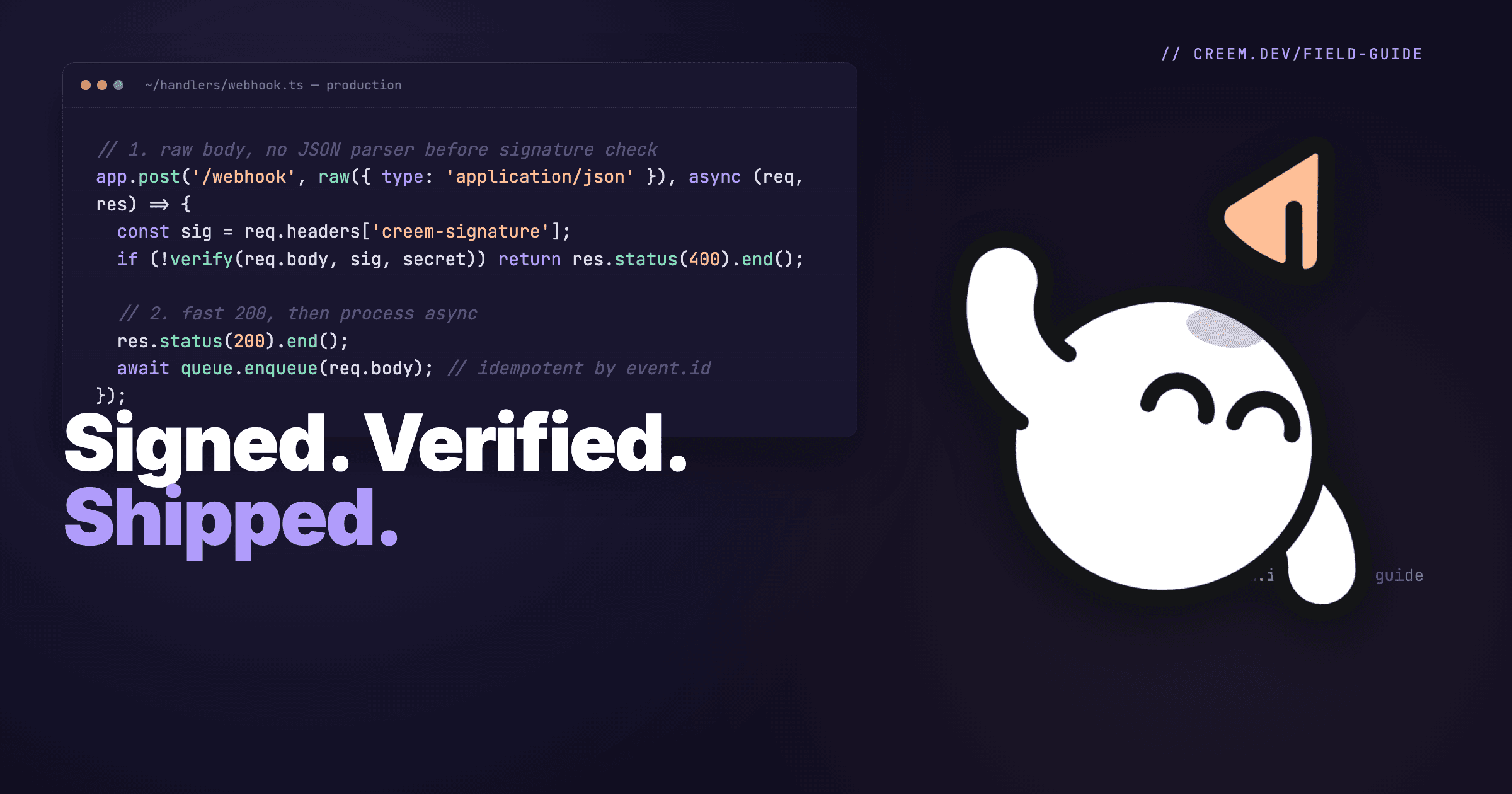
Webhooks Site: Test, Inspect, and Ship Payment Webhooks
You hit "create webhook," paste an endpoint URL, click save, and then nothing happens. Or worse, your signature check fails and you spend two hours wondering if it's your secret, your raw body parser, or your tunnel dropping the request.
Every indie builder who's wired up a Stripe, Paddle, or LemonSqueezy webhook has lived this. The fix is a webhooks site: a public URL that catches whatever your payment provider throws at it so you can actually see the payload, the headers, and the signature before you write a single line of handler code.
Start by inspecting a payment webhook with webhook.site, then test your handler against the captured request before moving it to production. The worked example uses Creem, from the first test event to signature verification and durable event storage.
What is a webhooks site
A webhooks site is a free public URL that captures HTTP requests sent to it and shows them in a browser. You paste the URL into a sender (Stripe, GitHub, a contact form, your payment processor), trigger an event, and the request lands in a list you can click through. You see the body, the headers, the query params, and the source IP.
The canonical one is webhook.site. Open it, get a unique URL like https://webhook.site/8f3a..., and every POST that hits it is captured and displayed. No signup. No code. No deploy.
Pipedream's RequestBin captures requests in public bins. Sign in to keep a bin long term.
For code steps, Pipedream lets you transform the captured request with JavaScript.
Use Webhook.site for temporary capture of synthetic test requests so you can inspect the actual body and headers your sender delivers.
Why payment webhooks break
Three things eat most webhook debugging time: raw-body signature checks, retries and event ordering.
Any webhook can hit them. With payments, they decide whether a paying buyer gets access. Here is how they usually show up:
| Symptom | Likely cause | Fix |
|---|---|---|
| Signature check fails | Parsed JSON verified, or wrong secret | Verify raw bytes with this endpoint's secret |
| Same event handled twice | Retry after a failed or slow response | Dedupe on the event ID |
| Subscription status goes stale | Older event applied after a newer one | Compare timestamps or refetch current state |
| Provider logs timeouts | Slow work before the response | Store the event, return 200, then process |
Raw body matters. Signature verification hashes the exact bytes the provider sent. Re-serialized JSON can differ in spacing or key order, so the hash fails.
Parsing is fine if you keep the original bytes too. Express's express.json() consumes the stream, so use express.raw() on the webhook route.
Next.js Pages Router API routes parse the body by default, so set bodyParser: false. In FastAPI, verify await request.body() before parsing.
You think your secret is wrong. Usually it is not. Check that the secret belongs to this endpoint and environment, then check the body.
Retry semantics. Providers retry failed or timed-out deliveries on their own schedules. Creem treats an HTTP 200 as delivered.
Otherwise Creem makes five attempts, retrying after 30 seconds, 5 minutes, 30 minutes and 6 hours.
After 24 hours there are no more retries, and you can resend an event from the dashboard.
Dedupe on the event's own ID. An API idempotency key belongs to requests you send, so store the event ID atomically, for example under a unique constraint.
Order can't be assumed. Follow your provider's documented ordering guarantees, and treat arrival order as unreliable.
Say a cancellation lands, then a delayed renewal event. If the handler writes whatever arrives, the canceled subscription looks active again.
Before you write, compare the event's timestamp with the one you stored, or fetch the subscription's current state from the provider's API.
A webhooks site shows you what one request carries: its payload and headers. Write the handler against that real shape.
Test the handler with duplicate and out-of-order events to check that it grants access once and keeps subscription state current.
How to test a payment webhook in 5 minutes
Run every step in test mode with synthetic customer data, because the capture service stores whatever you send it.
The inspection steps work with any processor.
Event names, test controls and signature headers differ by provider, so the steps below use Creem as the example.
-
Go to webhook.site and copy your unique URL.
-
In your payment dashboard, create a webhook endpoint, paste the URL and select the events you care about. In Creem, that includes
checkout.completed. -
Trigger a test event. In Creem, go to Settings → Webhooks and click Send test event to get a sample
checkout.completedwithout a purchase.For another provider, trigger a synthetic event in test mode.
-
Reload webhook.site. The request shows up in the left pane. Click it.
-
Inspect the body and headers, then copy the raw payload. Look for Creem's
creem-signatureheader.Your handler still has to validate it against the raw body with your signing secret.
Here is a trimmed Creem test event as webhook.site shows it, with synthetic values:
POST /your-unique-id
Content-Type: application/json
creem-signature: 3f9a...   # HMAC of the raw body

{
  "id": "evt_test_123",
  "eventType": "checkout.completed",
  "created_at": 1728734325927,
  "object": { "object": "checkout", "id": "ch_test_456" }
}
The id is what you dedupe on. Compare created_at with what you stored before you overwrite a subscription.
You now know what your handler will receive, so copy the payload into a test fixture and test the handler against it.
A capture proves delivery to the capture URL only. If the real integration still fails, match what you see to a stage:
| What you see | What to check |
|---|---|
| Nothing reaches the capture URL | Saved endpoint URL, provider delivery logs |
| Capture works, your handler gets nothing | Endpoint URL per environment, routing |
| Handler gets it, processing fails | Response status, verification logs, dispatch, records |
What a production handler looks like
Once you've inspected on a webhooks site and you know the payload shape, the handler is mechanical. Three rules.
Read the raw body. The signature covers the exact bytes Creem sent, so check it before anything parses the JSON.
Here is the verification half of a Next.js App Router handler, built on verifyWebhookSignature from Creem's TypeScript SDK:
import { verifyWebhookSignature } from "creem/webhooks";

type VerifyResult =
  | { ok: true; event: unknown }
  | { ok: false; response: Response };

export async function verifyCreemWebhook(req: Request): Promise<VerifyResult> {
  const secret = process.env.CREEM_WEBHOOK_SECRET;
  if (!secret) {
    // Misconfigured deploy: refuse instead of accepting unsigned traffic.
    return { ok: false, response: new Response("webhook secret not configured", { status: 500 }) };
  }

  if (!req.headers.get("creem-signature")) {
    return { ok: false, response: new Response("missing signature", { status: 401 }) };
  }

  // Read the exact bytes Creem signed, before any JSON parsing.
  const rawBody = await req.text();

  let valid = false;
  try {
    valid = Boolean(await verifyWebhookSignature(rawBody, req.headers, { secret }));
  } catch {
    valid = false;
  }

  if (!valid) {
    return { ok: false, response: new Response("invalid signature", { status: 401 }) };
  }

  return { ok: true, event: JSON.parse(rawBody) };
}
The checks fail closed. A deploy missing CREEM_WEBHOOK_SECRET returns 500 instead of accepting unverifiable requests, and a request missing its signature returns 401.
A false return and a thrown error both count as failed verification and get a 401.
Call it at the top of your POST route. When it passes, store the event durably before returning HTTP 200 to acknowledge delivery to Creem.
Not using the SDK? Compute HMAC-SHA256 over the original raw body with your secret, then hex-encode the result.
Compare that to the creem-signature header with a constant-time check such as Node's crypto.timingSafeEqual, never with ===.
In Express, the order of your middleware matters more than which parsers you use. Once express.json() has read a request, express.raw() has nothing left to capture.
Mount the webhook route with express.raw({ type: 'application/json' }) before the global JSON parser, and every other route can keep using express.json():
import express from "express";

const app = express();

// 1. Webhook route first, so its body stays a Buffer.
app.post(
  "/webhooks/creem",
  express.raw({ type: "application/json" }),

  async (req, res) => {
    const rawBody = req.body.toString("utf8"); // the signed bytes, untouched
    // verify rawBody, then JSON.parse(rawBody) only after it passes
  }
);

// 2. JSON parsing for every other route, registered after.
app.use(express.json());
If the JSON parser has to be registered first, skip it for the webhook path instead. Either way, verify the raw buffer and parse a separate copy afterward.
Accept durably, then respond fast. Return HTTP 200 only after the event is verified and written to your database or a durable queue.
A durable queue keeps the job if the process dies. An unawaited promise or in-process task does not, so a crash right after the 200 loses the event and the provider has no reason to resend it.
Keep business-logic database updates, external API calls, and email sends out of the request path. Run that work in a worker after durable storage so slow processing doesn't cause delivery timeouts and duplicate retries.
If a payload is missing a field the worker needs, have it fetch the full object from Creem's API by its id instead of guessing.
Idempotency on the event id. Every payment event has a unique id. Store it. If you see it again, no-op. This is the single line of code that prevents the "user got charged once but got the welcome email three times" support ticket.
Lock down the endpoint. Before live traffic hits it, check these five things:
- Serve the webhook route over HTTPS only.
- Verify
creem-signatureagainst the raw body on every request, with no bypass flag left in production code. - Keep the signing secret in an environment variable or secret manager, never in the repo or a client bundle.
- Keep test-mode and live-mode secrets separate. Each comes from its own webhook configuration in the dashboard.
- Rotate the signing secret if it leaks through a log or a committed env file. A leaked receiving URL is a smaller problem, because forged requests still fail verification.
Why builders pick Creem for payments + webhooks
If you're picking a payment provider and webhooks are part of the equation, what matters is how cleanly the events are documented and how fast you get from "create endpoint" to "production handler shipping."
Creem is the merchant of record, so it is the legal seller on each sale. Your team still writes the handler and the access logic that turns a paid event into a working account.
Creem sends webhook notifications across the payment lifecycle, including checkout.completed, subscription.active, subscription.paid, subscription.canceled, subscription.update, subscription.past_due, subscription.expired, refund.created, and dispute.created. Each arrives as a POST to the endpoint you registered, and the webhook event reference lists every name and its payload.
Test mode is isolated from production, with its own API keys, webhook endpoints, and signing secret. Register your webhook.site URL there, push synthetic test data through it, and confirm the shape before you configure the live endpoint.
The economics line up too. Creem's transaction fee is 3.9% + 40¢ per successful transaction, with no monthly fee or setup fee, so a $100 sale leaves you $95.70.
You're not paying a platform fee for the webhook infrastructure. It's bundled with the merchant of record service, which collects and remits VAT, GST, and sales tax and handles invoicing, compliance, and disputes.
The TypeScript SDK and the Next.js adapter both ship signature verification helpers, so you're not hand-rolling HMAC.
The adapter also handles the webhook route itself. Everything else, from products to checkouts, is documented at docs.creem.io.
When you should not use a webhooks site
Webhook.site and similar tools give you a receiving endpoint that captures and stores requests. They don't run your application handler to verify signatures, update subscriptions, or grant access.
Reach for something else when you need to run real code, keep a staging endpoint up, handle sensitive data, or keep captures on your own servers.
Local development with real code. Inspection tools show you the payload. If you want your handler running locally against real test-mode deliveries, use a tunnel or the Stripe CLI / Creem CLI, which proxy events to localhost.
ngrok gives you a public URL that forwards each request to localhost, so the event reaches the handler code running on your machine.
Long-running staging. On the free plan, Webhook.site deletes a URL and its data after seven days, and each free URL stops accepting requests once it hits a request cap.
Paid plans keep URLs alive and lock captures to your account, but the tool still runs none of your production logic.
If you want a persistent staging endpoint, deploy your handler to a preview environment (Vercel, Cloudflare Workers, Railway) and point Creem's test mode at it directly.
Anything with PII. On the free plan, anyone who knows a Webhook.site URL ID can read the requests captured there. Keeping captures behind an account is a paid feature.
Don't paste an inspection URL into a production webhook config, and don't route live customer payment events through it.
Use synthetic or redacted data even in test mode, because a test payload carries whatever names and emails you typed in. Treat the capture URL, payloads, and headers as sensitive.
Keeping captures on your own servers. A self-hosted inspector is a capture tool you deploy on infrastructure you run, so requests never leave it.
It still only inspects. It doesn't tunnel deliveries to your local code, and it doesn't replace a deployed handler.
The hosting work becomes yours: TLS, access controls, updates, retention rules, and protecting the headers and payloads it stores.
Self-hosting won't verify signatures or process events durably for you. A box full of real customer data is still a box full of real customer data, wherever it sits.
Choose based on where requests are captured and whether your own handler needs to run:
| Tool | What it does | Runs your code? | Pick it when |
|---|---|---|---|
| Webhook.site | Hosted capture URL | No | You need one payload, fast |
| Pipedream's RequestBin | Hosted capture bin | No | You want a public bin, or sign in to keep it |
| Pipedream | Capture plus JavaScript steps | Only your workflow steps | You need to reshape requests |
| ngrok | Tunnel to localhost | Yes, on your machine | You're debugging your real handler |
| Self-hosted inspector | Capture on your servers | No | Captures must stay on your infrastructure |
| Deployed staging handler | Your app on a preview host | Yes | You need a persistent test endpoint |
Start with a hosted bin to learn the payload shape. Move to a tunnel or a staging deploy once the question is whether your code handles it.
What to do this week
If you're about to wire webhooks for the first time, the three-step path:
-
Open webhook.site and grab a URL. Configure it as a test webhook in your payment dashboard. Trigger 2 or 3 test events and study the payloads.
A capture there proves the event reached that URL. Treat the payloads as fixtures for your handler, then test the handler itself.
-
Write your handler against the inspected payload and run it on an HTTPS endpoint in test mode. Verify the signature against the raw body, and reject stale events if your provider documents a signed timestamp.
Write the event to your database or a durable queue, then return a fast 200. A background task you never await can vanish on a restart after the provider has already seen your 200.
Insert each event ID under a unique constraint, so two racing deliveries can't both win. Mark the row done only when processing finishes, and let your job runner retry any row still pending.
A redelivered event that is already done becomes a no-op. One that was received but never finished gets processed again.
-
Swap the webhook.site URL for your production endpoint and set the production signing secret in that environment. Test and live mode use separate secrets.
Turn on the live event stream and watch the first few hours. Confirm the provider's delivery log shows a 2xx and your app shows the result you expect, like access granted or a subscription row created.
Choose Creem when you want to sell software worldwide without taking on tax, invoices and chargebacks yourself. Creem handles that money-side work alongside subscription and usage billing. Your team builds the handler and the access logic.
Use the Creem webhook documentation and test-mode workflow to wire and test that handler.
You pay 3.9% + 40¢ per successful transaction, including merchant-of-record tax, invoicing, compliance and dispute handling, with nothing due in a month with no sales.
Get started and sell worldwide with VAT, GST, and sales tax handled for you.
FAQ
What is webhook.site used for?
Webhook.site is a free public URL that captures HTTP POST requests and displays them in a browser. Developers use it to inspect the body, headers, and signature of webhooks sent by services like Stripe, GitHub, Paddle, and Creem before writing a handler. It removes the guesswork from webhook integration.
Is webhook.site safe for payment webhooks?
Only for synthetic or redacted test payloads. Keep live customer payment data out of inspection services.
Free Webhook.site captures are readable by anyone who knows the URL ID. Paid plans protect data through an account.
Neither account protection nor test mode removes personal information or sensitive headers from a payload.
Send production events to a handler you control that verifies signatures and durably stores events.
How do I test a webhook without writing code?
Use Webhook.site or Pipedream's RequestBin to capture requests at a public URL. RequestBin needs sign-in to retain a bin long term.
Set your sender's webhook URL, trigger a synthetic test event, and inspect the request in your browser. No code, no deploy.
Why does my webhook signature verification keep failing?
Your signature check fails if you hash reserialized JSON or your middleware consumes the body without retaining the original bytes.
- In Express, use
express.raw()on the webhook route beforeexpress.json()consumes it. - In Next.js Pages Router, disable the route's body parser and read the raw body.
- In App Router, read the body with
request.text()before parsing JSON. - Use the webhook signing secret for the environment sending the event.
Does Creem support webhooks?
Yes. Creem sends payment-lifecycle webhooks, including checkout.completed, subscription.paid, and refund.created.
Use the Creem webhook reference for the full event list and signature verification.
Test mode has separate endpoint configurations and signing secrets. Events go to the endpoint configured in that environment.
Creem publishes no static outbound webhook IPs. Authenticate requests by verifying creem-signature.
What is the difference between webhook.site and ngrok?
Webhook.site captures requests and displays them in a browser. You see the payload, you do not run code. Ngrok tunnels a public URL to a port on your localhost, so requests actually hit your local handler. Use webhook.site to inspect, use ngrok to develop against live events.