
A card from a new country fails at checkout, or a buyer asks if they can pay another way. Either way, card-only checkout is starting to cost you buyers.
Alternative payment methods let buyers pay without a card, through options like local bank schemes and direct debit. Wallets like Apple Pay sit alongside them, but the money mostly still moves through a saved card.
Most guidance gives you a long list of methods meant for an enterprise payments team. For subscriptions, you also need to check whether a method can handle next month's renewal or usage bill, not just the first purchase.
The wrong choice can cost you sales at checkout and subscribers at renewal. As you add countries, you also need to know who owes the tax.
This guide covers the few methods worth turning on for each region and billing model, and what it takes to get them live.
Merchant-of-record checkout alongside payment methods
Adding a bank payment option to a card-only checkout changes how the buyer pays. It does not change who sold the subscription or who owes tax on the sale.
If an EU buyer pays by bank transfer rather than card, the legal seller still owes any VAT due on the sale.
A merchant of record sells to the customer on your behalf, while you keep building, delivering and supporting the software. For sales where it acts as merchant of record in a covered country, it calculates and collects applicable VAT, GST or sales tax at checkout, then files and remits it.
The provider also issues the invoice and handles fraud, chargebacks and payment disputes. You still handle the product and its support.
I would settle who the legal seller is before adding a local payment method. Ask whose name appears as the seller on the buyer’s invoice, so you know who handles tax filing and payment disputes.
You still need to check how buyers can pay, so compare the provider’s supported methods and currencies with the countries your buyers already come from. Tax coverage alone does not tell you whether the checkout offers the payment option they need.
Alternative payment methods to accept by region and billing type
A method that gets a buyer through the first purchase can still fail at renewal. At checkout, the buyer is there to approve the first charge in their banking app.
A renewal or end-of-period usage charge runs without the buyer there to approve it. The method has to let you charge the saved account again on your own schedule.
For subscription renewals and usage charges, I would rule out methods that cannot charge unattended before checking their popularity in a country. Then use three checks to decide whether a method belongs in your checkout:
- Where buyers use it: worldwide, across a region, or mainly in one country.
- Whether it renews on its own: can carry a monthly renewal or an end-of-period usage charge with no one at the screen.
- How fast it confirms: instantly, or only after the payment settles days later.
Confirmation speed determines when you can safely grant access. For a one-time license, wait until payment confirms so a payment that never clears does not unlock the product.
For subscriptions, keep an existing subscriber’s access open while a slow renewal clears, and track how many payments fail. If unpaid renewals climb, use the revenue lost to payments that never clear to judge whether the method is worth keeping.
Start with your payment dashboard and pull the countries your paying buyers come from. Include the countries where checkouts failed.
Then mark how you bill buyers in each country, whether one-time, monthly, usage or credits. A method that works for a one-time license may not suit a monthly plan or an auto-refilling credit wallet, so check each method against that list.
1. Debit and credit cards
A saved card can cover next month’s subscription or a different usage amount each period without sending the buyer back to checkout. Once the buyer agrees at signup, a billing provider that supports recurring and variable charges can collect those payments under card-network rules.
Card approval normally arrives while the buyer is still on the page, so you can grant access immediately. Settlement comes later without holding up the account.
Cross-border declines can block first purchases, so offer a wallet or local method to protect first-purchase conversion in that country.
Expired cards can interrupt renewals, so send a card-update link before renewal to reduce involuntary churn. Creem’s customer portal lets buyers update their payment method themselves.
Across Creem stores, automatic retries recovered 27.7% of failed renewals (4,000 of 14,449) between 28 Jul and 26 Oct 2026, most within about two days. Before writing off a failed charge, measure your renewal recovery rate after retries and card updates.
2. Mobile wallets: Apple Pay and Google Pay
Wallets make card checkout simpler because buyers pick a card they already saved instead of typing its details on a phone. The money still moves on that card.
For a supported Google Pay subscription, the buyer taps at signup, but a wallet button alone does not handle renewals. The gateway must store the payment credential, record acceptance of payment terms and follow card-network rules to charge without another tap.
Apple Pay also supports recurring payments, but the checkout provider has to implement them.
Ask whether subscriptions started with either wallet renew automatically, and whether the same setup supports variable usage charges or credit-wallet auto-refills.
Apple Pay availability depends on the checkout integration, the buyer’s device and browser, and the market, so compare mobile checkout conversion before and after enabling wallets.
3. Direct debit: ACH and SEPA
Buyers can pay subscriptions from a bank account through ACH direct debit in the US or SEPA Direct Debit for euro payments within SEPA. They authorize recurring debits at signup, so renewals covered by that authorization and the bank scheme’s rules need no fresh approval.
For usage billing, ask whether the authorization collected at checkout covers a different amount each period or only a fixed plan price.
A debit takes time to confirm and can still be returned afterwards. Unlock an AI product while collection is pending and the buyer could consume compute before a failed payment leaves you unpaid, so I would wait for successful collection before releasing paid credits.
Give new signups access only after their first collection succeeds, and track the share of debits returned unpaid to see whether that approach is sustainable.
4. Buy now, pay later: Klarna and Afterpay
Buy now, pay later splits a purchase into installments, but those installments repay one purchase rather than renew continued access. Assess BNPL first for a larger one-time purchase, such as a lifetime license.
Subscription support does not guarantee acceptance of your software business or checkout support for renewals. Klarna’s customer-token flow can collect a renewal the buyer agreed to in advance without the buyer present, though the charge is not necessarily split into installments.
Afterpay’s US agreement allows subscriptions at participating merchants, with a separate repayment obligation for each billing period.
Klarna lists digital downloads as restricted, so expect additional review if your product falls into that category. Afterpay’s US agreement covers personal-use purchases, which may leave a company’s team subscription outside those terms.
Check that your product qualifies, then ask whether your checkout can collect renewals or variable usage charges without the buyer present. An option meant to help buyers afford a larger purchase should not become a source of failed renewals.
5. PIX
Brazilian buyers use PIX, Brazil’s instant bank-payment system, in their banking app with a QR code or payment key.
For a one-time license or manually purchased credit pack, payment confirms while the buyer waits, separately from settlement into your seller balance, so you can issue the license or credits immediately.
Accepting PIX at checkout is not the same as collecting next month’s renewal without the buyer present. Your checkout needs recurring authorization, and any limit on the authorized amount matters when usage charges vary.
Ask the provider whether PIX renewals and usage charges can run without the buyer present, and up to what amount. Check that this covers your billing model before relying on PIX for recurring revenue from Brazilian subscribers.
6. UPI
UPI on NPCI's homepage: man holding a phone showing “Payment Successful” beside “Where Every Payment Builds a Better…
UPI is India’s real-time bank-payment system. An Indian buyer’s one-time payment can confirm while they are still at checkout, so you can issue a license or credits without making them wait.
Automatic renewals need a buyer-approved mandate that authorizes recurring payments without approval for each charge, plus a checkout that can set up and charge it. A fixed monthly subscription and a usage invoice with a different amount each month need different support.
Ask whether your provider’s UPI mandates support your renewal cycle and variable usage amounts without the buyer present. If not, use UPI for one-time licenses and manually purchased credit packs, and keep subscribers on a renewal-capable method so they do not have to return to pay each cycle.
7. Cryptocurrency payments, including stablecoins
Start with cards and wallets, and add crypto once a buyer writes in asking for it. The buyer sends the money, but that transfer does not let you collect next month’s renewal the way a saved card does.
A dollar-pegged stablecoin aims to keep a dollar-priced plan’s payment worth the same amount when you receive it, though the peg is not guaranteed. An unpegged coin can be worth more or less by the time you count it.
If your checkout cannot collect approval to charge the buyer’s wallet later, crypto subscribers must pay manually every cycle. In that case, offer crypto for one-time licenses and credit packs, where the buyer is there to pay.
8. BLIK
BLIK homepage: “BLIK makes everyday life easier” beside a smiling woman with a bicycle
At a standard BLIK checkout, a Polish buyer enters a six-digit code and confirms payment in their banking app.
Under BLIK Model M, subscribers must approve every renewal, so a missed confirmation prompt leaves the charge unpaid. Model A charges a fixed amount without the buyer present, and Model O can also charge a usage bill that changes each month.
Ask your provider which BLIK recurring model it uses. If it is Model M, keep BLIK for one-time purchases. Model A can carry a fixed monthly plan, and usage billing needs Model O.
9. iDEAL
Dutch buyers use iDEAL to pay in euros and approve payment in their online banking. Checkout gets an immediate success or failure result, separate from settlement or payout, so a successful purchase can unlock your software straight away.
Buyers approve every iDEAL payment, so iDEAL itself cannot collect next month’s renewal unattended. With a separate future-payment setup, the first payment can save the buyer’s IBAN, their bank account number, for unattended SEPA Direct Debit renewals.
Your checkout must support that setup.
Ask your provider, “Does the first iDEAL payment save the IBAN for SEPA Direct Debit renewals?” If yes, iDEAL can start Dutch subscriptions, and if no, keep it for one-time purchases.
10. Bancontact
Bancontact homepage: Consumer, Professional and Partner panels with photos of people using smartphones
A customer in Belgium pays in euros and approves payment with their Bancontact card or in the Bancontact app. Payment confirms immediately, so a successful purchase can unlock a one-time license or credit pack straight away.
Approval covers that one payment, not a later subscription renewal or usage bill. You can email a renewal invoice, but the buyer has to return and pay every cycle, so an ignored invoice leaves the renewal unpaid.
Use Bancontact for one-time licenses and credit packs, and collect Belgian renewals through a separately authorized saved card or direct debit.
Alternative payment methods compared: region, recurring billing and confirmation
The renewals and usage columns show whether billing can run unattended, but your checkout integration still has to support it.
| Method | Main region | Unattended renewals | Variable usage charges | Confirmation |
|---|---|---|---|---|
| Cards | International | Yes, with authorized saved cards | Yes, through your billing system | Normally during checkout |
| Apple Pay and Google Pay | International, subject to device and market support | Recurring integration required, with Google Pay using gateway-stored credentials | Only if checkout supports authorized variable charges | Depends on checkout and authentication flow |
| ACH and SEPA | US, plus euro payments within SEPA | Yes, with debit authorization | Yes, if authorization covers amounts | Delayed, and returns are possible |
| Klarna and Afterpay | Markets vary | Klarna pre-approved renewals, Afterpay at participating US merchants only | Subscription support alone is insufficient | Varies by payment flow |
| PIX | Brazil | Only with recurring authorization | Verify authorization and limits | Instant |
| UPI | India | Yes, with buyer-approved mandate | Only for supported mandate amounts | Real-time |
| Crypto | No single national scheme | Only with separate approval to charge the wallet later | Same approval required | Varies by network and checkout |
| BLIK | Poland | Only on Model A or Model O, since Model M asks each time | Model O only | Banking-app approval |
| iDEAL | Netherlands | Through separate SEPA setup | Suitable SEPA authorization required | Immediate result |
| Bancontact | Belgium | Through separate SEPA setup | Suitable SEPA authorization required | Immediate |
Cards and authorized bank collections can handle unattended renewals. Plain Bancontact and iDEAL cannot, and crypto needs separate approval to charge the wallet later, so pair local purchase methods with automatic collection for subscribers.
Payment confirmation is separate from settlement and seller payout, so a confirmed payment does not mean the money is in your balance yet.
How to choose an alternative payment method to turn on first
Start with the method you are losing sales or renewals without.
For most SaaS teams, this is a sensible order to turn methods on:
-
Start with cards plus Apple Pay and Google Pay.
-
Add one local method where buyers ask for it or where checkouts keep failing in one country.
If you bill subscriptions or usage, pick the option that can charge renewals without the buyer present, directly or through a direct-debit mandate, so your renewal rate in that country does not depend on buyers paying by hand.
-
Leave BNPL and crypto for later. BNPL suits larger one-time purchases such as lifetime licenses, and crypto earns a place once buyers request it.
Check that your checkout supports the method for the buyer's market, currency and subscription lifecycle, then weigh integration and transaction costs against the demand you saw. A separate integration for a country sending only a handful of sales can cost more than it recovers.
Once the method is live, compare that country's checkout conversion and renewal rate before and after. If neither changes, the method is not doing the job you added it for.
Creem: Merchant-of-Record commerce for global software sales
Creem fits growing SaaS and AI businesses selling subscriptions, usage or credits internationally. As renewals and usage charges come in from new countries, the harder question is who owes tax on those sales.
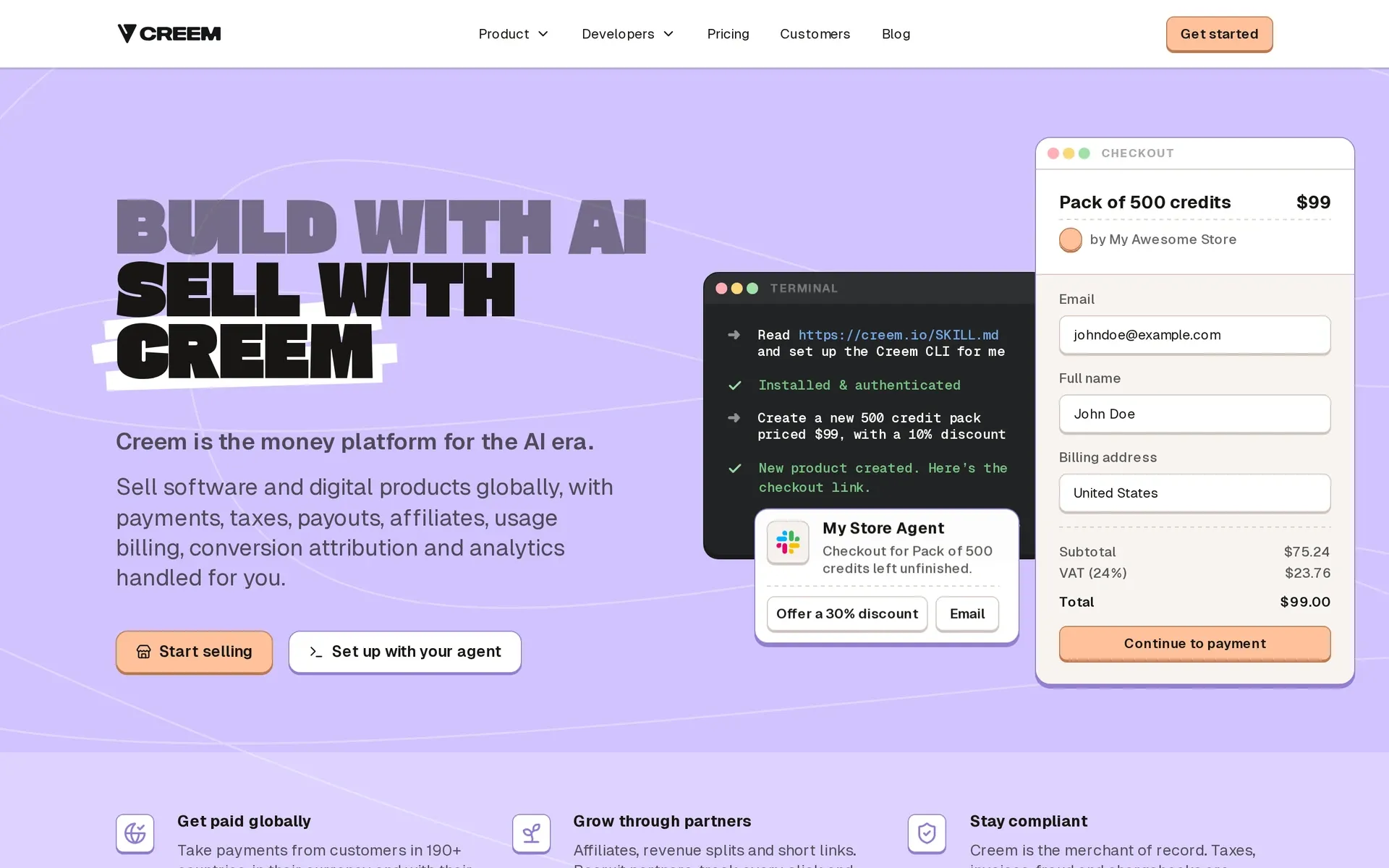
Creem is the legal seller on every sale. We calculate, collect and remit VAT, GST and sales tax for buyers in 190+ countries, and we handle the invoice, fraud screening and chargebacks too.
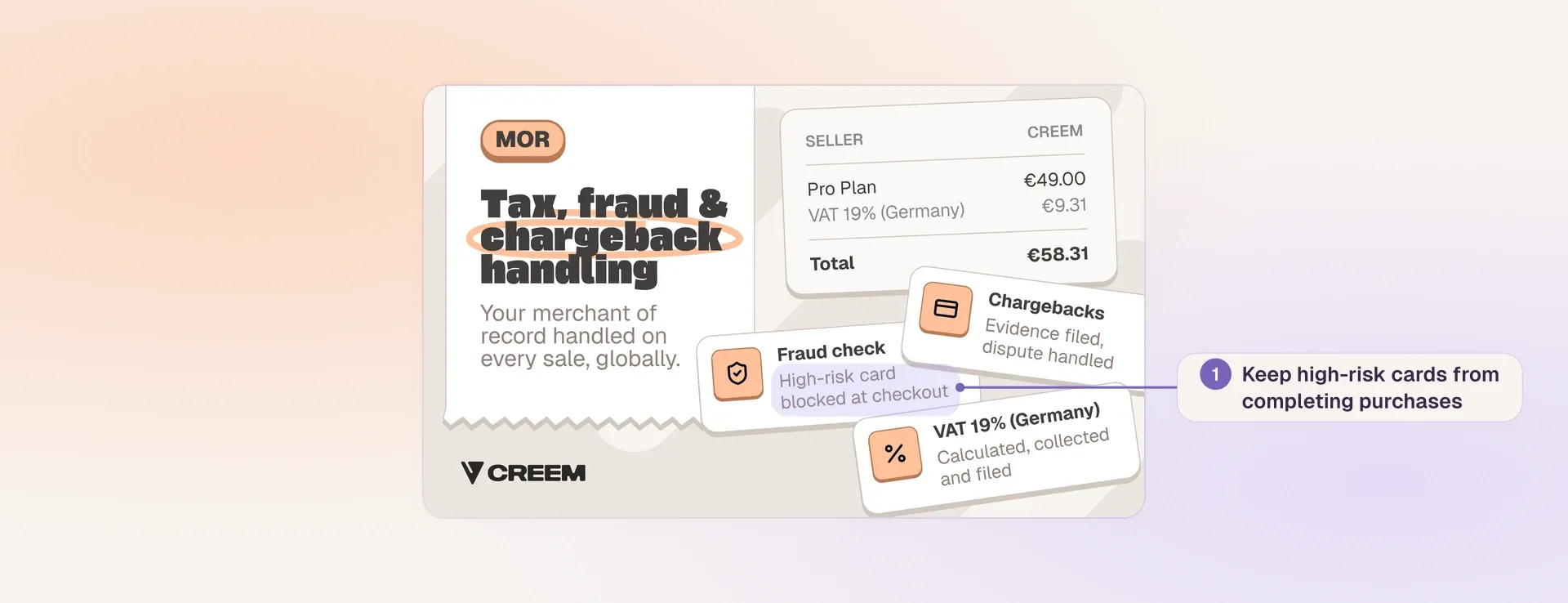
Creem merchant-of-record illustration showing example VAT charges, fraud checks and chargeback handling
Checkout includes the cards and wallets most teams enable first, plus PayPal and AliPay. Failed renewals retry automatically, and buyers can update expiring cards themselves in the customer portal. Subscriptions, usage meters and prepaid credit wallets with auto-refill use the same platform for billing and tax.
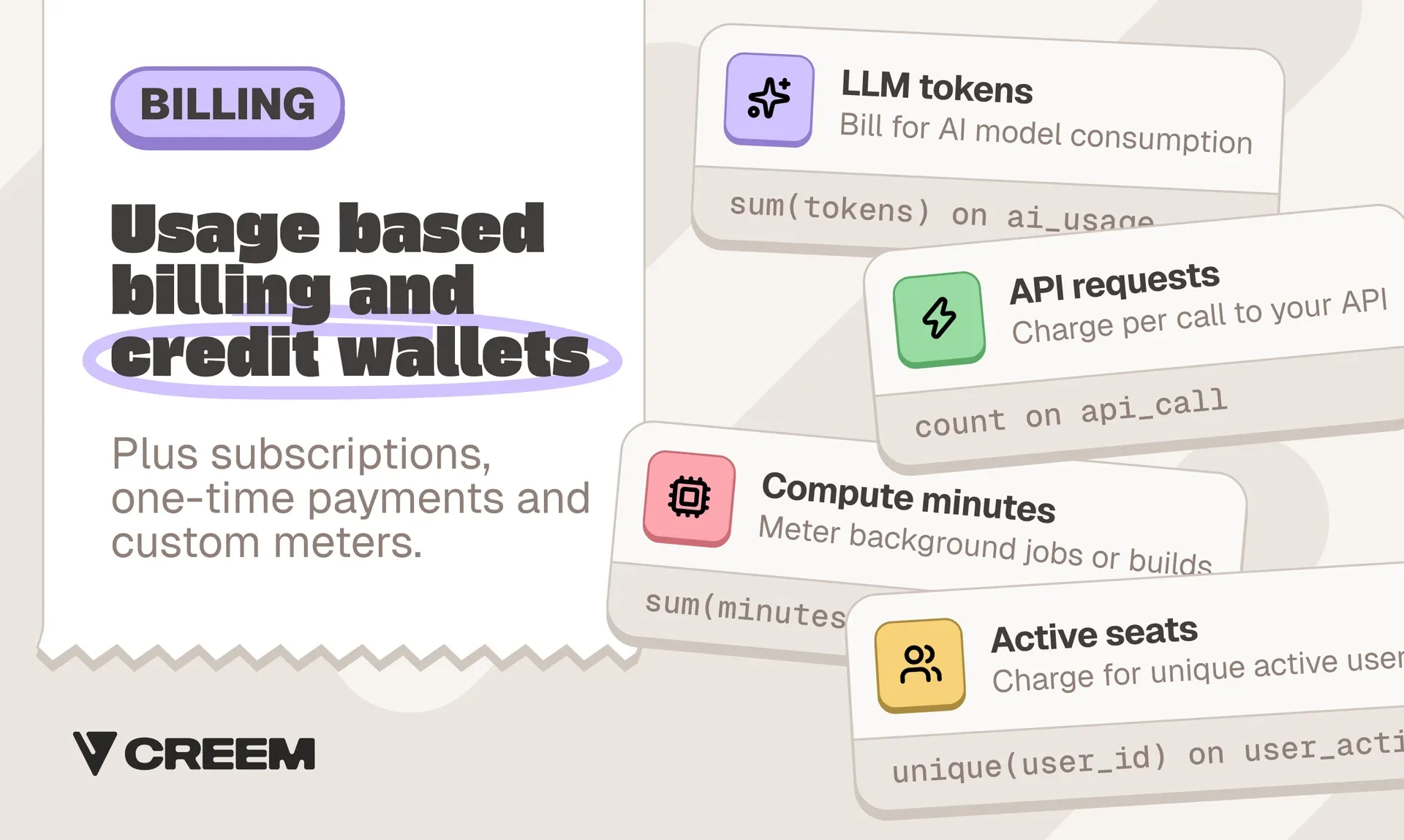
Tax handling is included in the 3.9% + 40¢ fee per successful transaction, calculated on the order total including tax, with no monthly or setup fee. A $100 sale without tax leaves $95.70 after Creem's fee, before payout fees and any optional-service fees.
If you would rather not handle tax on renewals and usage charges from new countries yourself, try Creem and we will handle it for you.