

Crossing a US nexus threshold or picking up your first VAT obligation starts as a calculation problem, and that turns out to be the easy part.
Avalara earns its place on calculation, and it can file and remit for you. The registration, the filing calendar and the notices still sit in your company's name, because the tool never takes over the seller role.
Each new obligation, a state threshold crossed or a country's VAT now owed, adds a registration, more returns and finance hours someone on your team has to own.
This list is for software companies selling online across borders, rather than ERP-led businesses or physical-goods retailers. It compares whether Avalara's replacement should take over the filing or take over the sale itself, with each option judged on who ends up as the legal seller and what work stays with your team.
Where Avalara fits and where software sellers outgrow it
I would keep Avalara for ERP-heavy businesses with a tax team, physical-goods or retail sellers, and businesses that need to remain the seller of record.
Software teams outgrow it when they want someone else to be the legal seller and take on the tax responsibility.
For an Avalara replacement outside this list's software focus, I would look at Vertex for an ERP-led business with a tax team, and TaxJar for a US-only physical-goods seller.
The first tax job I would weigh is VAT or sales-tax registration, then the returns that follow. The registration is in your company’s name, returns come due each required filing period, and a tax notice lands with your business, not your tax tool.
Avalara can help register your business, file returns and remit tax. That saves work, but the registrations and liability stay yours.
An existing tax team can review those returns and answer notices, so Avalara speeds up work someone is already paid to do. Without that team, the responsibility still sits with your business, whether a founder, employee or outside adviser does the work.
Before replacing Avalara, decide who will handle registrations, returns and notices as you add markets. If you have that person and want to keep your billing stack, another tax tool may be enough.
If you want that work off your team’s plate for future sales, look at merchants of record.
Two types of Avalara alternatives
The alternatives offer **two different arrangements**. You can keep your billing stack and add tax compliance, or use a merchant of record to sell to buyers on your behalf.
| Model | Alternatives | Who is the legal seller | What your team still does |
|---|---|---|---|
| Merchant of record | Creem, Paddle, FastSpring, Lemon Squeezy, Dodo Payments | The provider | Build, deliver and support the product |
| Tax compliance software alongside your existing billing stack | Stripe Tax, Quaderno, Anrok, Kintsugi | Your business | Own registrations, returns and notices, with help depending on the package |
For an EU subscription renewal requiring a VAT return, a tax tool can file for your company if your package includes filing. Through a merchant of record, the provider collects, files and remits VAT as the seller for transactions and countries its contract covers.
Your historical tax liabilities stay yours.
Coverage still matters. The provider needs to cover both the countries where your buyers are and the subscriptions, usage charges or credit packs you sell.
I would start with one question for each option. Whose name appears as the seller on the buyer’s invoice?
1. Creem merchant of record
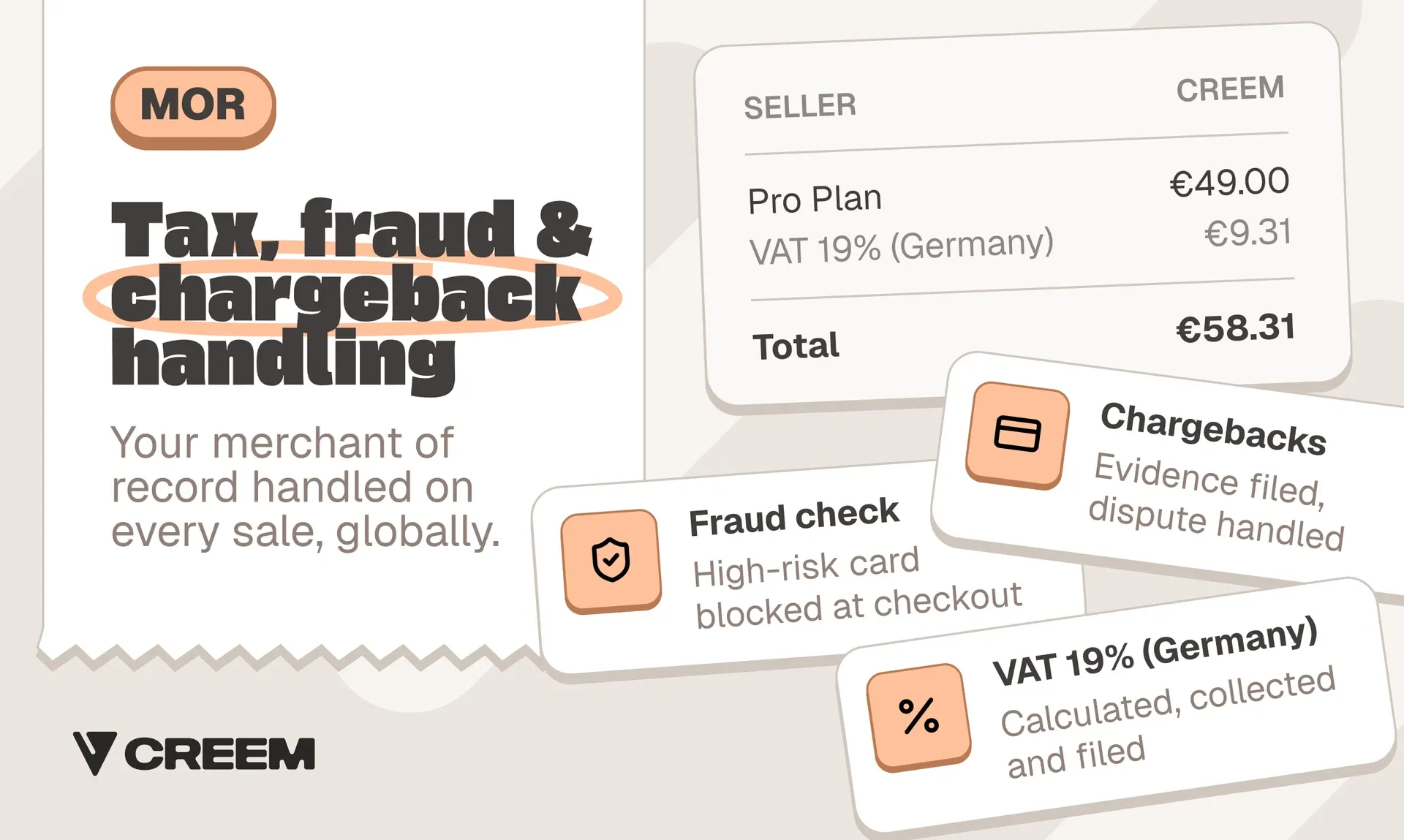
Creem becomes the legal seller of your software and digital products. We calculate, collect and remit VAT, GST and sales tax for buyers in 190+ countries, issue the invoice, handle chargeback disputes and pay out your sales proceeds. Usage billing, affiliates and revenue splits follow the same sale.
Pricing
The standard plan costs 3.9% + 40¢ per successful transaction, covering tax, invoicing, compliance and dispute handling with no monthly or setup fee. Revenue splits and the affiliate platform each add 2% on the standard plan, while abandoned-cart recovery takes 5% of the amount it recovers. Bank payouts cost 7 USD/EUR or 1% of the payout, whichever is higher.
Best for
Creem suits SaaS and AI startups selling subscriptions, usage or credits across many countries that want tax handled by a legal seller and partner payouts on the same platform. Registered companies can sell, and so can individuals after identity verification.
Pros and cons
Pros:
- Usage billing charges per token, call or generation, and prepaid credit wallets refill before they hit zero.
- Affiliates and revenue splits pay partners and co-founders from the same balance as your sales.
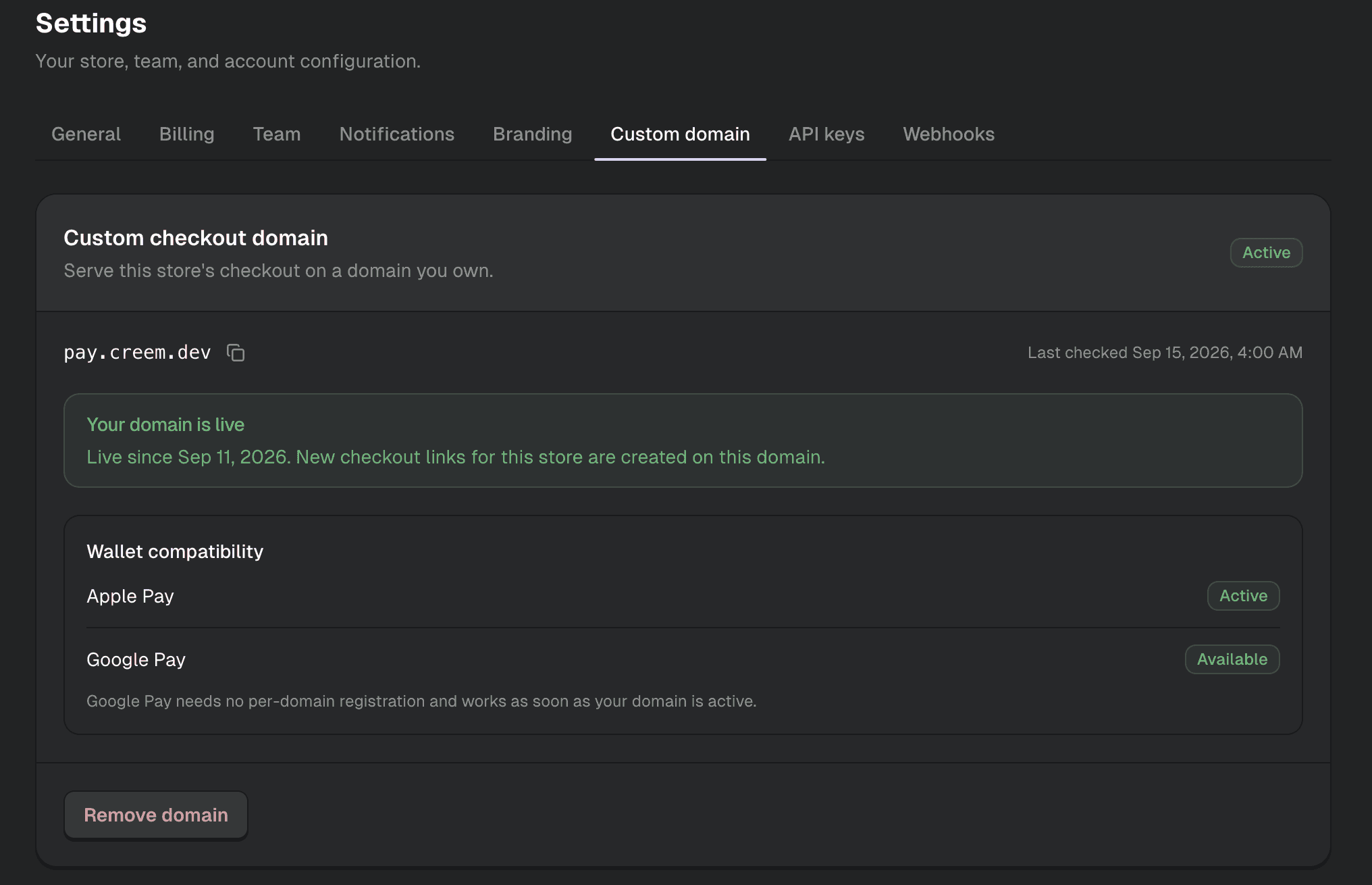
- Checkout runs on your own domain, with Apple Pay and Google Pay once the domain is verified.
Cons:
- Not built for physical goods, retail or ERP-led tax operations.
- Not for businesses that must stay the seller of record themselves.
Compared with Avalara
Avalara helps your business file while you remain the seller. Creem takes that role for the sales it processes, so we file the returns and remit the tax on those sales.
When DaisyUI moved to Creem, Pouya Saadeghi needed revenue splits and said, "It was like a key feature that I was looking for. Creem has this and it works really well." The manual migration took a few hours, with no extra tools for profit sharing.
If co-founders or partners share your revenue, try Creem so they get paid from every sale while we file and remit the tax as the seller.
2. Paddle merchant of record
For eligible software businesses, Paddle resells your software to the buyer, so state and country tax returns for those sales stop being yours. It handles checkout, recurring billing and transaction-tax calculation, collection, filing and remittance, while your team keeps building, delivering and supporting the product.
Pricing
The standard rate is 5% + $0.50 per checkout transaction, with no monthly or migration fee. Some sellers can get custom rates.
On a $100 sale, Paddle takes $5.50, leaving **$94.50 before payout charges**. Payouts in another currency can incur up to 1.5% conversion, plus SWIFT fees where applicable, so the checkout fee is not always the full cost of getting paid.
Best for
Paddle suits established SaaS companies selling seats or fixed plans that want one reseller to handle checkout, subscriptions and transaction tax. Its native usage billing is still in beta, so products selling credits with top-ups or automatic overage charges need a second billing provider alongside Paddle.
Pros and cons
Pros:
- Billing-related buyer support goes to Paddle, reducing the payment questions your team handles.
- Third-party usage-billing providers can send charges to Paddle, giving consumption-priced products a route beyond its native billing.
Cons:
- Monthly payouts mean sales made early in the month wait for a single transfer.
- Native usage billing is in beta, with prepaid allowances that expire at renewal, no top-ups and no automatic overage charging.
Compared with Avalara
My verdict is that Paddle takes filing off a plan-based SaaS team’s desk, but its native billing falls short for AI products that depend on replenishable credits and consumption charges.
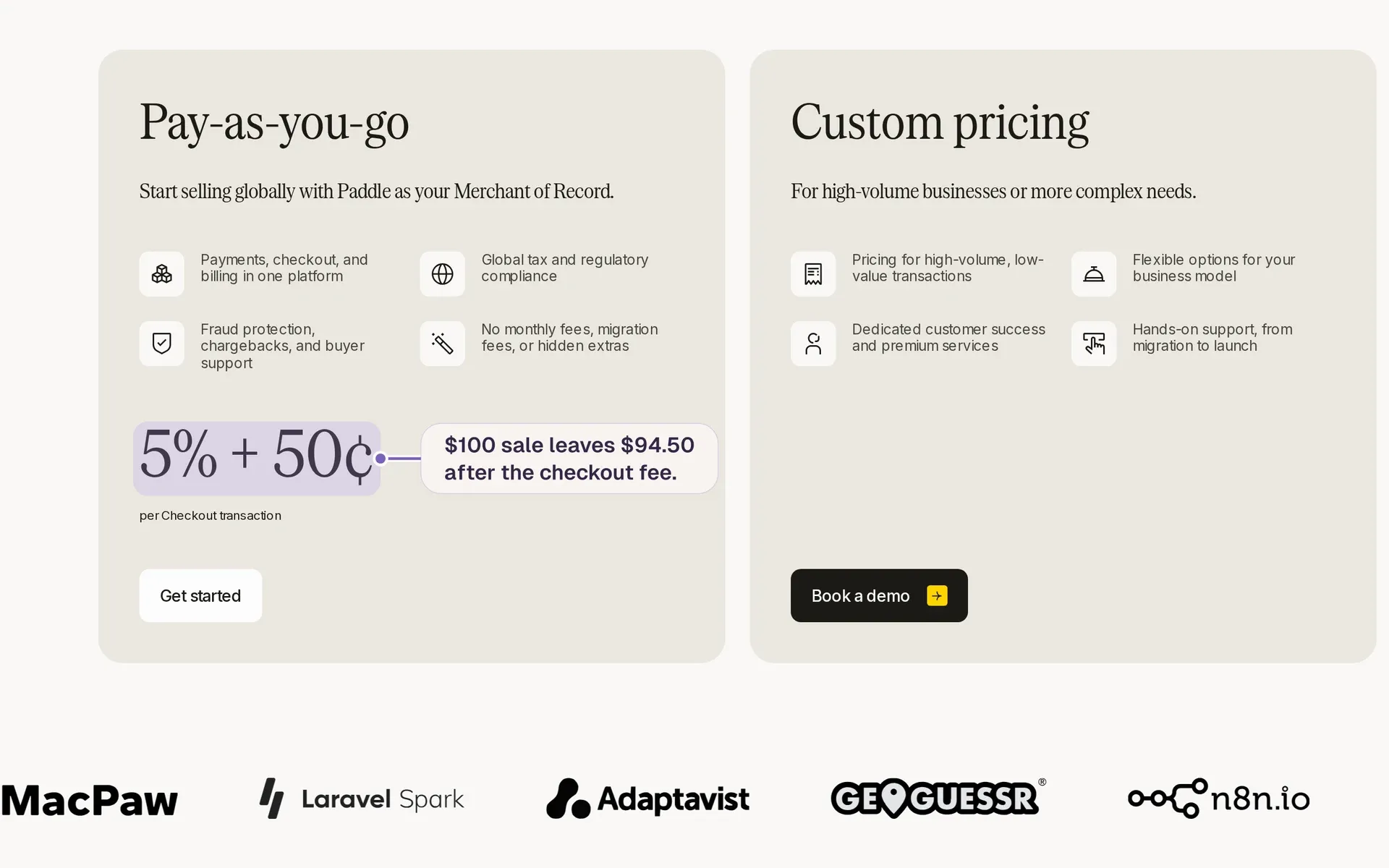
Paddle pricing page: pay-as-you-go at 5% + 50¢ per checkout transaction alongside custom pricing
With Avalara, you stay the legal seller and remain responsible for registrations and filings while it calculates tax, even when you buy filing assistance. Paddle takes that responsibility for the sales it resells, along with control of checkout and recurring billing.
3. FastSpring merchant of record

FastSpring homepage: all-in-one payments, subscriptions, and automated tax compliance for software, gaming, and digital…
FastSpring becomes the legal seller for software sales, handling transaction-tax collection and remittance for sales processed through its platform. Payment processing and seller payouts move there too, so you replace your processor as well as your tax service.
Pricing
FastSpring negotiates its commission by transaction type and volume, with no published percentage. Without a standard rate, you cannot calculate what you would keep from a $100 sale.
FastSpring has no minimum transaction volume, though individual contracts may include financial commitments. Currency conversion adds 2.5% when your store and payout currencies differ.
Best for
FastSpring suits software and game publishers selling downloads and licenses who want commerce and transaction-tax operations handled together. It is less suitable if your existing processor and checkout must stay, because you cannot buy FastSpring solely as a payment processor.
Pros and cons
Pros:
- Sales-tax and VAT audit responses are included for FastSpring transactions, taking that tax-authority work off your team.
- No minimum transaction volume is set, so a smaller software catalogue is not priced out at the start.
Cons:
- After live processing starts, a 45-day monitoring hold precedes first-payout scheduling. Budget for cash arriving later, with balances below the default $100 threshold rolling forward.
- Representative-led review, including KYC, must clear before the store goes live. Allow for that review in your launch plan.
Compared with Avalara
I see FastSpring as a commerce replacement that means giving up some control. Its review determines when your store can go live, while the initial hold and standard 14-day transaction settlement determine when sales become money you can receive.
Avalara’s AvaTax instead handles tax determination within the billing or ERP systems you already run.
Keep a tax engine if your processor and checkout must stay. Shortlist FastSpring if you want payment and transaction-tax operations off your desk and can cover the wait for the first payout.
4. Lemon Squeezy merchant of record
Lemon Squeezy homepage: “Payments, tax & subscriptions for software companies” beside a tablet showing a dashboard
For approved software and digital-product sales, Lemon Squeezy is the seller to your buyer, so VAT and sales tax on those sales become its job.
Pricing
The 5% + $0.50 base rate applies to the tax-inclusive order value, so a $100 sale with no tax or surcharges leaves $94.50.
Subscriptions add 0.5%, transactions classified as international outside the US add 1.5%, and PayPal adds another 1.5%, while non-US bank payouts cost 1% of the payout.
Best for
It suits digital-product and template sellers who need self-serve checkout with subscriptions and license keys.
Pros and cons
Pros:
- Lemon Squeezy takes the legal-seller role for approved platform sales, so VAT and sales tax on those sales leave your filings.
- No monthly ecommerce fee means no ecommerce subscription cost in months without sales.
Cons:
- International, PayPal and subscription surcharges each add to the base rate.
- Your app still grants and removes access when subscriptions start or end.
Compared with Avalara
To me, the deciding difference is who owns the returns. Lemon Squeezy becomes the seller, while your business stays responsible with Avalara, even with filing assistance. Work out the applicable surcharges on international renewals before comparing that handoff with a tax engine.
5. Dodo Payments merchant of record
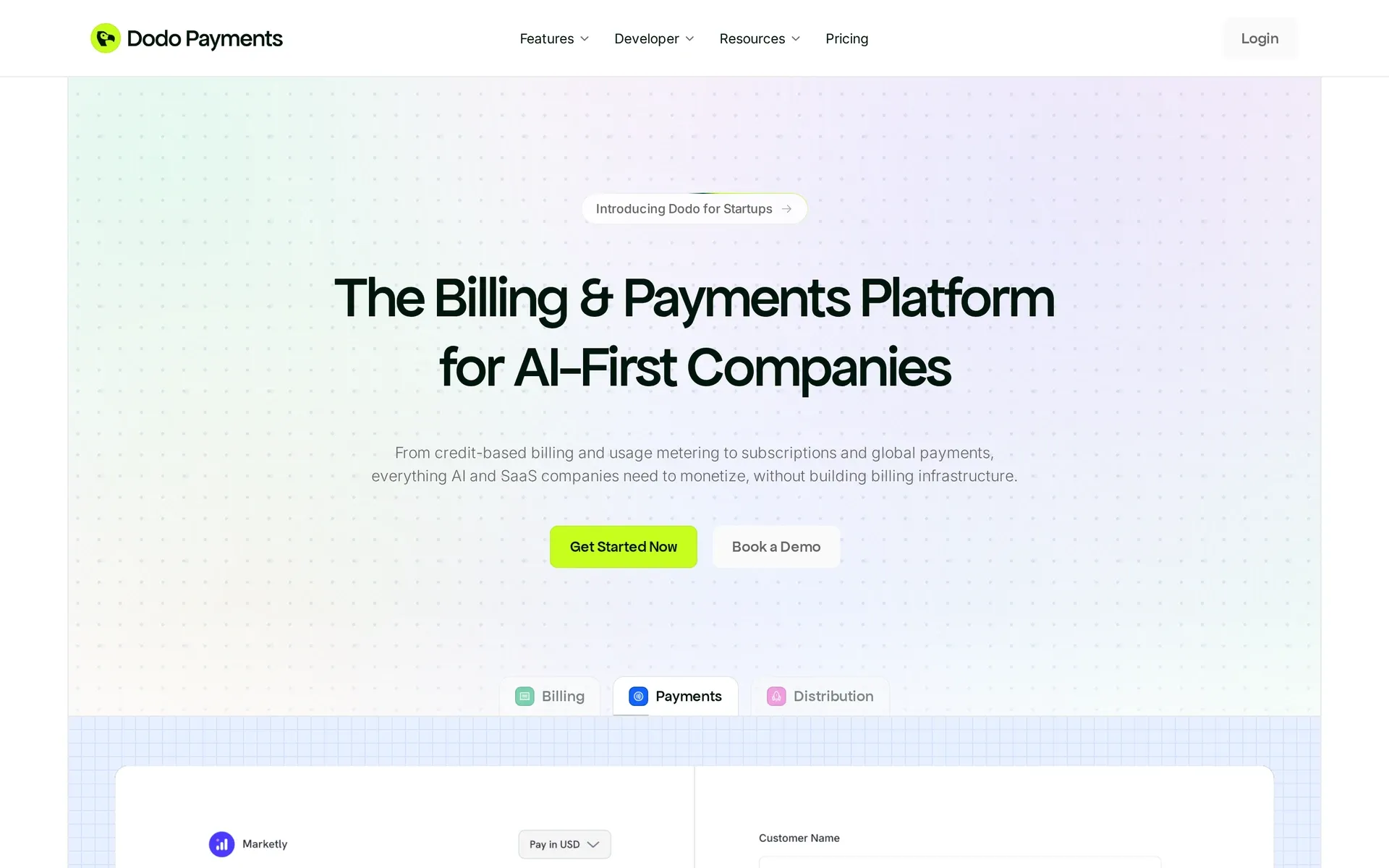
Dodo Payments homepage: billing and payments platform for AI-first companies, with Get Started Now and Book a Demo buttons
Dodo resells your software to the buyer, so collecting and remitting tax becomes its job for eligible sales through its platform. It also handles subscriptions, usage charges and credit billing, so the seller role and consumption billing sit in the same payment flow.
Pricing
The base rate is 4% + $0.40, with no fixed costs. Cards outside the US add 1.5%, while subscriptions, add-ons and usage billing add 0.5%, with ACH and SEPA direct debit exempt from both surcharges. Together, those charges make an international card subscription 6% + $0.40 before other charges.
PayPal adds 3%, while cart recovery, subscription dunning and payment retries are free to enable and cost 5% of successfully recovered revenue. Refunds cost $1 and disputes cost $30.
Successful dispute prevention costs $18 through Visa RDR, $27 through Ethoca or $15 for dispute deflection. Regular payouts have no listed fee except $5 below $1,000, with a $25 international USD SWIFT charge for non-US businesses and FX charges on non-USD settlements.
Best for
Dodo fits software, template and plugin sellers who want to hand off tax and keep usage or credit billing in the same place. Products must give buyers immediate usable value, which rules out human-delivered services and pre-launch products.
Pros and cons
Pros:
- Credit billing supports rollover, overage and expiration controls, letting allowances follow your product’s pricing rules.
- ACH and SEPA direct debit cost 1.5%, capped at $15 and €15 respectively, replacing card fees without international or subscription surcharges.
Cons:
- A $100 international card subscription leaves $93.60 before other charges once the international and subscription surcharges apply.
- Eligibility checks every director’s and beneficial owner’s government-ID issuing country. A supported incorporation country or bank account does not override unsupported ID origin.
- Dodo excludes cloud-compute credit resale, hosting and unauthorized AI API resale. Credits buying use of your own software are a different case.
Compared with Avalara
What matters to me is who owns the tax after the move. Dodo takes responsibility for eligible platform sales, while Avalara leaves you as the legal seller even with filing help.
In my view, your owners’ ID countries and your product category come before the fee comparison, because Dodo’s ID-country rules and product exclusions decide whether it is an option at all.
6. Stripe Tax compliance software
Stripe Tax calculates tax within your Stripe payment setup while your business remains the legal seller. It adds tax services to the payments you already run rather than reselling your software.
Pricing
No-code pricing is 0.5% of transaction volume, charged only in locations where you are registered. That volume includes the tax collected.
API pricing is $0.50 per transaction, including 10 calculation calls. Each extra call costs $0.05.
Tax Complete starts at $90 a month, on an annual contract billed monthly. The lowest tier includes:
- 2 registrations a year
- 200 transactions a month
- 2,000 calculations
- 4 filings a year
Filing runs through partners Taxually and TaxJar. These tax-service costs sit alongside your payment-processing and billing costs, rather than replacing them.
Best for
Stripe Tax fits software companies already using Stripe that want to keep their checkout and remain the seller.
Someone on your team still needs to own compliance, whether they do the filing work themselves or oversee the managed service.
Pros and cons
Pros:
- Tax calculation covers 100+ countries and all US states.
- The API works with processors other than Stripe, so Stripe Tax can calculate tax for payments processed elsewhere.
Cons:
- Pay-as-you-go calculation leaves filing and remittance with your business wherever you are registered.
- Non-US registrations go through Taxually at extra cost.
Compared with Avalara
Stripe Tax puts calculation in the Stripe stack you already use. Avalara supplies a separate tax engine that can sit within your billing or ERP systems.
Neither arrangement changes who sells to the buyer, even when you pay for filing assistance.
7. Quaderno tax compliance software
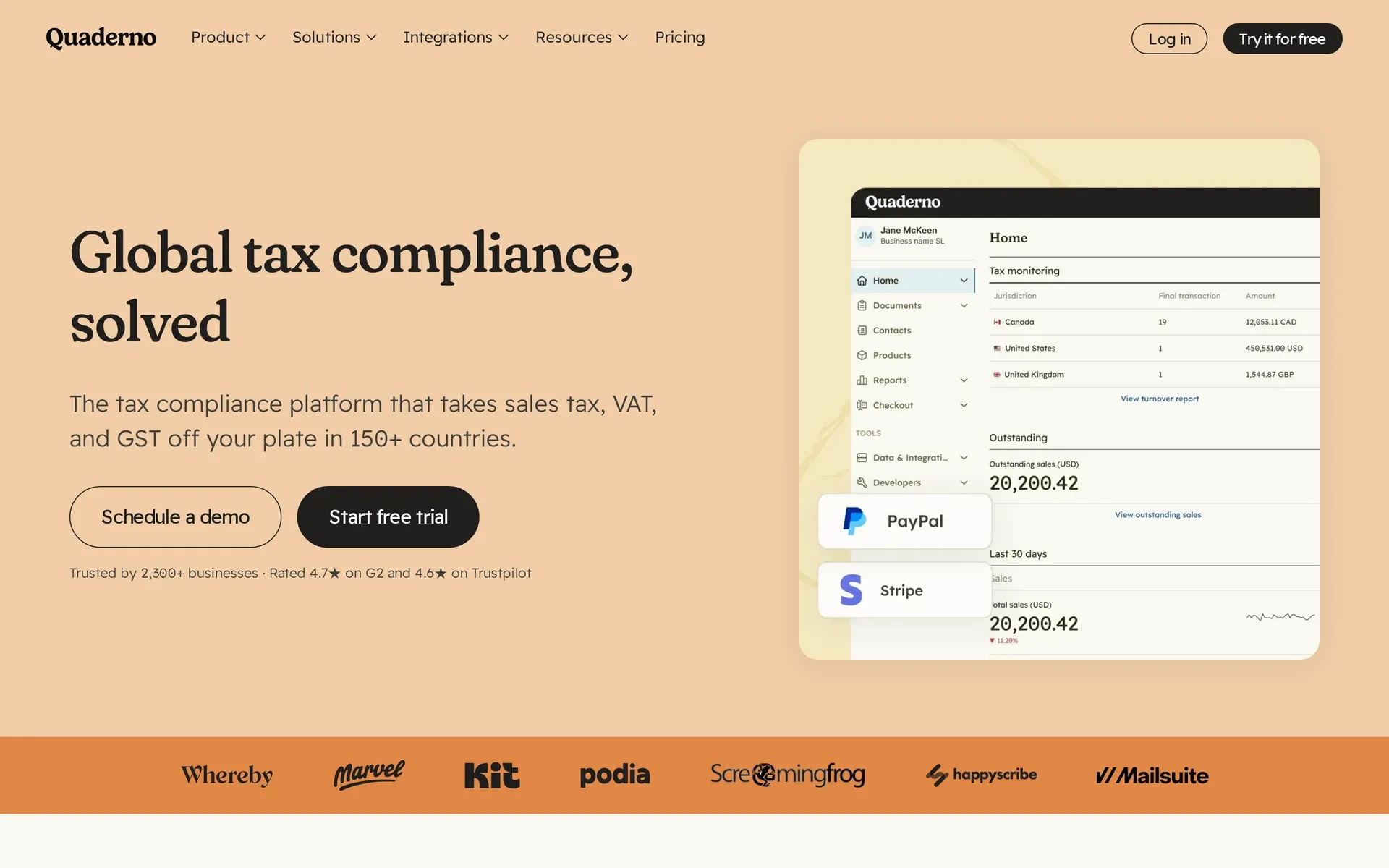
Quaderno homepage: “Global tax compliance, solved” headline beside a tax dashboard with PayPal and Stripe logos
Quaderno calculates tax at checkout on payments through your own processor or storefront, including Stripe and PayPal, then creates invoices and tax reports. Your business remains the legal seller and owes the tax.
Pricing
Plans are sized by recorded transactions and API calls. The allowance counts sales, refunds and purchases, including invoices, receipts, credit notes and expenses created manually or through integrations.
For example, 100 subscription invoices and 10 refund credit notes use 110 documents of allowance. Count only successful renewals and you underestimate the plan size you need.
Registration and filing help come through an optional add-on delivered by partners. Budget for that separately from calculation and reporting.
Best for
Quaderno suits software and digital-product sellers who want to keep their processor or storefront and have someone on the team own compliance. A startup selling in many countries that wants someone else to hold the registrations, returns and tax liability needs a merchant of record instead.
Pros and cons
Pros:
- Threshold alerts warn when you approach or exceed a registration threshold, giving your compliance owner a signal to act.
- Processor and storefront connections reduce manual sales-data entry.
- Local partners help with registration and preparing and submitting US sales-tax, EU VAT OSS and GST returns through the optional add-on.
Cons:
- Your business stays the legal seller and owes the tax. Partner filing help depends on your business and jurisdiction.
- Quaderno does not generate subscription, usage or credit charges. Your billing system and processor still run renewals, collection and payouts.
Compared with Avalara
I see Quaderno as the lighter tool for calculation, invoices and reporting around a processor you already use. On the legal seller question, it works the same way as Avalara, because you own the tax either way.
The difference is in what the service covers. Avalara’s US Core Compliance bundle includes filing and remittance, while Quaderno’s filing help is an optional partner service.
If you want to stop owning tax compliance on future sales, build your shortlist from the merchants of record above.
8. Anrok sales tax automation
Anrok handles tax calculation and filing for software companies, but your company stays the legal seller. It works with your existing billing stack rather than taking over payments.
Pricing
Anrok's Starter plan charges a flat $100 per market each month, counting each US state and most countries separately. Anrok recommends its custom-priced plan for teams in 10 or more markets, and ecommerce companies use a different pricing model.
Starter includes global exposure monitoring, real-time tax calculation, and filing and remittance in that monthly charge.
Best for
Anrok suits software companies that have a finance or tax owner and want to keep their billing stack. If your team wants tax off its plate, look at a merchant of record.
Pros and cons
Pros:
- Software taxability covers subscriptions, digital downloads and usage-priced products.
- Economic-nexus tracking helps identify obligations across US states.
- VAT/GST automation covers the EU, UK and Canada.
Cons:
- Registrations, returns and notices remain in your company’s name.
- Each new US state adds a monthly charge, so crossing more nexus thresholds raises the bill even if revenue stays flat.
- From 10 markets, Anrok points you to its custom-priced plan, so a growing footprint needs a quote before you can budget it.
- Anrok taxes usage charges but does not meter or collect them. Checkout, renewals, payouts and chargebacks stay with your billing tool and processor.
- Some states require an officer’s SSN or ITIN, though some may accept passport numbers. Anrok cannot obtain an ITIN, potentially delaying registrations for founders outside the US.
Compared with Avalara
Avalara’s Core Compliance costs $79 per state/month or $799 per state/year for businesses with annual revenue under $50 million, with a three-state minimum. That covers calculation, filing, remittance, notices, nexus monitoring and exemptions, while final pricing varies with volume, services, integrations and jurisdictions.
For five states, Avalara's monthly package comes to $79 × 5 = $395 a month, against $100 × 5 = $500 a month on Anrok's Starter. Compare what each package includes before treating the lower figure as the cheaper choice.
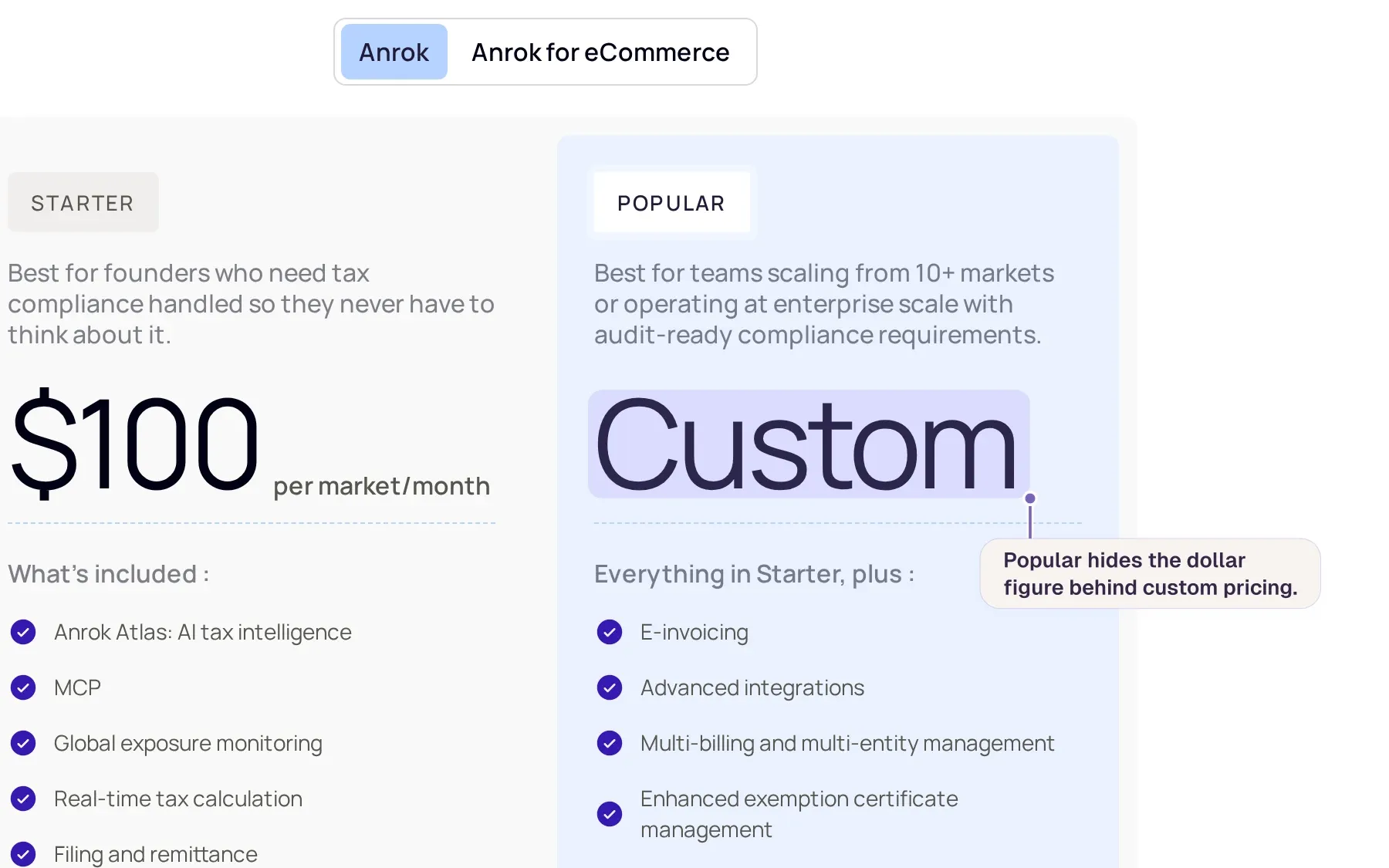
Anrok pricing page: Starter at $100 per market/month and Popular with custom pricing, alongside included features
I would consider Anrok if software taxability is driving the move from Avalara and someone already owns compliance.
9. Kintsugi sales tax automation
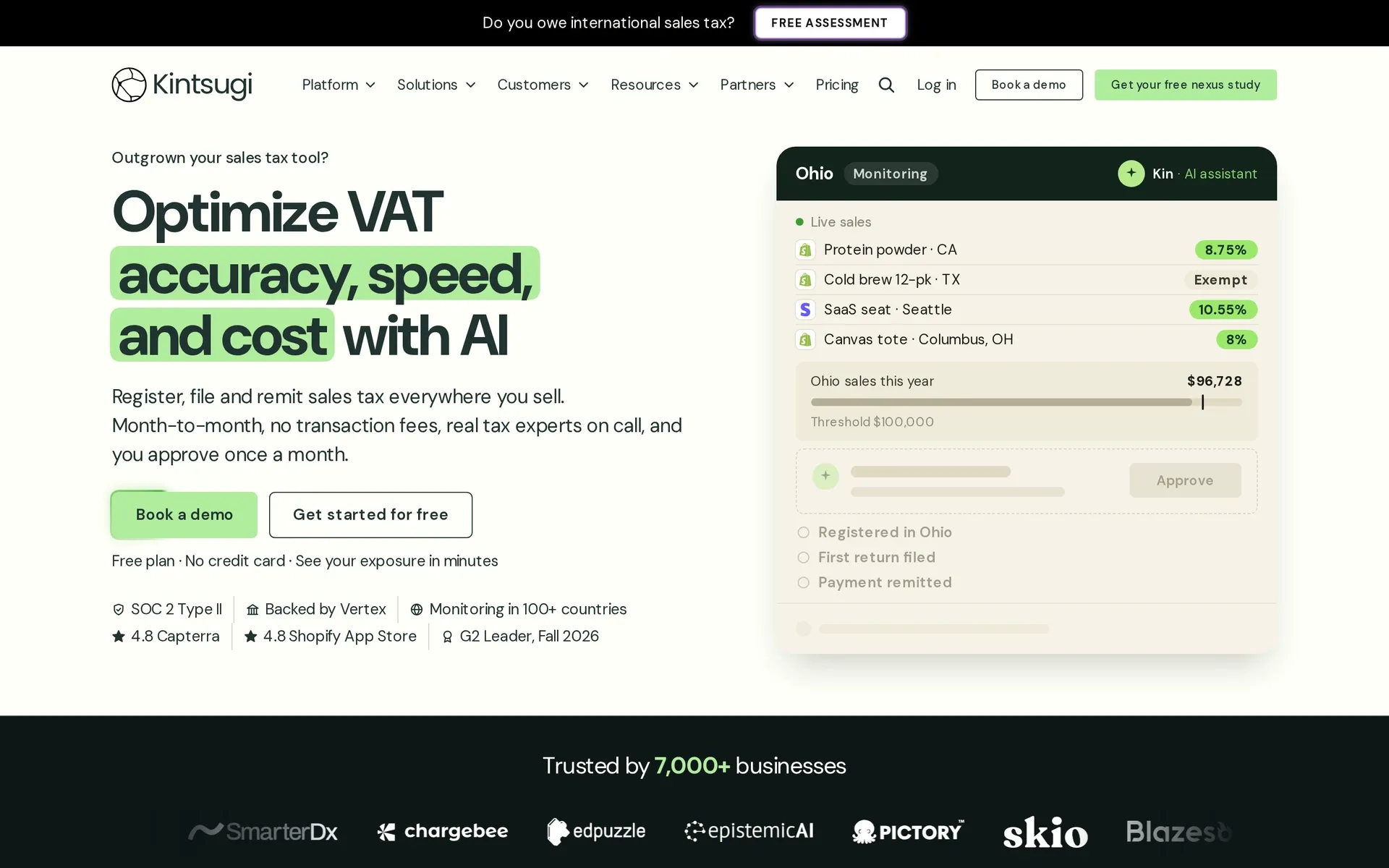
Kintsugi homepage: “Optimize VAT accuracy, speed, and cost with AI” beside a sales tax monitoring dashboard
Kintsugi adds tax-compliance software and managed filing to the billing you already use, but your company stays the legal seller.
Pricing
Free costs $0, while Starter charges $75 per US or Canadian action for registrations, filings and corrections, with no onboarding or transaction fees.
Scale and Premium have custom monthly prices, but Premium back-filing and voluntary disclosure agreement (VDA) work requires an annual contract.
For example, three registrations plus monthly returns in those states adds up to 3 + 36 = 39 actions, costing $2,925 for the year.
Best for
Kintsugi suits teams that want tax added to the billing they already run, while merchants of record are worth a look if you want the tax duty off your plate.
Pros and cons
Pros:
- Free monitoring identifies exposure and historical liabilities.
- Stripe renewals feed nexus monitoring, while refunds adjust the tax owed on those transactions.
- Scale and Premium cover penalties or interest caused by Kintsugi’s calculation or filing errors.
Cons:
- Registrations and returns remain in your name.
- Free excludes registration, filing and remittance.
- Real-time calculation starts on Scale, API access on Premium.
- Scale requires you to forward tax-authority notices.
Compared with Avalara
I see the useful difference in how you buy compliance. Avalara bundles services in a per-state package, while Kintsugi separates free monitoring from Starter’s paid actions.
Free shows your exposure before you pay for the registrations, returns and remediation it would trigger, but your company stays the seller either way.
Avalara alternatives compared: tax model, coverage and pricing
If your checkout already works, replacing Avalara comes down to whether you stay the legal seller or hand that role to a reseller.
| Tool | Legal seller | Work left with you | Pricing basis |
|---|---|---|---|
| Avalara | Your business | Legal responsibility stays, Core manages filing and remittance | US Core $79/state/month below $50M annual revenue |
| Creem | Creem | Product delivery and access | 3.9% + 40¢, split and affiliate add-ons, payout charges |
| Paddle | Paddle | Product delivery and access | 5% + $0.50, payout charges |
| FastSpring | FastSpring | Product delivery, access, website policies | Negotiated commission, conversion charges |
| Lemon Squeezy | Lemon Squeezy | Product delivery and access | 5% + $0.50, surcharges, payout charges |
| Dodo Payments | Dodo Payments | Product delivery and access | 4% + $0.40, surcharges and extras |
| Stripe Tax | Your business | Registrations, returns, notices | 0.5% of no-code volume where registered, Tax Complete from $90/month |
| Quaderno | Your business | Registrations, returns, external billing | Usage-sized subscription, filing add-on |
| Anrok | Your business | Registrations, returns, external billing | Starter $100/market/month, custom plan for 10+ markets |
| Kintsugi | Your business | External billing and tax responsibility, paid US/Canada compliance help | Free excludes registration/filing/remittance, Starter $75/action, custom tiers |
On a $100 international subscription, Creem's 3.9% + 40¢ leaves you with $95.70, Paddle's 5% + $0.50 leaves $94.50, Dodo's 6% + $0.40 leaves $93.60 and Lemon Squeezy's 7% + $0.50, with its subscription and international surcharges, leaves $92.50. You need a quote from FastSpring to make the same comparison.
Creem, Paddle and Lemon Squeezy calculate their percentage fee on the full amount the buyer pays, including tax.
My judgement is that tax engines fit teams keeping their checkout with a compliance owner, while merchants of record fit teams handing off registrations and returns.
With tax software, the fixed package costs depend on the markets or services you buy:
- Anrok Starter charges $100 per market each month.
- Avalara Core charges $79 per state each month for businesses below $50 million in annual revenue, with a three-state minimum.
- Stripe Tax Complete starts at $90 a month.
Those charges sit on top of your processor and billing costs. Your team's filing and compliance hours belong in the comparison too, even when the package includes managed filing.
A merchant of record instead takes a share of every sale. Creem charges 3.9% + 40¢ per successful transaction for tax, invoicing, compliance and dispute handling, with payout and optional partner fees on top.
On cost, a few markets with high revenue tend to favour a tax engine because its fixed package charge does not grow with every sale.
Selling into more countries at modest revenue per country tends to favour a merchant of record because its fee follows sales rather than adding a fixed compliance bill in each market.
Which Avalara alternative should you choose?
Pick a merchant of record if you want someone else to be the seller on your sales from here on.
A tax compliance tool fits if you want to stay the legal seller and keep your existing billing stack. That is also why ERP-heavy and physical-goods sellers stay on Avalara.
The difference shows up in how many returns you file. If your company is registered in four US states that each require monthly filing, it submits 4 × 12 = 48 returns a year in its own name.
A tax tool can prepare and submit those returns. Your team still owns the sign-off, notices and reconciliation against payouts, and each new state requiring monthly filing adds twelve more returns.
A merchant of record files and remits for the sales it makes, so entering a new market does not add a registration in your name.
Your existing VAT numbers and state permits stay in your name after you switch. Bring a tax advisor in so someone files the final returns and closes each registration.
Then put each option on your shortlist through three checks:
- Countries: check it lists your buyers' countries and your company's country, since the lists differ. A tax tool must also register and file in each one.
- Billing model: subscriptions, usage charges, credit packs and refunds all run through it.
- Partners: check that affiliate commissions and co-founder shares can be paid from the same balance as your sales.
Creem: Global software sales with payments and tax handled
If you run a SaaS or AI startup selling worldwide and want tax responsibility off your desk, a merchant of record fits that job, and Creem keeps usage meters and credit wallets on the same sale.
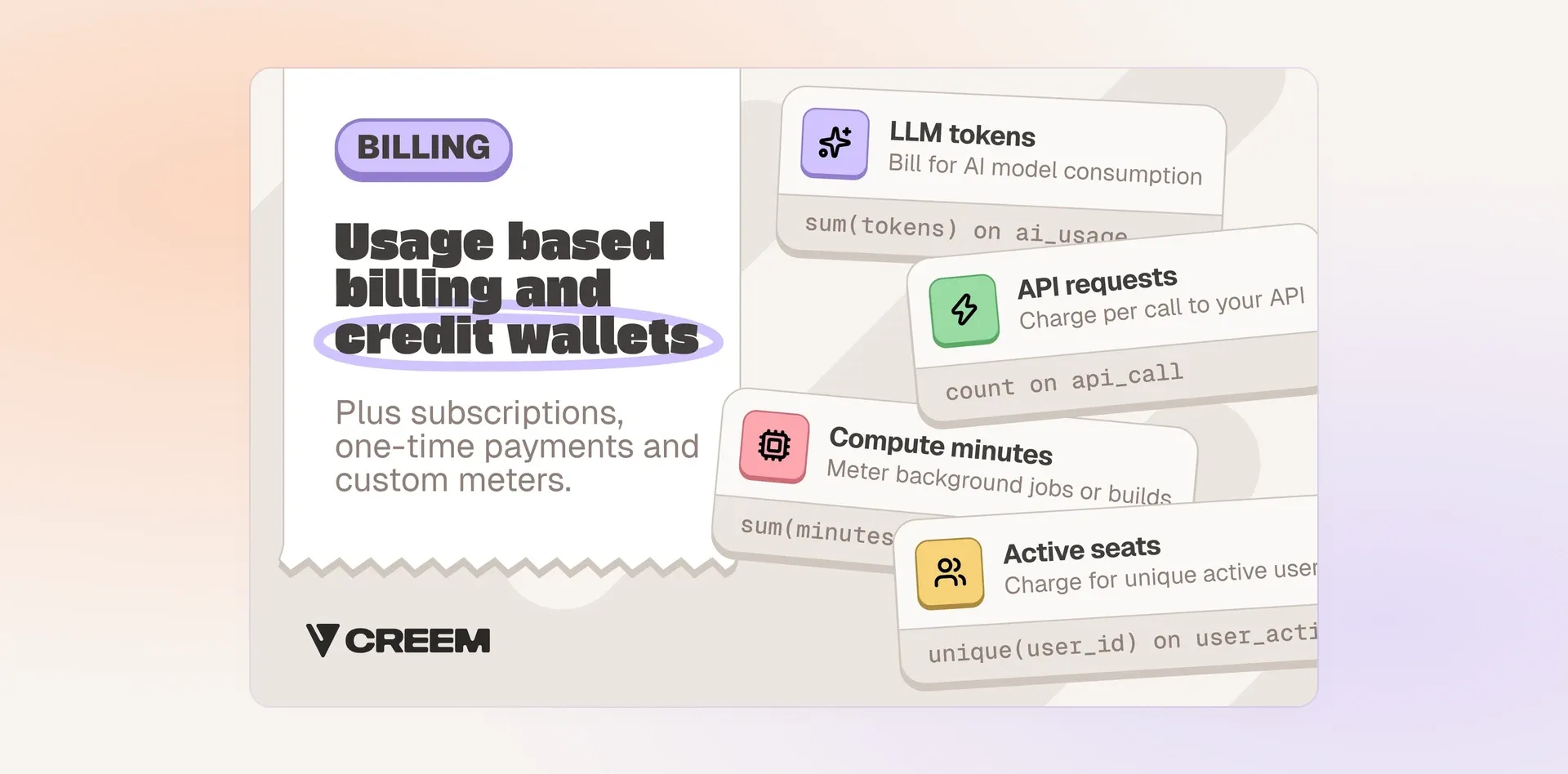
Creem feature card: Billing — usage-based billing and credit wallets (LLM tokens, API requests, compute minutes, active se...
To stop adding a tax registration with every new market, try Creem and let us file and remit VAT, GST and sales tax as the seller for buyers in 190+ countries.