
Payhip makes it easy to sell a digital product. One simple storefront handles your files, courses and memberships. You can start on Free Forever at $0 a month, with a 5% fee on each sale.
Plus brings the fee down to 2% for $29 a month. Pro removes it for $99 a month. Payment processing fees still apply on every plan.
But once your software bills buyers across countries for renewals, metered usage or prepaid credits, the questions change. Who is the legal seller on each sale? Who collects and remits the VAT and sales tax?
A merchant of record becomes the seller and takes that transaction-tax work off your desk. It does not answer every billing question, though. You still need to check whether subscriptions, usage billing, license keys, affiliates and revenue splits are built in, or whether they are more tools you have to wire together.
The eight alternatives here range from creator storefronts to software merchants of record. Some are both. Compare them on what a sale actually costs, who takes responsibility for tax, how you can charge, how the product gets to the buyer, and whether partners can get paid from the same sale.
The 8 best Payhip alternatives
The options fall into creator storefronts and software-focused merchants of record. For one-time downloads, every option here is the legal seller, so compare how each one delivers files and license keys.
If you need renewals, usage billing or prepaid credits, focus on the software platforms and check which charging models they support.
I would compare the per-sale rate plus any monthly plan. A low headline percentage tells you little about the total cost of taking a payment.
Delivery, license keys, affiliates and revenue splits may still be your job. Count the tools you would need alongside each payment platform to deliver the product and pay your partners.
Creem is ours. We built it for the software case above, so it comes first. If you mainly sell files, courses or memberships, Payhip or one of the creator storefronts below may be a better fit.
1. Creem
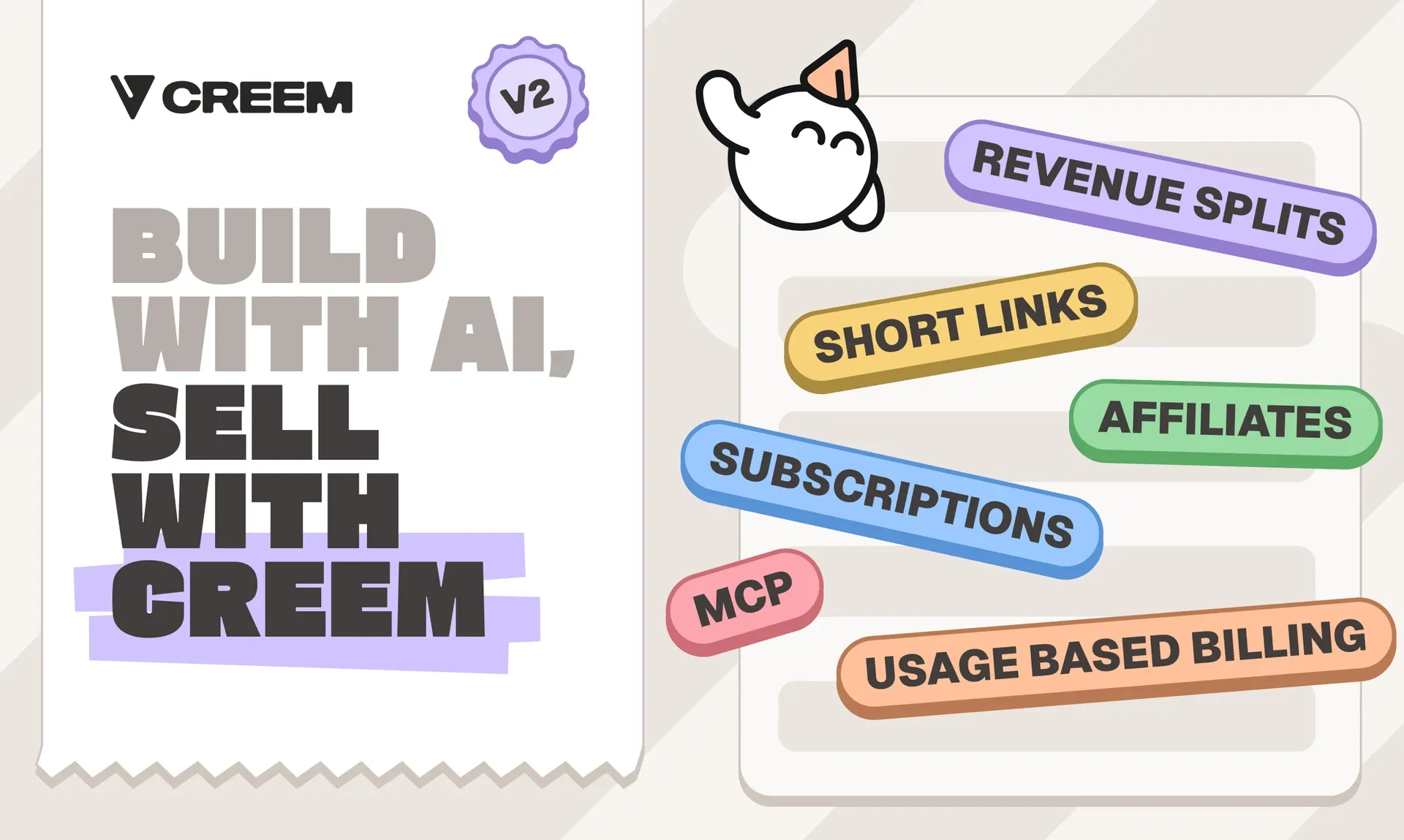
Creem is a merchant of record that charges one rate of 3.9% + 40¢ per successful sale, with no monthly plan and no separate card-processing fee. On a $100 sale you keep $95.70, against $91.80 on Payhip's Free Forever plan.
We are the legal seller, so we handle VAT, GST and sales tax collection and remittance. Our native affiliates and revenue splits pay partners from the same checkout.
Key features
- Checkout on your own domain, hosted or embedded
- Visa, Mastercard, Amex, Discover, Apple Pay and Google Pay, in multiple currencies
- Subscriptions with seat billing and failed-payment recovery
- Trials and automatic renewals
- Subscription cancellation through the customer portal
- License keys with activation limits, plus file delivery
- Help moving active subscriptions from another provider, as a custom project we run with you
- Revenue splits that pay a partner or collaborator their share of each sale, plus native affiliates
- Credit wallets and usage meters, so AI buyers can prepay before compute is spent
- No-code checkout links, plus a checkout API for custom flows
- Type-safe SDK for Node.js, Deno and Bun
Uneed switched in minutes, changing 1,500+ lines of code with 3 AI prompts and 0 integration errors. DaisyUI moved its products in a few hours and now shares revenue with 0 extra tools.
Pricing
There are no monthly, setup or minimum fees. A $100 sale leaves $95.70 before payout transfer costs, against $94.50 at 5% + 50¢. Affiliates and revenue splits each add 2% on the standard plan.
Best for
Software sellers who want a merchant of record to handle tax worldwide and keep more of each sale than on Payhip's Free Forever plan, with no monthly plan. It also fits SaaS and AI teams that bill for usage or credits, or share each sale with affiliates or partners.
Pros and cons
Pros
- 3.9% + 40¢ per successful transaction, with no monthly, setup or minimum fees. A $25 download costs $1.38 in fees.
- Merchant review usually takes 1 to 2 working days.
- Meters, credit wallets with auto-refill, affiliates and revenue splits run on the account that collects the tax.
- Products, store settings and webhooks can be managed through the API, CLI or MCP.
Cons
- Revenue splits and the affiliate platform each add 2% on the standard plan, so a $100 sale with a split costs another $2.
- New payments may be held 7 to 12 days for risk review. Payouts run on the 1st and 15th once the balance reaches 50 USD or 50 EUR, and each payout carries a transfer fee.
- AI image and video products must integrate the Creem Moderation API, and generative AI products may need extra verification before approval.
Compared with Payhip
On a $100 sale, Payhip Free Forever leaves $91.80 after 2.9% + 30¢ processing. Pro leaves $96.80 and costs $99 a month. Creem leaves $95.70 with no monthly plan, and we handle the tax as the legal seller.
I would choose Creem for software that bills for renewals, usage or credits, and stay on Payhip for courses and coaching. If you sell software, try Creem and run tax, billing and partner payouts from one account.
2. Gumroad
Gumroad offers optional marketplace discovery through Discover, and it handles transaction taxes as merchant of record.
Key features
- Profiles and checkout links let you sell directly.
- Memberships support recurring sales.
- License keys support licensed software sales.
- Pay-what-you-want pricing lets buyers decide how much to pay for a product.
- Recurring payments can be billed monthly, quarterly, every six months, or yearly.
Pricing
No monthly fee. Direct sales cost 10% + 50¢ plus processing, leaving $89.50 on a $100 sale before processing. Discover sales cost 30%, processing included. If you refund a direct sale, Gumroad keeps the 10% + 50¢ platform fee.
Best for
Creators who want to reach buyers through Gumroad's Discover marketplace and sell downloads, memberships or license keys, rather than metered software.
Pros and cons
Pros
- Discover can put your products in front of buyers browsing the marketplace.
- No monthly fee, and Gumroad has been merchant of record for sales tax worldwide since January 1, 2025.
- Pay-what-you-want pricing and memberships sit next to license keys, so one account covers downloads, software and recurring sales.
- You collect buyer email addresses for later campaigns.
Cons
- A $100 direct sale costs $10.50 in Gumroad fees plus $3.20 at 2.9% + 30¢ processing, leaving $86.30. A Discover sale leaves $70.
- Sales wait at least seven days before payout, and instant payouts cost an extra 3%.
- You cannot customize the store layout, brand colors or fonts, and course content needs another host.
Compared with Payhip
On Payhip Free Forever, the same $100 sale leaves $91.80, and the money goes straight into your PayPal or Stripe account. You also get more control over the storefront design.
I would move to Gumroad for Discover traffic, not for fees. The other difference is tax coverage. Gumroad handles sales tax worldwide, while Payhip's listed coverage covers EU and UK VAT and US and Canadian sales tax on digital sales.
3. Lemon Squeezy
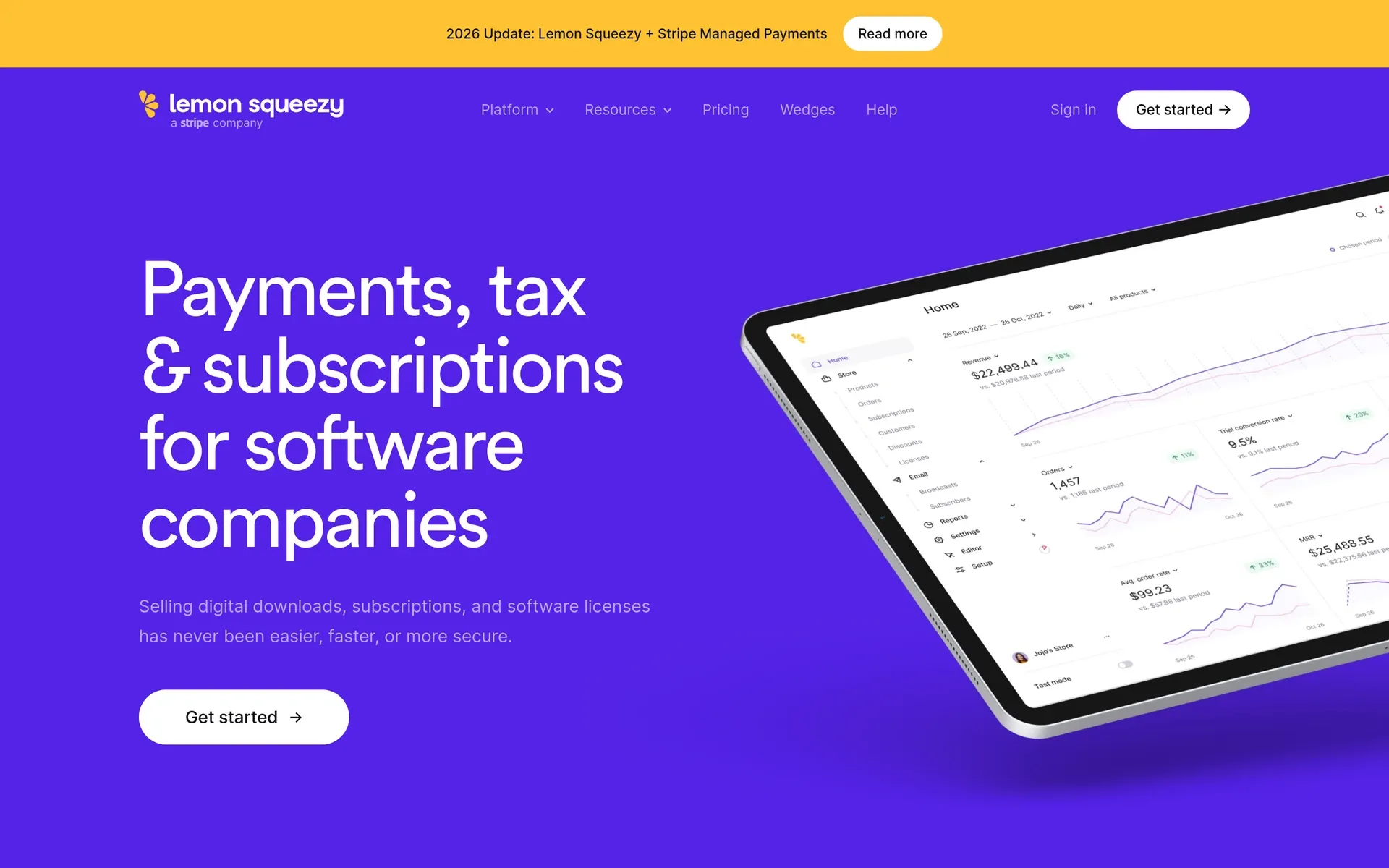
Lemon Squeezy ties license keys to the subscription that paid for them, and it acts as the legal seller on every sale, handling transaction tax and recurring billing.
Key features
- Automatic key expiry ties license validity to subscription expiry.
- Cancelled customers keep valid keys through their paid period.
- Signed download links let you deliver digital files alongside license keys.
- Failed-payment recovery handles subscription payments that do not go through.
- Affiliate tools are included.
- Embeddable checkout and an API let you put checkout inside your product or site.
Pricing
5% + 50¢ leaves $94.50 on a $100 payment before surcharges. Fees apply to price plus tax.
- International payments: +1.5%
- PayPal: +1.5%
- Subscriptions: +0.5%
International subscription payments carry both extras, from the first payment through renewals.
There is no monthly fee. For bank payouts through Stripe, there is no payout fee for US bank accounts. Bank accounts outside the US pay 1% per payout.
PayPal payouts cost $0.50 per payout for US accounts. Outside the US, the fee is 3%, capped at $30 per payout.
Best for
Software sellers who send a license key or download with each order and need the key to expire when the subscription ends.
Pros and cons
Pros
- License keys expire with the subscription, and cancelled customers keep valid keys through their paid period.
- Signed download links, failed-payment recovery and affiliate tools come in the same account.
- No monthly fee, and Lemon Squeezy is the legal seller on every sale.
Cons
- A $100 international subscription payment loses $7.50 in fees and leaves $92.50, against $94.50 on a US one-time sale.
- Fees apply to the tax-inclusive price, and bank payouts outside the US cost 1%.
- Each sale goes through a 13-day settlement hold before batching, so money reaches the bank roughly four weeks after the charge.
- There are no native revenue splits, and metered billing charges after usage, with no prepaid credits at checkout.
Compared with Payhip
On a $100 sale, Payhip Plus at $29 a month leaves $94.80 after its 2% fee and 2.9% + 30¢ processing, with payouts straight away. Lemon Squeezy leaves $94.50 on a US one-time sale, has no monthly plan, and handles the tax work as the legal seller.
I would pick it for licensed software sold once or on simple renewals. For international renewals, budget the extra 2%.
4. Paddle Billing
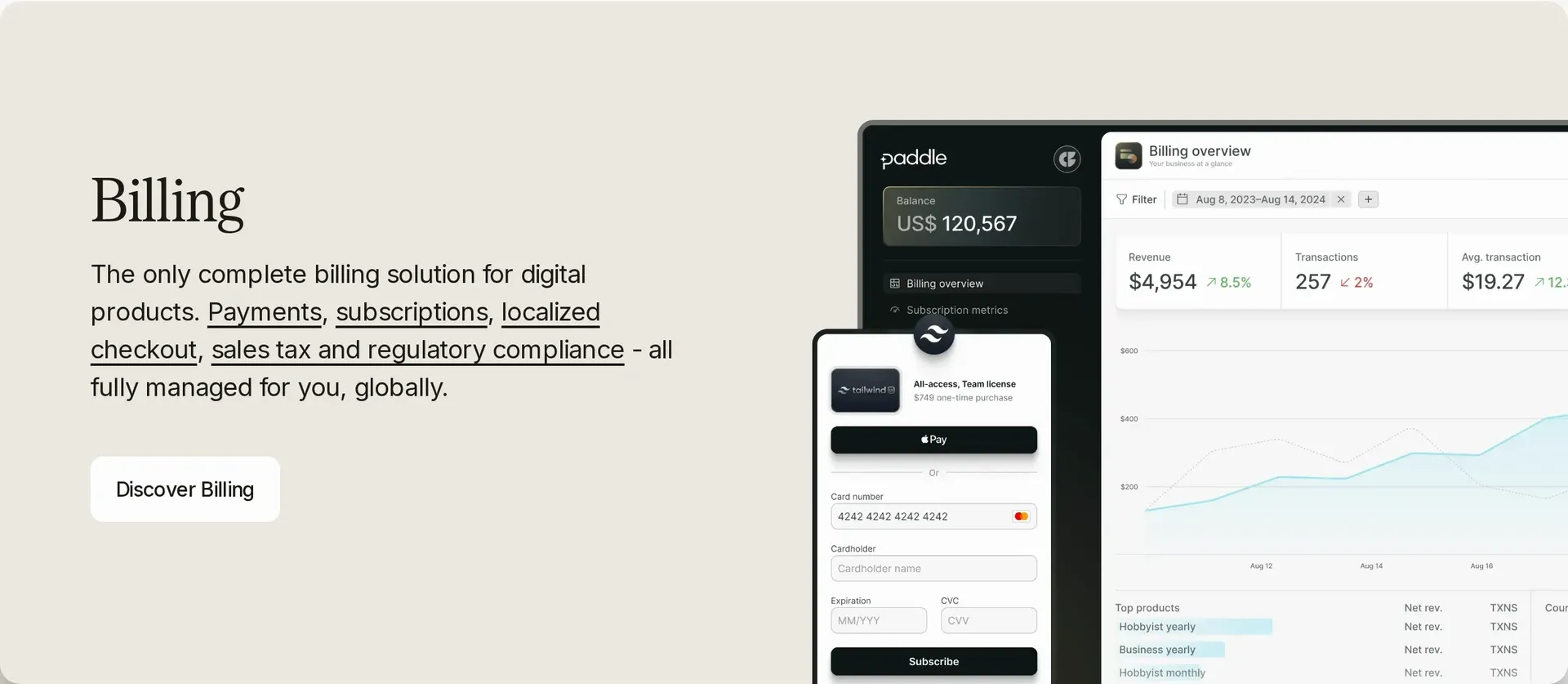
Paddle Billing is built for software subscriptions, and as the legal seller it calculates, collects and remits transaction tax. Physical goods and unrelated standalone services, including coaching, cannot move over.
Key features
- Seat additions are prorated to the minute, saving you the calculation.
- Card-paying accounts can switch to invoices without recreating subscriptions.
- You supply calculated usage charges as custom items on the next invoice.
- Present checkout on your site as an overlay or inline.
- Buyers can manage their subscriptions and billing through the customer portal.
- Failed-payment recovery and cancellation surveys help you keep subscribers.
- Real-time subscription analytics come at no additional charge.
- Local payment methods include Alipay, Bancontact, BLIK, iDEAL, KakaoPay, MB WAY, Naver Pay, Pix, UPI, and WeChat Pay. Apple Pay and Google Pay are available in every country except India and Turkey.
Pricing
Checkout costs 5% + 50¢, with no monthly or migration fees. Products under $10 qualify for bespoke-pricing discussions.
Payouts go out monthly. There are no on-demand withdrawals, and you can receive funds by wire transfer, ACH or Payoneer. The payout threshold starts at $100 and can be set as high as $100,000. If your balance is below your threshold, it carries over to the following month.
Wire transfers cost 15 USD, EUR or GBP. ACH payouts have no extra fee, while currency conversion can include a margin of up to 1.5%. Invoicing, advisory and implementation cost extra as add-ons.
Best for
B2B software subscriptions with a mix of card and invoice payments, where your app controls what each customer can access.
Pros and cons
Pros
- Seat changes prorate to the minute, and card-paying accounts can switch to invoices without recreating subscriptions.
- One 5% + 50¢ checkout rate with no monthly or migration fees, so a $100 payment leaves $94.50.
- Local payment methods such as iDEAL, Pix, UPI and WeChat Pay, plus a customer portal and failed-payment recovery.
Cons
- Payouts run monthly with no on-demand withdrawals, and a balance below your threshold, which starts at $100, carries over to the next month.
- Wire payouts cost 15 USD, EUR or GBP, currency conversion can include a margin of up to 1.5%, and invoicing is a paid add-on.
- Native usage billing is in early access. Without it, your app calculates usage charges or keeps the prepaid credit balance itself.
- Physical goods and unrelated standalone services, such as coaching, cannot move over.
Compared with Payhip
On a $100 sale, Paddle leaves you $94.50. Payhip Plus leaves you $94.80 and costs $29 a month. The bigger difference is payout timing. Payhip sends funds straight to your PayPal or Stripe account, while Paddle pays once a month. I see the switch from cards to invoices as Paddle's strength. Your developers still need to connect subscription events to your app so it can grant and revoke access.
5. FastSpring

FastSpring takes on audits of sales tax and VAT as well as collecting and remitting them, acting as the merchant of record for software and digital products.
Key features
- Buyers can pay in local currencies and with local payment methods.
- You can sell downloadable software for a one-time fee or recurring payments.
- Software licensing-system support lets you connect your licensing system to sales.
- You can localize, embed, and brand your checkout.
- B2B invoicing and quotes are included.
- Fraud prevention and reporting are included.
- Coverage extends to 200+ regions and 35+ currencies.
Pricing
FastSpring publishes no standard transaction rate. You get a quote based on payment types and sales volume before you can compare it with the published rates above.
Payout currency conversion adds 2.5% when store and payout currencies differ. Set your store currency to match your payout account’s currency to avoid that charge.
Best for
Software businesses selling both self-serve products and quoted B2B deals, with enough cash on hand to wait more than six weeks for their first payout.
Pros and cons
Pros
- B2B quotes and invoicing run on the same platform as one-time and recurring sales of downloadable software.
- FastSpring handles sales-tax and VAT audits as well as collection and remittance.
- Buyers can pay by ACH, SEPA Direct Debit, wire transfer and wallets such as PayPal and Apple Pay, as well as by card.
- There is no minimum transaction volume, and payouts come in USD, EUR, GBP, AUD or CAD.
Cons
- There is no published rate, so you cannot work out what a $100 sale costs until you have a quote.
- A 45-day monitoring hold starts with live payment processing and comes before the first payout. After it, each transaction settles after 14 days.
- Converting a payout to another currency costs 2.5%, or $25 on every $1,000, and the minimum payout is $100.
Compared with Payhip
Payhip publishes its fees and sends each payment straight to your PayPal or Stripe account. With FastSpring, you give up published pricing and immediate payouts for audit-level tax coverage and B2B quoting. If sales need to cover a bootstrapped business's operating costs, that cash-flow gap matters more to me than licensing-system support.
6. PayPro Global
PayPro Global collects and remits VAT and sales tax as the legal seller for software and SaaS, and it puts people on your integration. One customer, Occupational Formulation, got an account manager and a technical integration contact.
Key features
- Introductory pricing lets you charge less initially, then the full renewal price.
- Smart retries automatically retry failed renewals.
- License management is included.
- Buyers have access to 70+ payment methods.
- Currency support covers 140+ currencies.
- Compliance coverage reaches over 200 countries.
Pricing
Processing fees require a quote. The previous month’s closing balance, minus payout fees and other adjustments, is processed for payout on the 15th.
Best for
Established software teams that want hands-on integration help and are comfortable with quoted pricing, monthly settlement and a one-year contract.
Pros and cons
Pros
- An account manager and a technical contact help with integration, as Occupational Formulation found.
- 70+ payment methods, 140+ currencies and compliance coverage in over 200 countries.
- Introductory pricing, smart retries for failed renewals and license management are included.
- PayPal payouts in the US and Canada carry no payout fee.
Cons
- Processing needs a quote, so a $100 sale has no published per-sale total.
- Payouts run once a month: a March 1 sale waits for the April 15 payout, about six weeks.
- Payout fees come on top: $3 per North American ACH payout, $21 per wire, and 2% capped at $20 for international PayPal payouts.
- The standard contract lasts one year and renews for another, and cancellation goes through your account manager.
Compared with Payhip
Payhip makes the numbers clear before you sign up. A $100 sale leaves you with $91.80 on Free Forever, and the money arrives straight away. PayPro Global starts with a quote and a one-year commitment. I would weigh the integration help against that commitment, and choose PayPro Global only if hands-on help matters more to you than a published rate.
7. Polar

Polar's Customer State combines subscriptions, granted benefits and usage balances, so your app can check what a buyer has paid for in one place. As merchant of record, Polar is the legal seller and carries responsibility for sales tax on international sales.
Key features
- External customer IDs connect billing records to users already in your app.
- Customer-state updates notify your app when plans or benefits change, so it can update paid access without polling for status.
Pricing
| Plan | Monthly fee | Per transaction |
|---|---|---|
| Starter (organizations created on or after May 27, 2026) | $0 | 5% + 50¢ |
| Pro | $20 | 3.8% + 40¢ |
| Growth | $100 | 3.6% + 35¢ |
| Scale | $400 | 3.4% + 30¢ |
Non-US cards cost an extra 1.5%, and Polar calculates transaction and international-card fees on the price including tax. A $100 tax-inclusive Starter payment with a non-US card leaves $93 before payout costs and tax remittance.
On top of the plan rate, your balance covers $2 monthly for active payouts, 0.25% + 25¢ per payout, and $15 per dispute regardless of outcome.
Best for
Developers whose apps already have user accounts and need billing to control paid access, license keys, or access to GitHub and Discord.
Pros and cons
Pros
- Customer State and external customer IDs let your app check what each buyer has paid for, with updates instead of polling.
- Benefits such as license keys, downloads and GitHub repository access are granted automatically.
- Paid plans lower the rate as volume grows. Pro at $20 a month breaks even with Starter at about $1,379 in monthly sales.
- Polar is open source and publishes its rates.
Cons
- Starter fees apply to the tax-inclusive price, and non-US cards add 1.5%, so a $100 payment with a non-US card leaves $93.
- Payouts cost $2 a month plus 0.25% + 25¢ each, and every dispute costs $15 whatever the outcome.
- There are no enterprise contracts, custom invoicing, net terms or purchase-order workflows.
- A Payhip catalog built on physical products or coaching cannot move over.
Compared with Payhip
On a $100 US-card payment, Polar Starter leaves $94.50 before payout costs. Payhip Free Forever leaves $91.80 after processing. Non-US cards and tax-inclusive pricing narrow the gap, so I look at Polar’s total cost rather than its headline plan rate. I would switch when your app needs paid access to follow billing.
8. Dodo Payments
Dodo Payments sells only digital products, acting as their merchant of record and legal seller. Physical goods are excluded, so a mixed Payhip catalog cannot move over whole.
Key features
- UPI AutoPay and RuPay let Indian buyers set up recurring subscriptions.
- Usage and credit billing support consumption-based pricing.
- Entitlement integrations give paying buyers access to Discord, GitHub or Notion.
- Affiliates run through third-party partner tools.
- Seat-based billing and add-ons work alongside one-time payments.
- Payment Links let you sell through a link, while overlay checkout and inline checkout let buyers pay on your site.
- Official server SDKs are available in nine languages.
- License keys and digital delivery are included.
- Buyers can pay from 220+ countries and territories, in 80+ currencies, using 40+ payment methods.
Pricing
Card payments cost 4% + 40¢. Subscriptions add 0.5%, and cards and payment methods outside the US add 1.5%. If subscribers pay by ACH or SEPA Direct Debit, the fee is 1.5%, capped at $15 or €15 per payment. That replaces the card fee, with no international or subscription surcharge.
Best for
Digital-product sellers whose Indian buyers pay for recurring plans, or whose buyers make larger payments through ACH or SEPA direct debit.
Pros and cons
Pros
- UPI AutoPay and RuPay let Indian buyers subscribe, and ACH or SEPA direct debit costs 1.5%, capped at $15 or €15.
- On a $2,000 subscription payment, ACH costs $15 against $90.40 by US card.
- Usage and credit billing, license keys, digital delivery and entitlement access to Discord, GitHub or Notion are built in.
- There are no setup or monthly fees.
Cons
- A $100 international card subscription payment costs $6.40 and leaves $93.60, and PayPal and BNPL add 3%.
- Payouts under $1,000 cost $5, USD SWIFT payouts to non-US businesses cost $25, and each dispute costs $30.
- Affiliates need a third-party partner tool, and physical goods, hosting, VPNs and cloud-compute credits are not accepted.
- Every director and beneficial owner needs a government ID from a supported country, and incorporating in a supported country does not get around that rule.
Compared with Payhip
On a $100 US card sale, you keep $95.60 with Dodo versus $91.80 with Payhip Free Forever. Payhip sends the payment straight to PayPal or Stripe. Dodo can accept payments from your subscribers before it has approval to pay you out. I would get payout approval before moving live subscribers.
Payhip alternatives compared: fees, tax, and billing
| Platform | Transaction fee | Monthly fee | Transaction-tax responsibility | Billing |
|---|---|---|---|---|
| Payhip | Free: 5%, Plus: 2%, Pro: 0%, plus processing | $0/$29/$99 | Digital EU/UK VAT, US/Canadian sales tax | Memberships |
| Creem | 3.9% + 40¢ | $0 | Merchant of record | Subscriptions, seats, meters, credits |
| Gumroad | Direct: 10% + 50¢ plus processing. Discover: 30%, processing included | $0 | Merchant of record | Memberships, license keys |
| Lemon Squeezy | 5% + 50¢. International: +1.5%, PayPal: +1.5%, subscriptions: +0.5% | $0 | Merchant of record | Subscriptions, linked licenses |
| Paddle Billing | Checkout: 5% + 50¢ | $0 | Merchant of record | Subscriptions, seats, invoices, custom usage items |
| FastSpring | Quote only | — | Merchant of record | Subscriptions, interactive quotes |
| PayPro Global | Custom quote | — | Merchant of record | Configurable subscription charges and renewals |
| Polar | Starter (organizations from May 27, 2026): 5% + 50¢, Pro: 3.8% + 40¢, Growth: 3.6% + 35¢, Scale: 3.4% + 30¢. Non-US cards: +1.5% | $0/$20/$100/$400 | Merchant of record | Subscriptions, meters |
| Dodo Payments | 4% + 40¢, +0.5% subscriptions, +1.5% outside the US. ACH/SEPA Direct Debit: 1.5%, capped at $15/€15 | — | Merchant of record for digital-product sales | Subscriptions, usage, credits |
Lemon Squeezy and Polar calculate their percentage fees on the tax-inclusive price. If VAT is added, the fee is calculated on that larger total.
Payout charges come on top of these rates, such as Polar's 0.25% + 25¢ per payout.
Here is what the listed fees look like for a $25 one-time download paid with US cards. The table adds 2.9% + 30¢ for card processing where the platform charges it separately.
| Monthly fees, $25 download, US cards, 2.9% + 30¢ processing where it is extra | $1,000 a month (40 sales) | $5,000 a month (200 sales) | $20,000 a month (800 sales) |
|---|---|---|---|
| Payhip Free Forever | $91 | $455 | $1,820 |
| Payhip Plus ($29 a month) | $90 | $334 | $1,249 |
| Creem | $55 | $275 | $1,100 |
| Gumroad (direct sales) | $161 | $805 | $3,220 |
| Lemon Squeezy | $70 | $350 | $1,400 |
| Polar Starter ($2 a month plus 0.25% + 25¢ per payout, one payout a month) | $75 | $365 | $1,452 |
Payhip Plus costs less than Free Forever even at the first level shown: $90 against $91 at $1,000 in monthly sales. At $5,000, the gap widens to $334 against $455. The lower transaction percentage is what makes the monthly plan worth paying for here.
Gumroad's direct-sale fee plus processing gives it the highest total at each level shown.
Creem, Polar and Dodo support usage meters or credits. Paddle adds usage charges to invoices as custom items.
I read the tax column as the main trade. The eight alternatives become the legal seller, while Payhip’s listed tax handling covers specific markets. That responsibility is part of what the fee buys.
Which Payhip alternative should you choose?
A download needs to reach the buyer. A subscription needs to keep access in step with renewals. A usage-based product needs to track the balance as the customer uses it. Start with how you charge, because each model needs a different setup.
- One-time downloads: prioritize delivery and licensing. A hosted store may save more work than a payment layer if you do not want to build fulfillment.
- Subscriptions: check how renewals change paid access. Licensed software also needs license validity to follow the customer’s paid period.
- Consumption pricing: choose meters or prepaid credits. Creem recurring products can combine a base price with metered charges, each with a cap and a set number of units before the charge applies, or grant prepaid credits.
If a co-founder or affiliate gets a share of each sale, check that the platform allocates it automatically. Otherwise, partner payments are still your job. Test this alongside the billing model.
Compare the full cost. An international card surcharge, subscription surcharge, monthly plan fee, payout fee or affiliate cut can change which option costs least. Run last month’s orders through each applicable rate in the table above.
Before switching, ask the provider: “Can active subscribers keep their renewal dates and paid access without re-entering a card?”
Selling to buyers almost everywhere is not the same as supporting your business. Check that the platform can onboard you from your country, accept your product type and pay out to your bank.
Stay on Payhip if its hosted courses, coaching or memberships do what you need and its tax handling covers your markets. The same goes if your catalog includes physical goods.
Creem: sell software and digital products worldwide
Once you sell software through subscriptions, metered usage or credits to buyers around the world, a files-and-courses store leaves two questions unanswered. Who is the legal seller? And how many tools do you need between checkout and a partner's payout?
We handle both. We are the legal seller for buyers in 190+ countries, at 3.9% + 40¢ per successful sale with no monthly plan or minimum volume. On a $100 sale you keep $95.70, against $91.80 on Payhip's Free Forever plan.
The same sale that bills the subscription, usage or credits also pays your partners. If you would rather hand the setup to an agent, Creem's CLI and MCP let it create products, wire webhooks and keep watch on sales.
Branded short links show which channel's clicks turn into checkouts. The mobile app tells you on your phone when a sale lands or a renewal fails.
If you sell software to buyers worldwide, try Creem and leave the tax filing to us.